EducationSoftwareStrategy.com
StrategyCommunity

Knowledge Base

Product

Community

Knowledge Base

TopicsBrowse ArticlesDeveloper Zone

Product

Download SoftwareProduct DocumentationSecurity Hub

Education

Tutorial VideosSolution GalleryEducation courses

Community

GuidelinesGrandmastersEvents
x_social-icon_white.svglinkedin_social-icon_white.svg
Strategy logoCommunity

© Strategy Inc. All Rights Reserved.

LegalTerms of UsePrivacy Policy
  1. Home
  2. Topics

KB426558: The Iasads.dll file opens directly within a separate book when exporting a report from MicroStrategy Developer 9.4.1 and 10.x to Microsoft Excel.


Chris Spasevski

Product Specialist • Strategy


Exporting a report from MicroStrategy Developer 9.4.1 and 10.x to Excel causes iasads.dll file to open directly within a separate Excel book. Note that this doesn’t affect the actual export from MicroStrategy Developer.

SYMPTOM:
 
Exporting a report from Strategy Developer 9.4.1 and 10.x to Excel causes iasads.dll file to open directly within a separate Excel book. Note that this doesn’t affect the actual export from Strategy Developer.
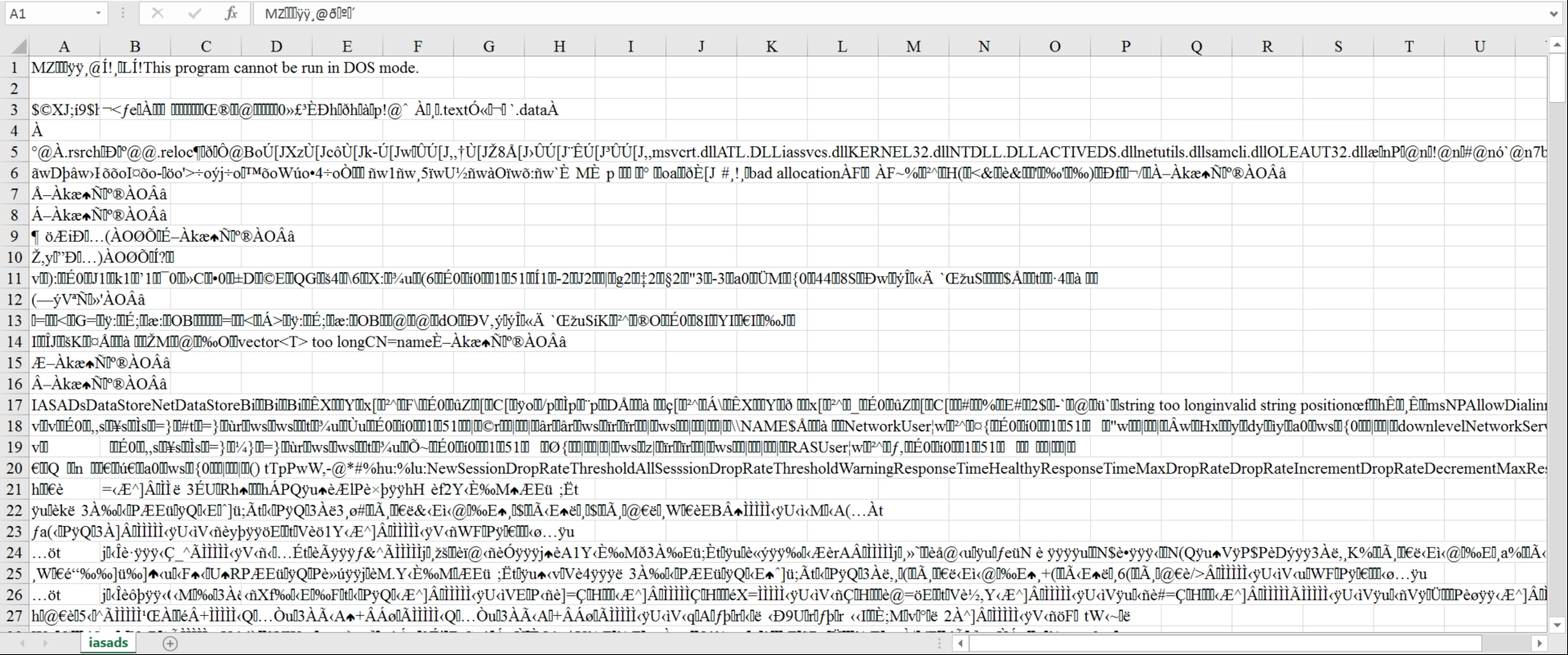
 

ka02R000000kV2FQAU_0EM440000002TGi.png

 
CAUSE:
 
Iasads.dll is a Windows.dll file that relates to the “NPS Active Directory Data Store”.  A related plug-in is available for Microsoft Excel may have issues loading with enabled, causing the related .dll file to be opened.
 
ACTION:
 
Disable the “NPS Active Directory Data Store” plug-in from Microsoft Excel.
  KB426558


Comment

0 comments

Details

Knowledge Article

Published:

June 29, 2017

Last Updated:

December 24, 2018