EducationSoftwareStrategy.com
StrategyCommunity

Knowledge Base

Product

Community

Knowledge Base

TopicsBrowse ArticlesDeveloper Zone

Product

Download SoftwareProduct DocumentationSecurity Hub

Education

Tutorial VideosSolution GalleryEducation courses

Community

GuidelinesGrandmastersEvents
x_social-icon_white.svglinkedin_social-icon_white.svg
Strategy logoCommunity

© Strategy Inc. All Rights Reserved.

LegalTerms of UsePrivacy Policy
  1. Home
  2. Topics

KB485987: The "Server - Reporter - Execute Report that uses multiple data sources" privilege does not apply to users when they inherit the privilege from a Security Role


Cesar Espinosa

Senior Support Engineer • Strategy


This article describes the situation where the "Server - Reporter - Execute Report that uses multiple data sources" privilege does not apply to users when they inherit the privilege from a Security Role.

Starting with the release of Strategy ONE (March 2024), dossiers are also known as dashboards.

Symptom


Users who get the "Server - Reporter - Execute Report that uses multiple data sources" privilege inherited from a Security Role do not get that privilege applied when they import data from a Data Source that does not come from the Primary Database Instance of the project or by the Data Source set as default on the project and that data is accessed in Connect Live mode.
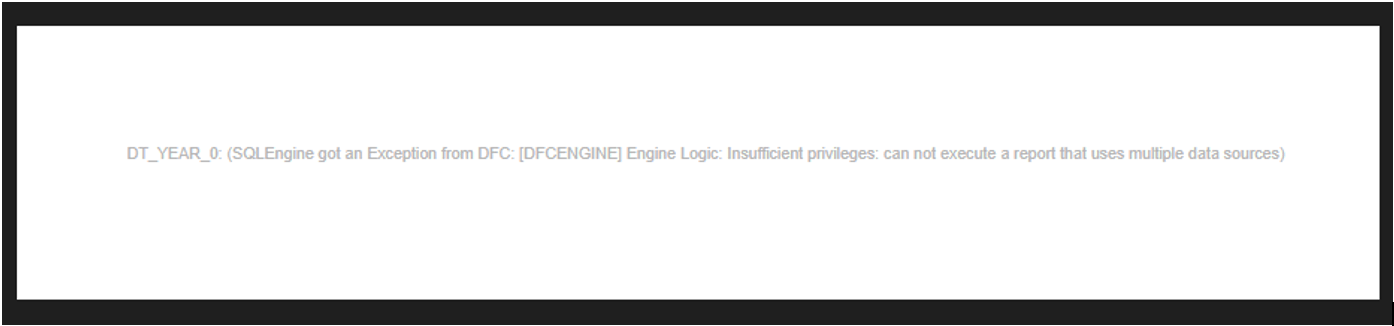
The user gets the following error message when trying to make use of that "Server - Reporter - Run Report using multiple data sources" privilege:
“... (SQLEngine got an Exception from DFC: [DFCENGINE] Engine Logic: Insufficient privileges: can not execute a report that uses multiple data sources)”. For example:
ka0PW0000001JklYAE_0EM4W00000710GY.jpeg


Steps to reproduce (in the Strategy Tutorial Project)

  1. Create a user and give it the appropriate privileges to use Web and Run Dossiers.
  2. Create a Security Role for Strategy Tutorial with the privilege "Server - Reporter - Execute Report that uses multiple data sources" and put the user created in Step 1 inside that Security Role.
  3. With the Administrator user, create a new Dossier in Strategy Tutorial.
  4. With the Administrator user, add new data to the Dossier created in Step 3 by accessing data from tables: “Databases > Select Tables” and import a table from a Data Source that does not come from the Primary Database Instance of the project or by the Data Source set as default on the project.
  5. Access the data in Connect Live mode and put any attribute to the grid visualization.
  6. Run the dossier created in Step 3 with the user created in step 1.
  7. The error "... (SQLEngine got an Exception from DFC: [DFCENGINE] Engine Logic: Insufficient privileges: can not execute a report that uses multiple data sources)" appears.
  8. Keep the Security Role and apply the privilege directly to the user. The user can access the data now.
  9. Keep the Security Role and apply the privilege to any of the users group the user belongs to. The user can access the data now.

Action


This issue has been fixed in Strategy 2021 Update 9. Please consider upgrading to this Strategy version to benefit from the fix.


Comment

0 comments

Details

Knowledge Article

Published:

April 5, 2023

Last Updated:

March 21, 2024