Among the Rest API calls, there are some calls under the "System Administration" family:

A developer may, for example, implement a test connection between the Intelligence Server and the REST server, using "/admin/restServerSettings/iServer/connectionTest":
However, using your Strategy credentials causes the error "401 - Authentication required" to appear.
1. Make a call on one of the System Admin Rest API calls, for example, /admin/restServerSettings/iServer/connectionTest, (Post)

2. Enter your Strategy examples (via for example basic HTTP authentication using cURL).
Notice the call returns a 401 code. This behavior does not occur with the other family of calls, where the usual Micrsotrategy credentials work.
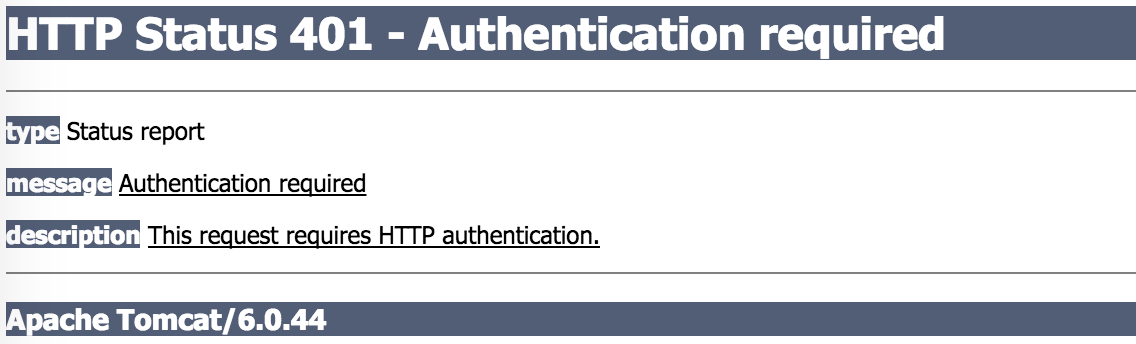
This is working as expected. The System Administrator API calls returns sensitive data, as such it requires more restrained credentials. To use these calls, it requires the Web Admin credentials.
Since Rest API requires a J2EE application server as a server, use the credentials corresponding to the Web Admin role to use this call.
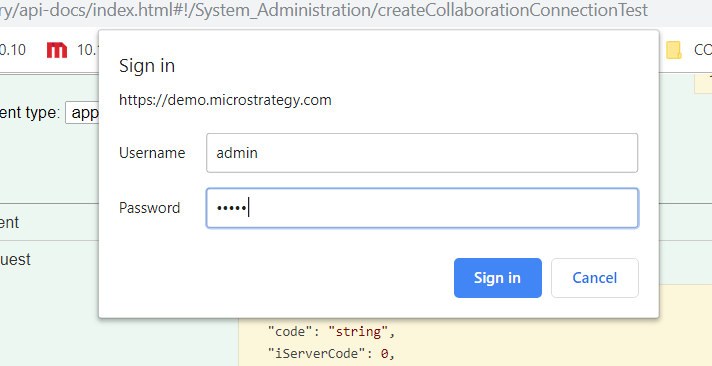
For example, when you try out the demo Rest URL API under /admin/restServerSettings/collaboration/connectionTest, it prompts you for the Web Admin credentials: