SYMPTOM
In Strategy 10.x, the following error message might be encountered when configuring the Strategy Intelligence Server via Strategy Configuration Wizard if a Microsoft SQL Server is used as a metadata repository.
The conversion of a varchar data type to a datetime data type resulted in an out-of-range value.
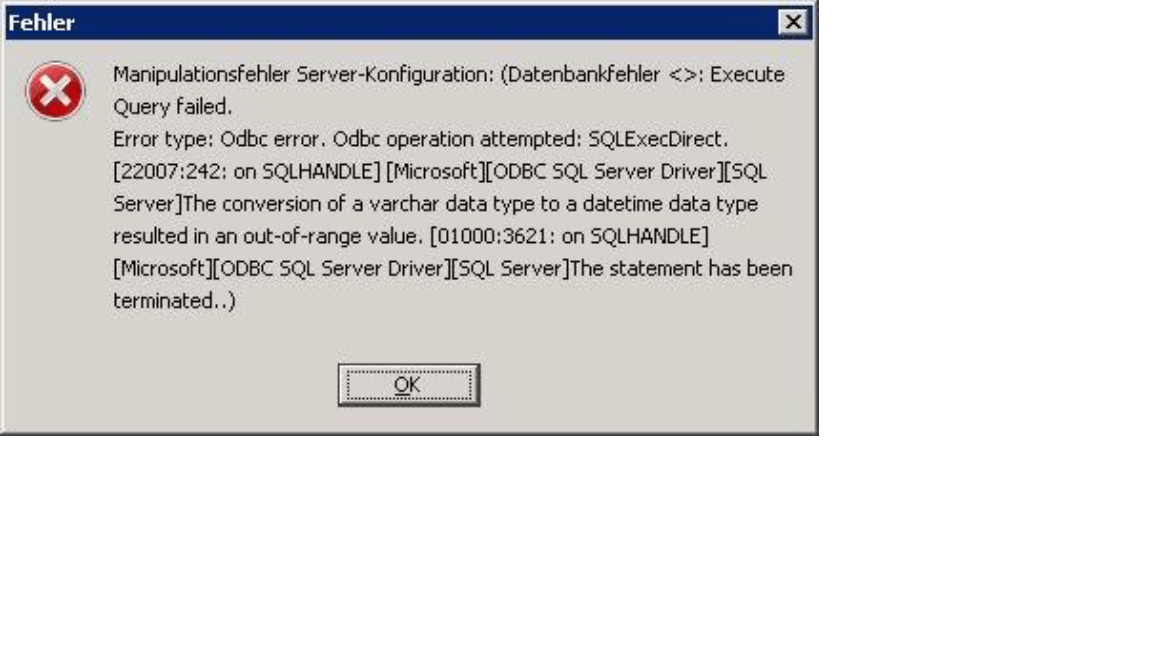
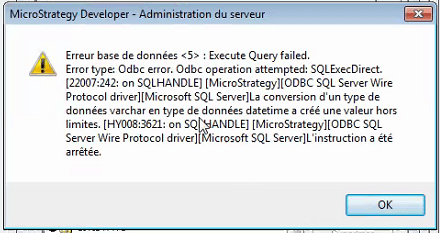
The error message "The conversion of a varchar data type to a datetime data type resulted in an out-of-range value" might be displayed in various languages, e.g. French, Spanish, German, etc. The one below displays in French.
STEPS TO REPRODUCE
1. Create a DSN pointing to the metadata in Microsoft SQL Server database via Connectivity Wizard using the Strategy ODBC Driver for Microsoft SQL Server.
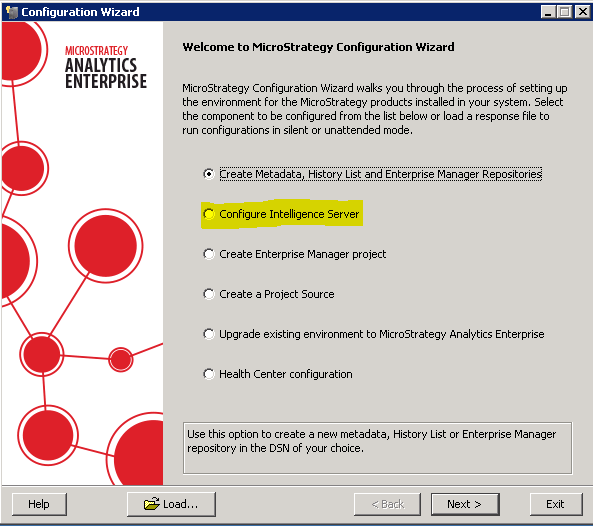
2. In the Strategy Configuration Wizard select Configure Intelligence Server.
3. In the Metadata Connection dialog box select the DSN created in the step 1.
4. Fill in all the required information in the next steps of the Intelligence Server Configuration.
5. After clicking Finish in the last step of the configuration, the error message "The conversion of a varchar data type to a datetime data type resulted in an out-of-range value" is displayed.
CAUSE
This is a known issue caused by the discrepancy between various language settings in the environment which often depend on how a SQL Server has been configured.
ACTION
The issue might be resolved by changing the language settings of the DSN via Microsoft ODBC Data Source Administrator.
Note: For Linux, you can use the same steps used for Windows. Thee error message can be resolved by adding the language parameter (e.g., "
lang=english") in the affected DSN in the
odbc.inifile.
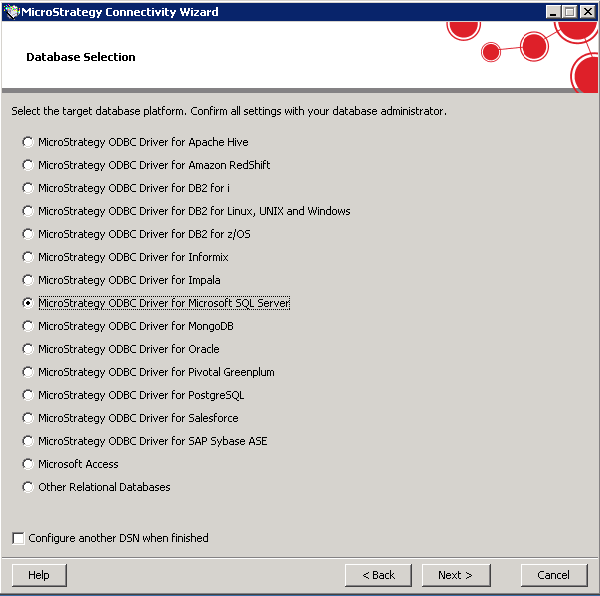
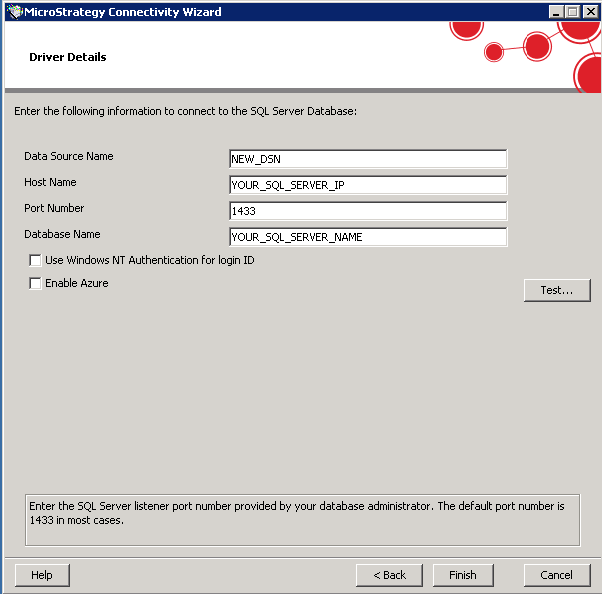
2. Edit the new DSN via Microsoft ODBC Data Source Administrator.
3. Select Configure, and the Advanced tab.
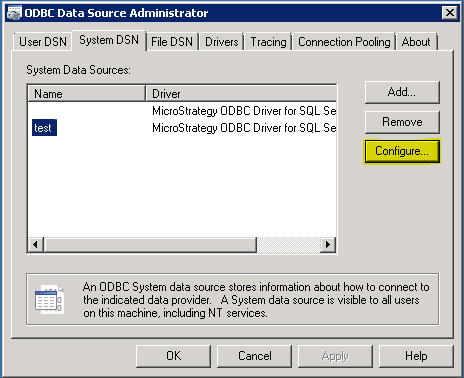
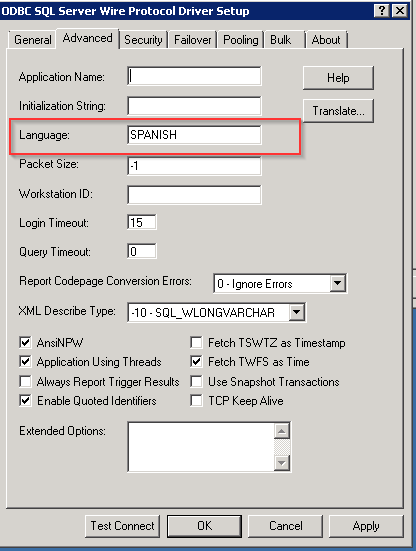
4. In the language field, type in the name of a language (e.g. GERMAN, SPANISH, FRENCH, etc.) which is the language set on the SQL Server side, as well as on the Intelligence Server machine.
In the example below it is Spanish.
5. Save the DSN and configure the Intelligence Server to the new DSN.
Article Reference Number:
KB440435
