EducationSoftwareStrategy.com
StrategyCommunity

Knowledge Base

Product

Community

Knowledge Base

TopicsBrowse ArticlesDeveloper Zone

Product

Download SoftwareProduct DocumentationSecurity Hub

Education

Tutorial VideosSolution GalleryEducation courses

Community

GuidelinesGrandmastersEvents
x_social-icon_white.svglinkedin_social-icon_white.svg
Strategy logoCommunity

© Strategy Inc. All Rights Reserved.

LegalTerms of UsePrivacy Policy
  1. Home
  2. Topics

KB440433: Tooltip for objects (Metrics, Attributes ....) will not be rendered correctly in MicroStrategy Web


Community Admin

• Strategy


This Knowledge Base article describes how the MicroStrategy "All Objects" button in the object pane may display an unexpected information window string and the code fix that was introduced to avoid the issue.

SYMPTOM
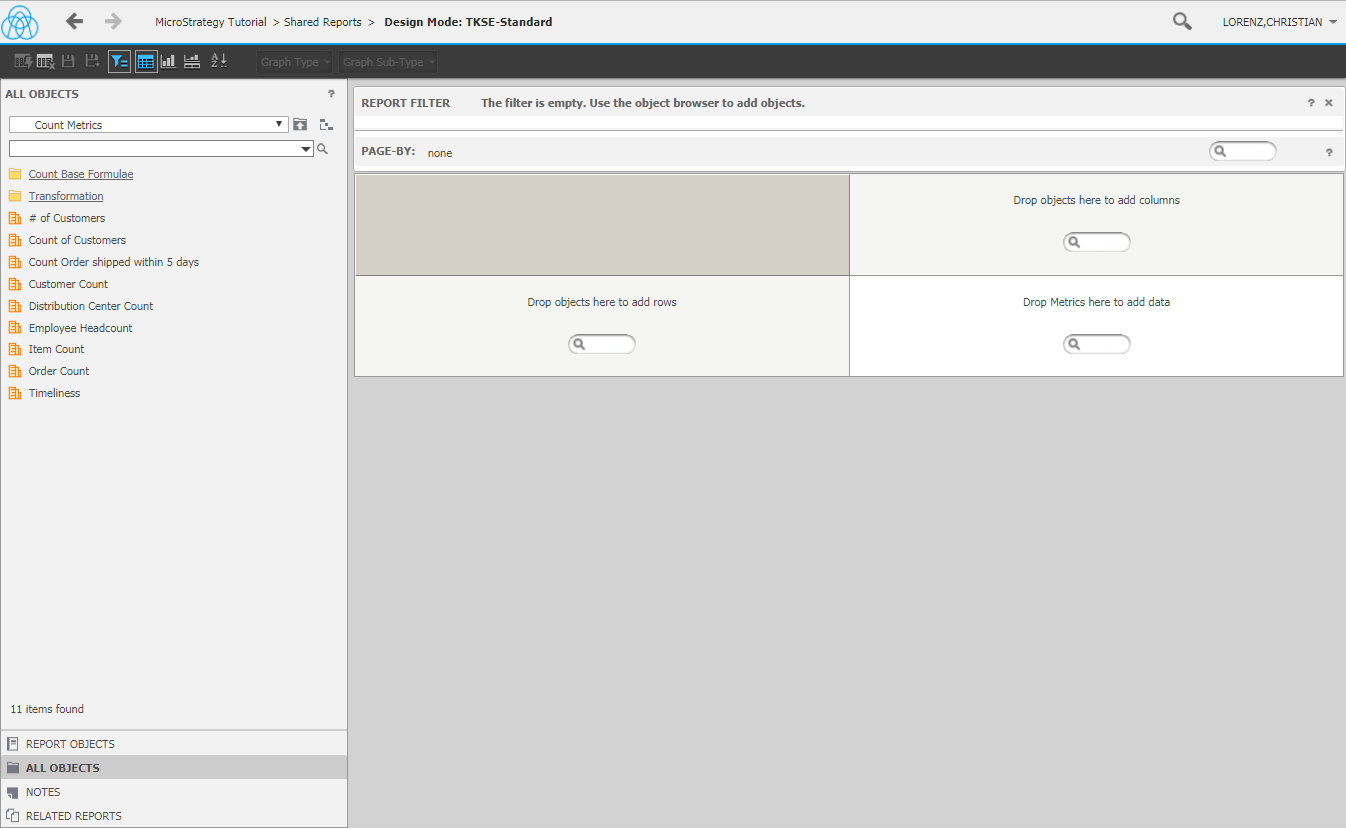
Some users may find when hovering their mouse on all object as shown below may demonstrate an unexpected text (string appears) 
ka04W000000Ob1aQAC_0EM44000000A6Vs.png

STEPS TO REPRODUCE
Using Strategy Tutorial 10.10 or lower:
1. Create a new report 
2. Click on "ALL OBJECTS" on the left side 
3. Navigate to the folder "Public Objects/Metrics/Count Metrics" 
4. Hover the mouse over the metric "Customer Count" and take a look at the appearing tooltip (string appears) 
ACTION
This issue has been addressed in 10.11. Upgrade to this version to take advantage of this fix.
  KB440433


Comment

0 comments

Details

Knowledge Article

Published:

March 29, 2018

Last Updated:

January 4, 2019