In Strategy Workstation, there are three tabs that make up the user management section: Users, Groups, and Security Roles.
As of February 18th, 2021, there is a difference between the current behavior and the expected behavior when it comes to accessing the different tabs.
There are two privileges that are supposed to grant access:
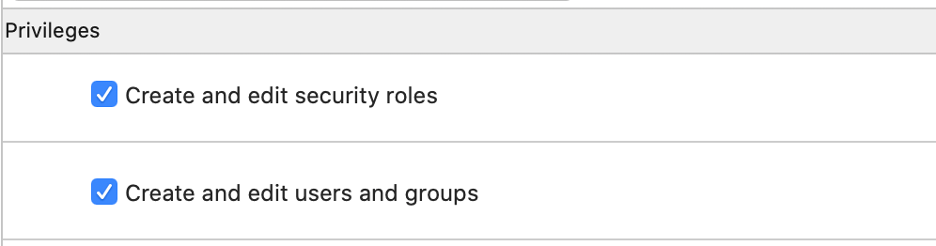
The user has both the "create and edit security roles" and "create and edit users and groups" privileges.
Expected behavior: The user will be able to view all three tabs in the user managements section.
Current behavior: Same as expected behavior.
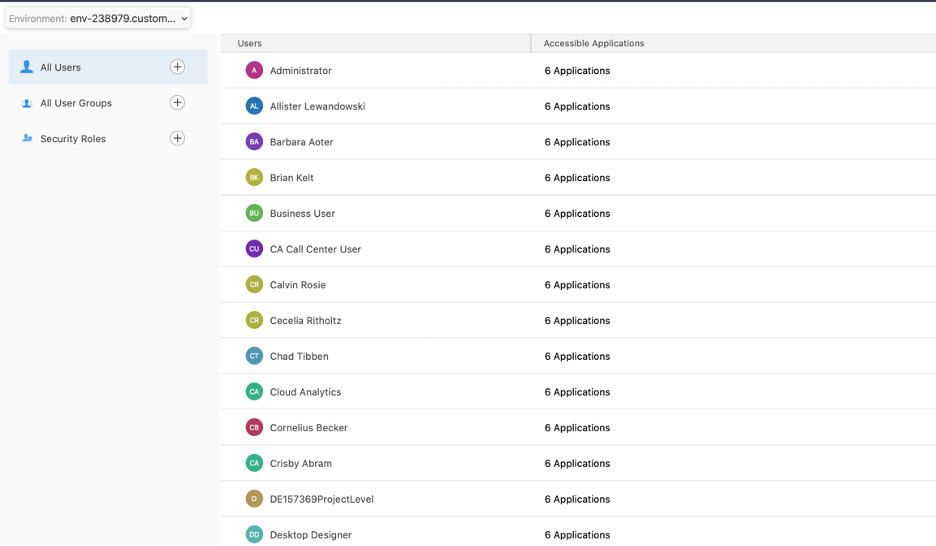
Expected behavior: The user will be able to view only two of the three tabs in the user management section - user and group tabs.
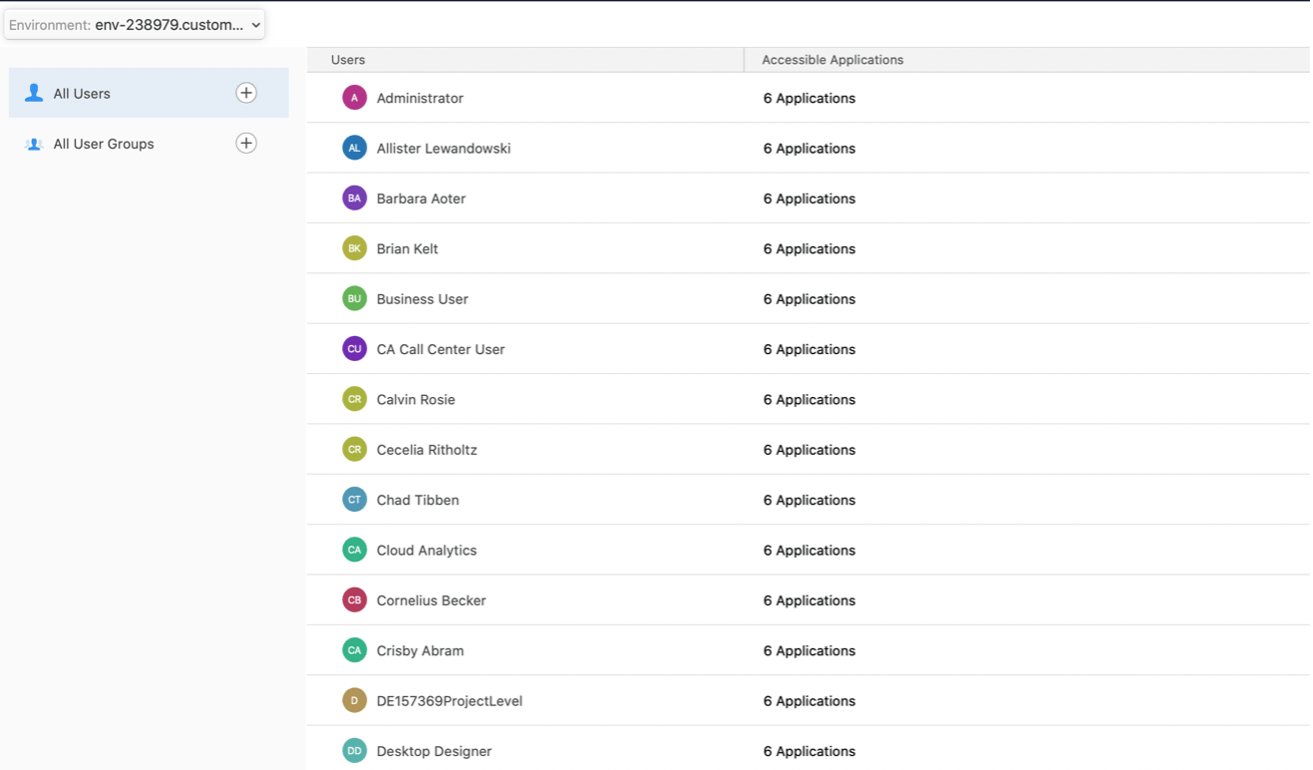
Current behavior: The user can view all three of the tabs in the user management section.
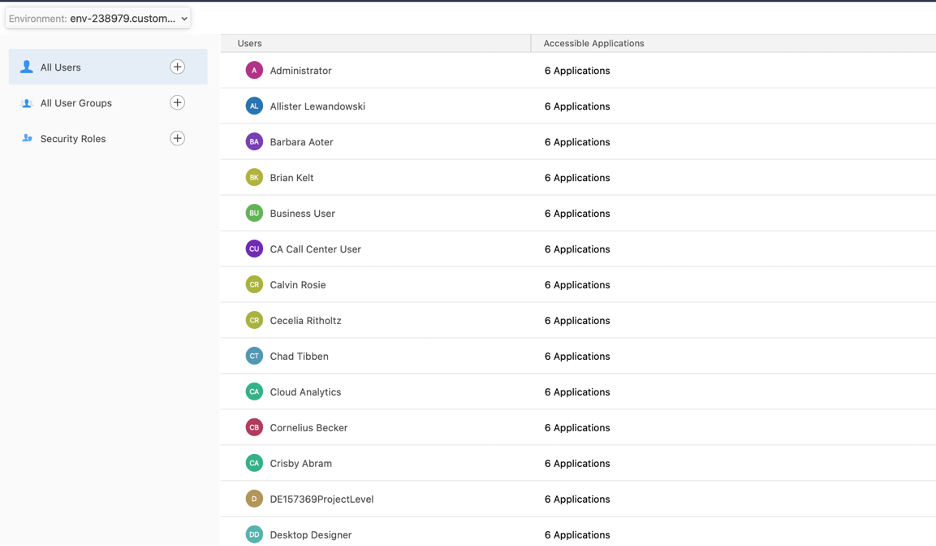
Expected behavior: The user will be able to view only two of the three tabs in the user management section - security role tab.
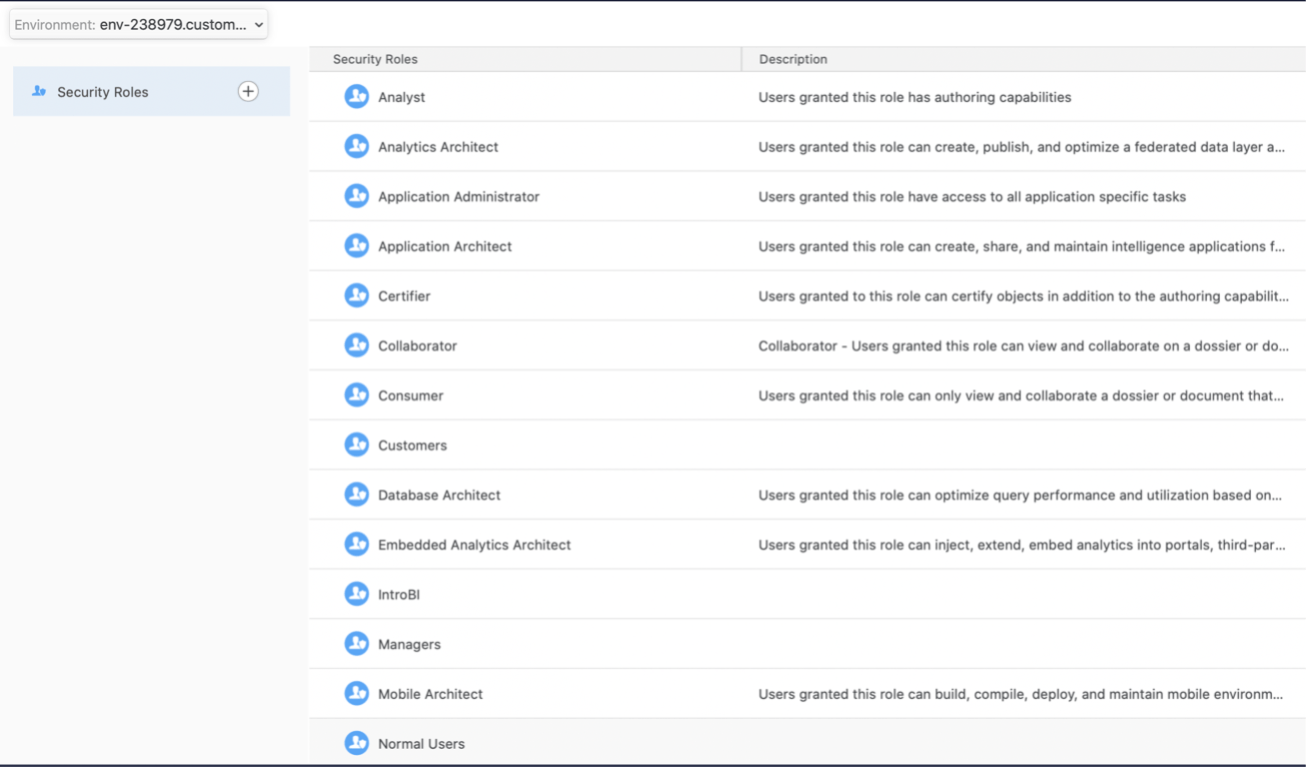
Current behavior: The user is shown a No Access error.

The user does not have either the "create and edit security roles" or "create and edit users and groups" privilege.
Expected behavior: The user will be shown a No Access error.
Current behavior: Same as expected behavior.
