Using Community Connectors with an IBM WebSphere application server may produce the error, "Received fatal alert: handshake_failure." This happens when Community Connectors attempts to connect to an http source. This occurs with connectors that use OAuth authentication, such as Adobe Analytics, data.world, FitBit, Jira Cloud, Sharepoint, etc. In addition, this error is seen when using IBM JDK 7.x or 8.x with IBM WebSphere.
In the example shown below, the error appears after a user enters their credentials to log into Adobe Analytics. This is a result of Community Connectors requesting a token from the Adobe Analytics server thorough https. Other connectors may also produce this error if they are requesting an https source.

A handshake failure is due to protocol registration failure between the application and target server.
There are three versions of security protocols for the transport layer of the network: TLSv1.0, TLSv1.1, and TLSv1.2. The recommended version for IETF protocols since 2008 is TLSv1.2.
Major browsers (Chrome, Firefox, Safari, Edge, and Internet Explorer 11) have stopped support for versions TLSv1.0 and TLSv1.1. However, the default protocol in IBM 7.x and 8.x is still TLSv1.0. This produces a handshake failure since version TLSv1.0 is no longer supported.
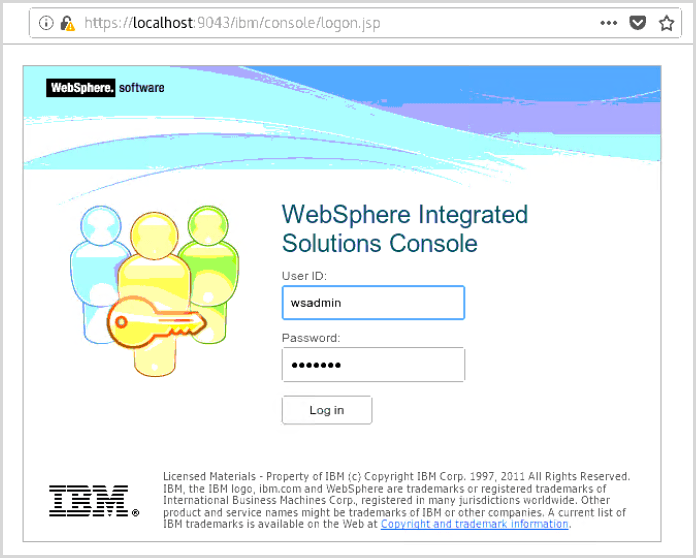
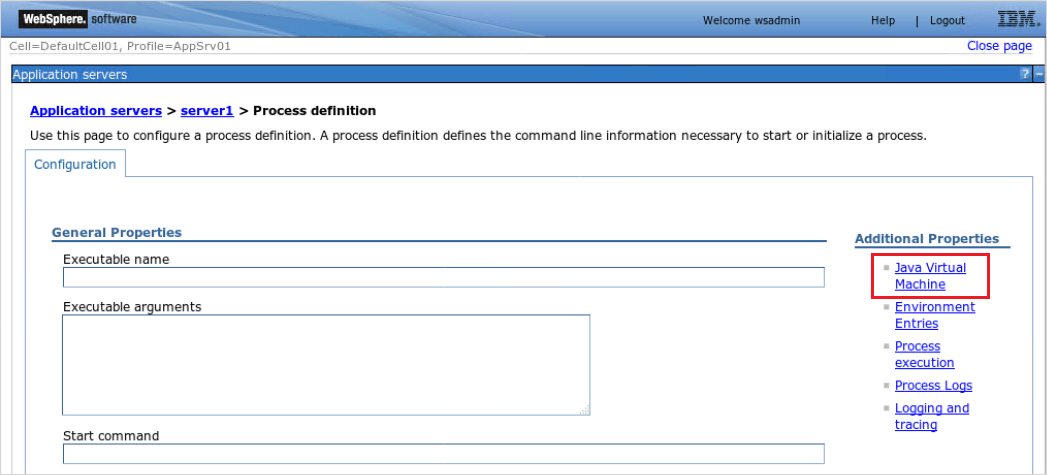
Use the following procedure to enable IBM WebSphere to use TLSv1.2.



See Matching the behavior of SSLContext.getInstance("TLS") to Oracle on the IBM Knowledge Center for more information.
