Starting with the release of Strategy ONE (March 2024), dossiers are also known as dashboards.
End users are always looking for more ways to interact with visualizations, even simple charts. The more intuitive the interaction, the higher the user adoption. The ability to have custom tooltips, zooming in to see details, drilling, and filter selection are the more popular ways to interact with charts.
The demo below with Vitaracharts showcases the ability to click on any of the legend elements which will, in turn, filter the chart dynamically in Strategy.
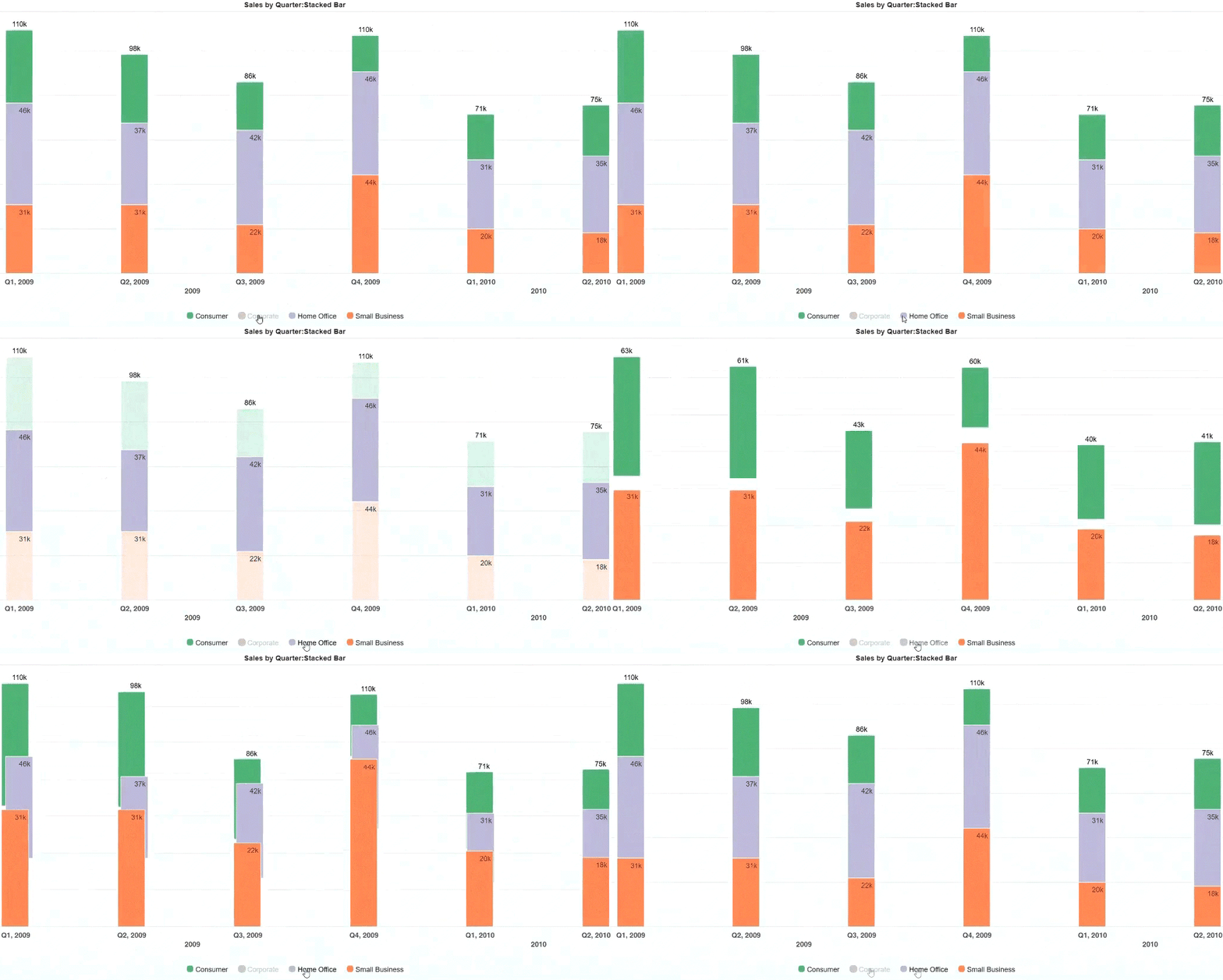
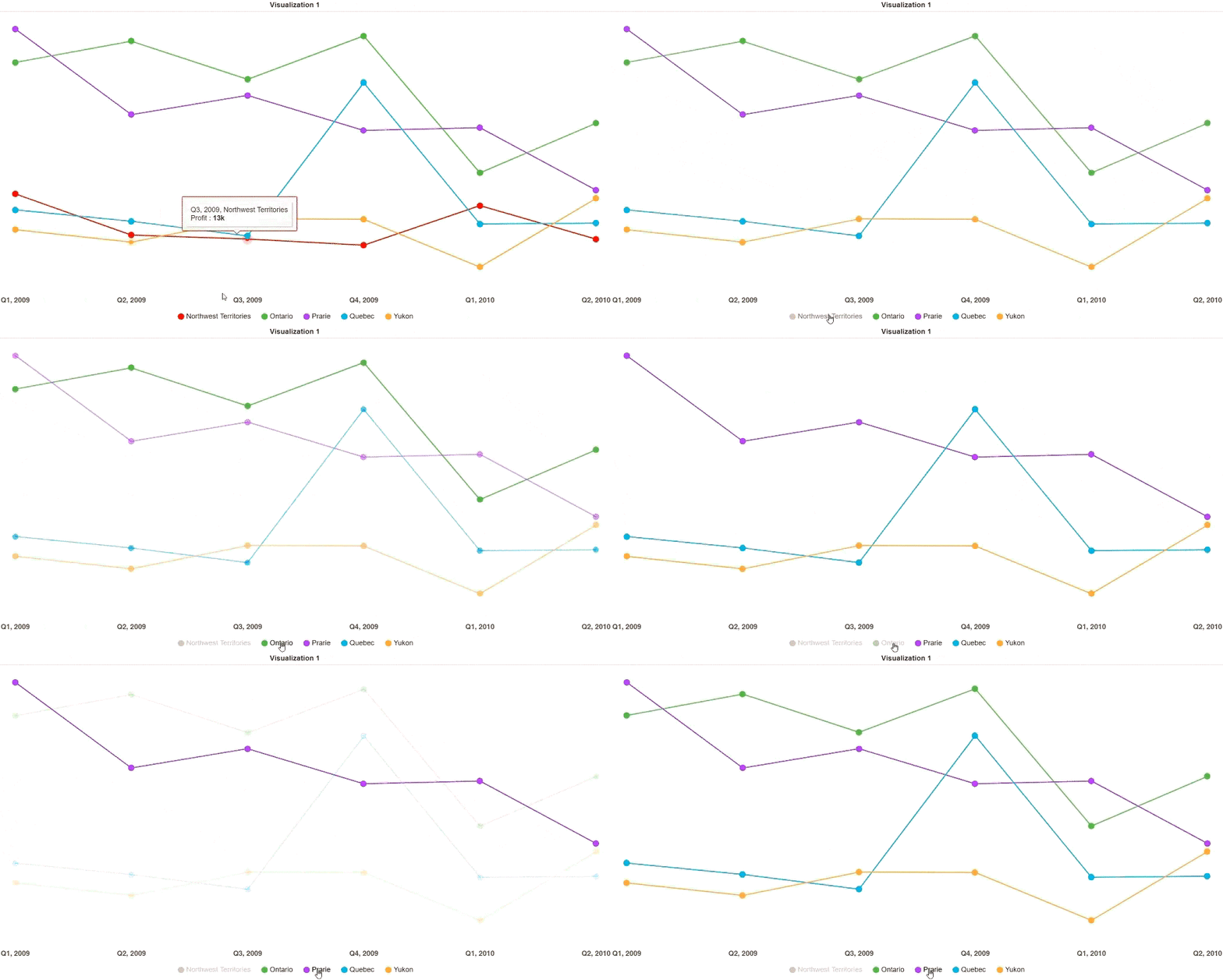
Try out this functionality in the "Stacked Bar" chart option in VitaraCharts interactive visualization gallery.
MicroStrategy Features
Vitaracharts is now FREE for Desktop and Workstation.
Please contact sales@vitaracharts.com to get a 30-day trial key.
Take note that this visual is a part of the VitaraCharts library.
Download visualizations: www.vitaracharts.com
Online interactive visualizations can be accessed here: https://cloud.vitaracharts.com
Publisher: Vitara
Vitara is a Strategy technology partner and offers a fully supported, production-ready chart plugin (VitaraCharts) with 30+ stunning visualizations to enhance Strategy analytics. All Vitara visualizations are customizable and supported through upgrades for a hassle-free experience. We perform extensive testing for backward compatibility with all currently certified versions of Strategy and also ensure all new versions of Strategy are tested and supported across all charts.
For more details please contact sales@vitaracharts.com or www.vitaracharts.com.
