DESCRIPTION
Starting in 10.8 a new set of options was introduced in Strategy known as feature flags. These settings are available in Strategy Web under Project Defaults, as shown below.
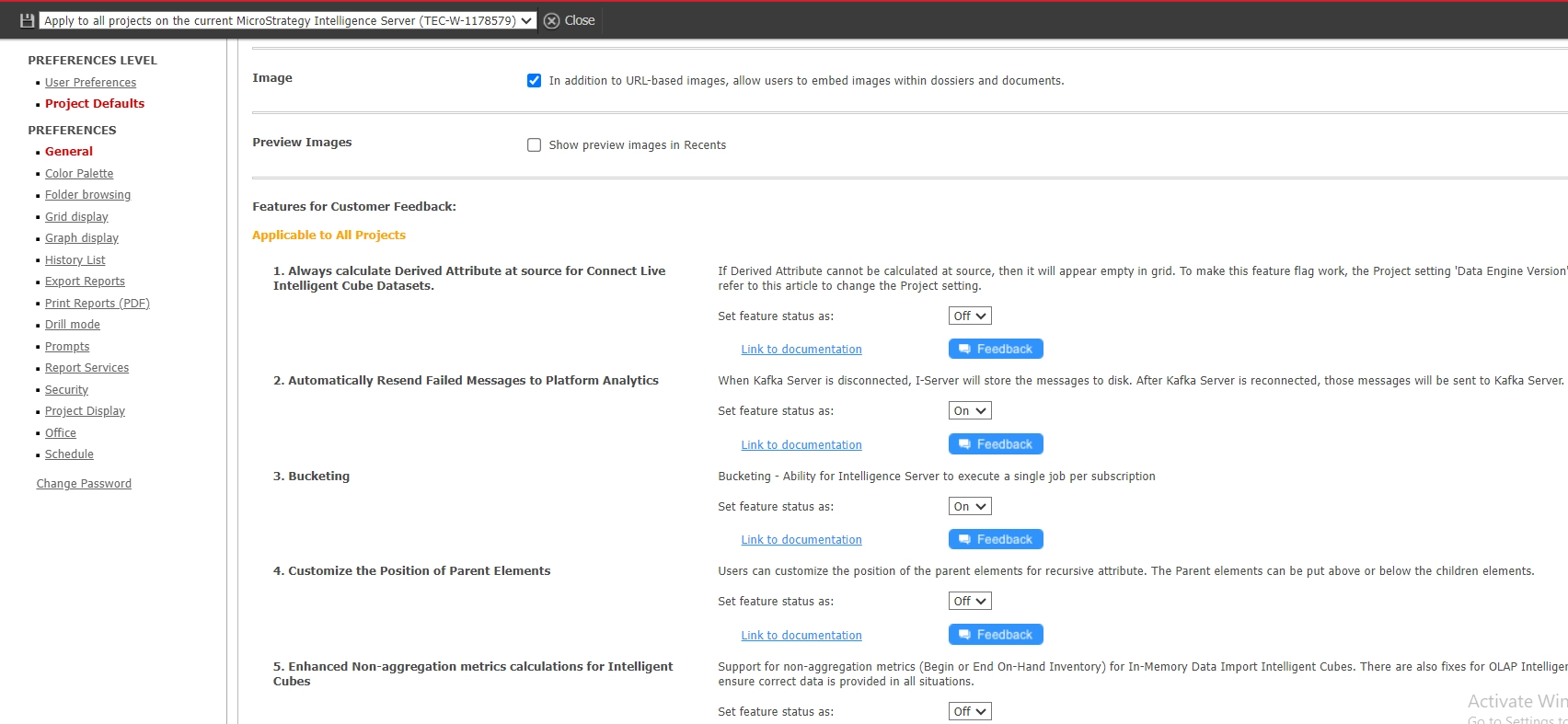
Each flag contains a new feature(s) or set of defect fixes. All flags currently default to off. Once features are tested in feature releases they may default into the main product behavior in a new platform release.
These flags allow for the distribution of new features and code only to interested parties, while maintaining the ability to revert to old behavior without having to downgrade. This simplifies upgrade testing with Integrity Manager. These features should only be enabled per the guidance of Technical Support or a knowledge base article indicating that a desired feature or defect fix is contained behind a specific feature flag.
Once a flag is enabled the Intelligence server should be restarted so it can properly propagate and apply to the environment.
