Starting with the release of Strategy ONE (March 2024), dossiers are also known as dashboards.
Strategy Library for iOS has the following 3 memory governing limits when running a dossier, a document or a report:
These settings are pre-configured in the app and cannot be changed by user or administrator. The values on both iPad and iPhone are shown below:

Each dossier, document or report is cached in multiple files for the Library iOS app. The format of these cache files are either binary_definition or binary_data. Cache type and cache size can be seen from Developer or Workstation Monitors:

When user runs a dossier page, a document or a report, if any of the used cache files exceeds the max data slice size limit, the execution will fail and an error will show:
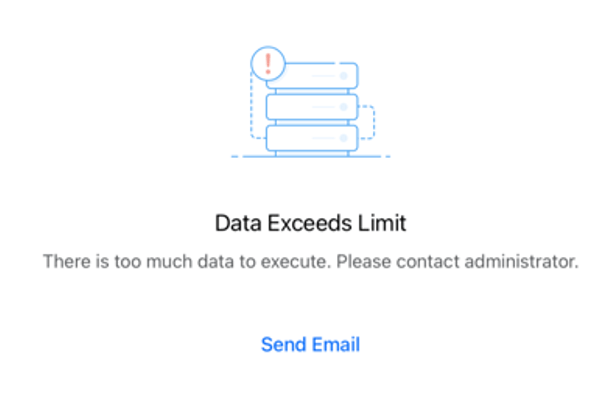
When user runs a dossier page, a document or a report, one cache file of type binary_definition will be generated. This file will be decompressed after downloaded to the device and the definition size limt controls the maximum file size that the Library iOS app can load into memory after decompression (usually larger than the size of compressed version shown in the Workstation Monitors). If the limit is reached, the execution will fail and the memory governer error will show:

This controls the total maximum memory usage of the iOS Library app. If the memory consumption is about to exceeds this limit, the memory governer error will show. This error may occur when user opens a dossier page, a document or a report, or does any kind of manipulation afterward, e.g. change filter selections, swipe panel, etc.

Usually these errors are not easy to occur. But if it’s indeed met, review your design and consider following changes:
