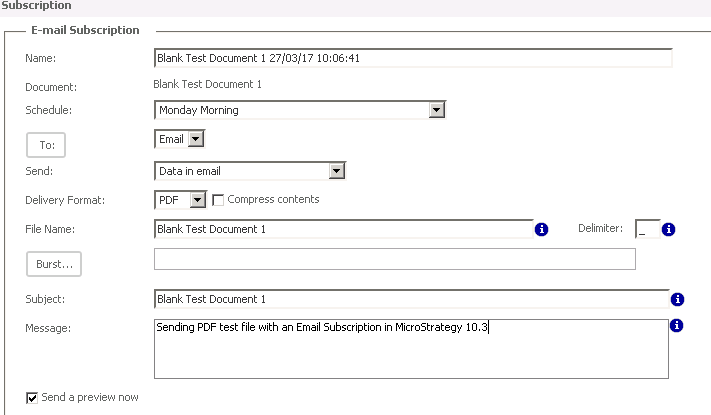
The purpose of the Delimiter field near the File Name field is to replace all blank spaces in the file name with a predetermined character.
Note that spaces that are created by expanding macros, such as a space between the time and date in a timestamp, are not replaced by the space delimiter.
This is the list of characters that cannot be used as space delimiters: * / \ < > | ?
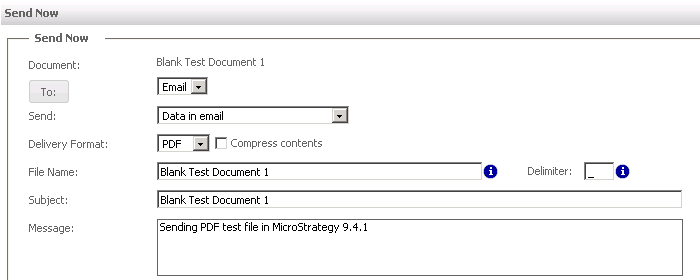
In Strategy 9.4.1, the File Name Delimiter field was only applied to File Subscription deliveries on a disc or network location but not to Email Subscriptions or Send Now deliveries, even though the Delimiter field was available:
In the screenshots below, notice how the delimiter character "/" is not applied to the name of the attached PDF file:
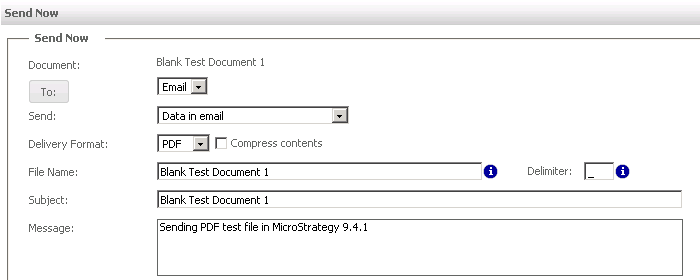
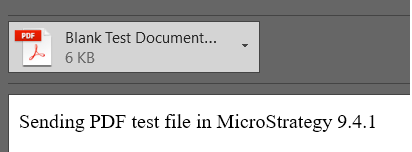
In Strategy 10.3, however, both File and Email Subscriptions as well as Send Now deliveries do take into account this field
Send Now:
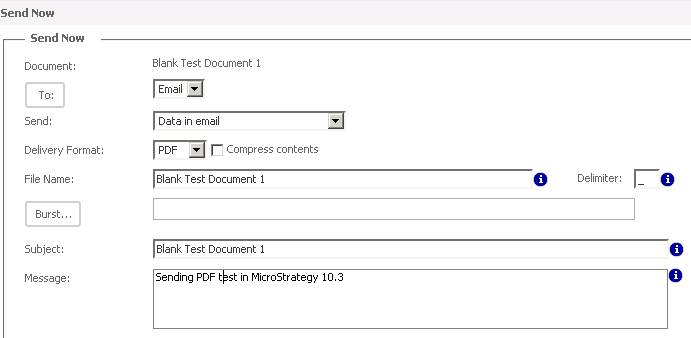
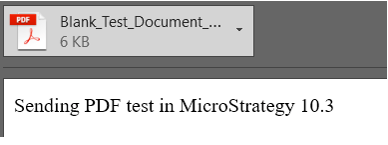
Send Now delivered attachment:
Email Subscription
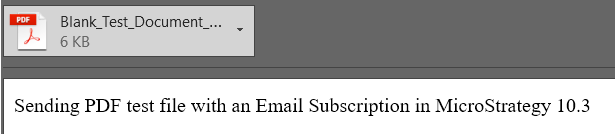
Email Subscription delivered attachment
KB439403
