SYMPTOM
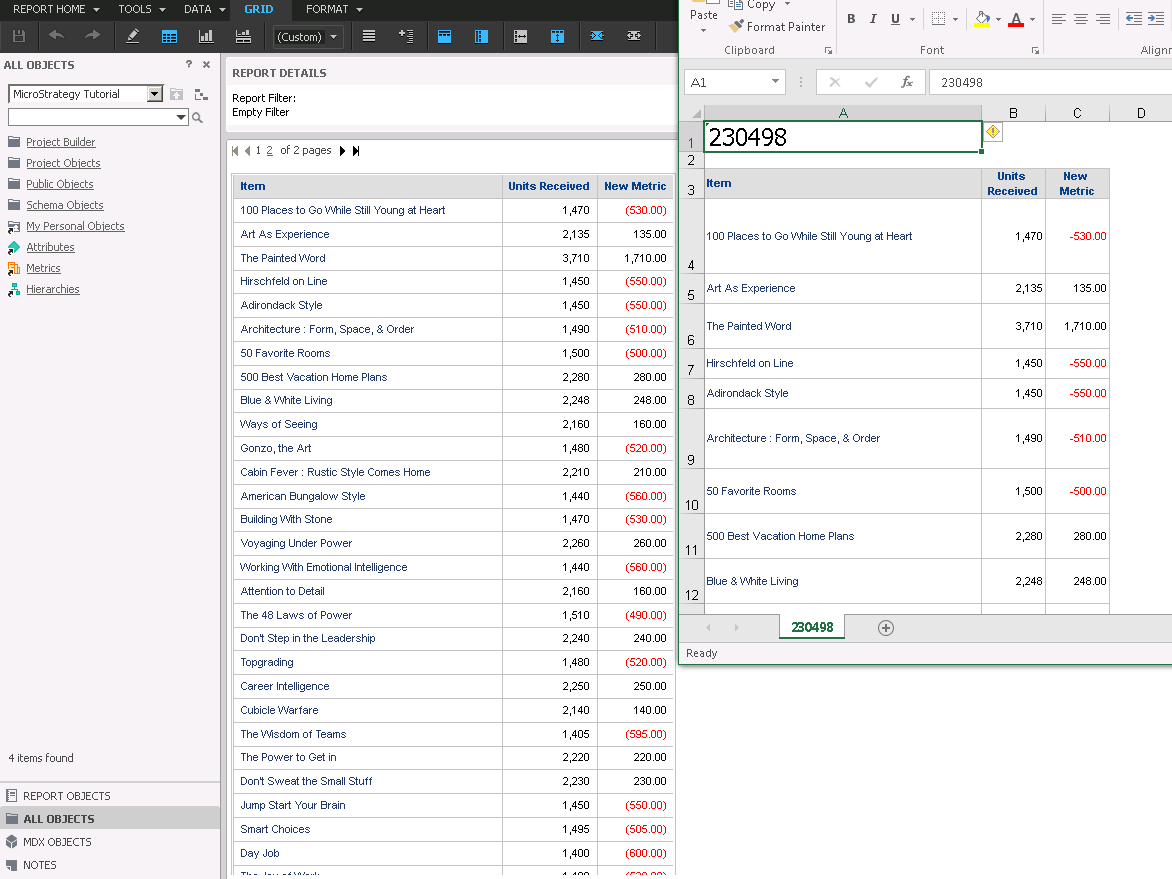
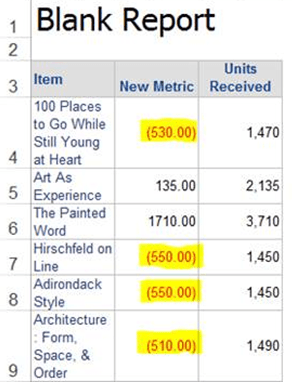
Some users may experience an issue when exporting a report to excel with a particular formatting. If you have a report in Strategy that has negative values displayed with the () symbols instead of the - symbol and you export that report to excel the values that did display with the () symbols now display with the - symbol to denote the number is negative instead. The below screen shot demonstrates this behavior
STEPS TO REPRODUCE
In tutorial
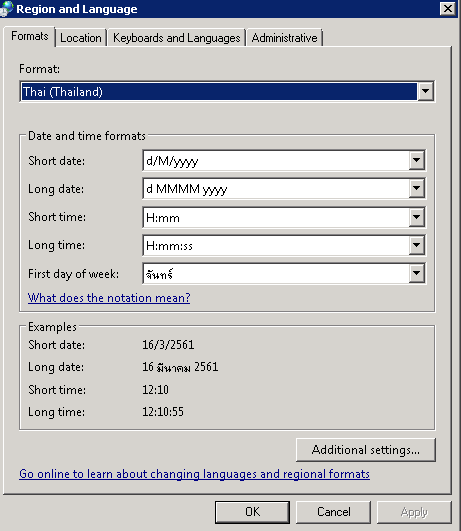
1. Set the regional formating in Control Panel to anything that is not English (America). For example we used Thailand:
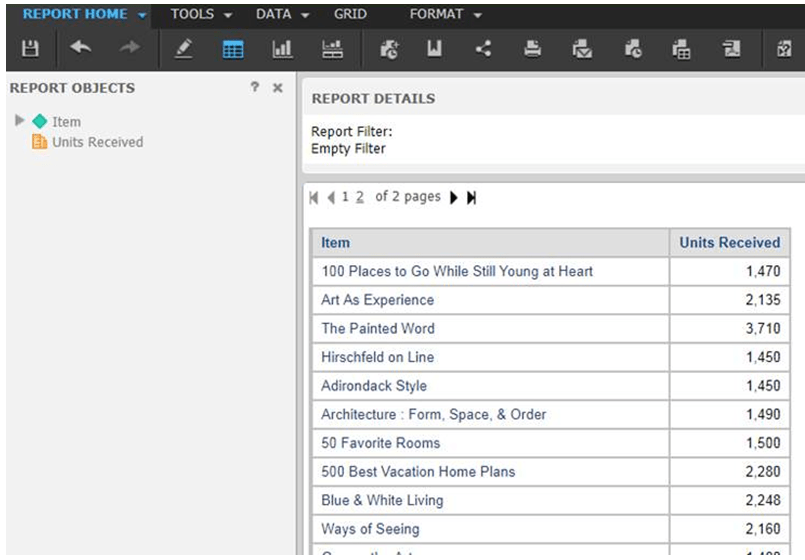
2. Create report with Item and Units Received
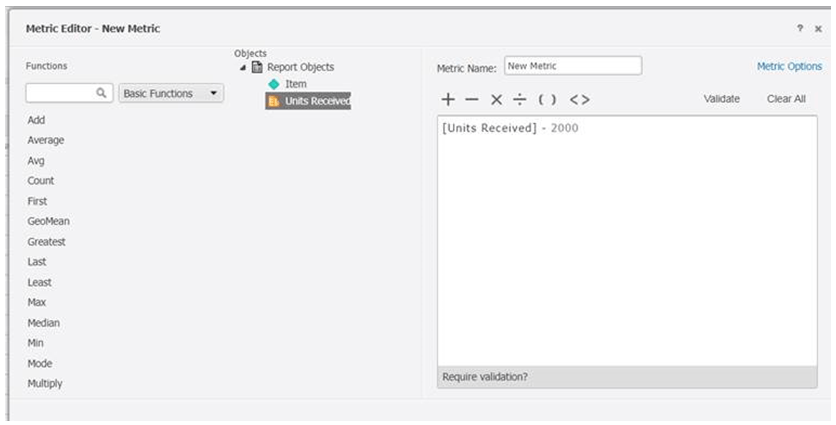
3. Create new metric. Units Received - 2000
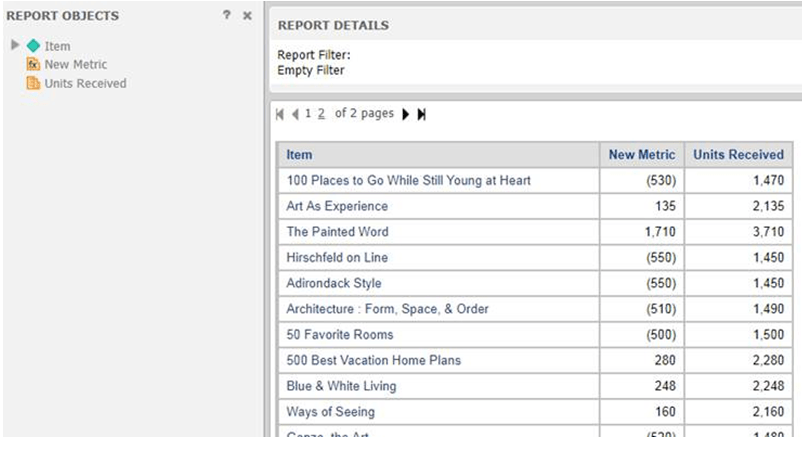
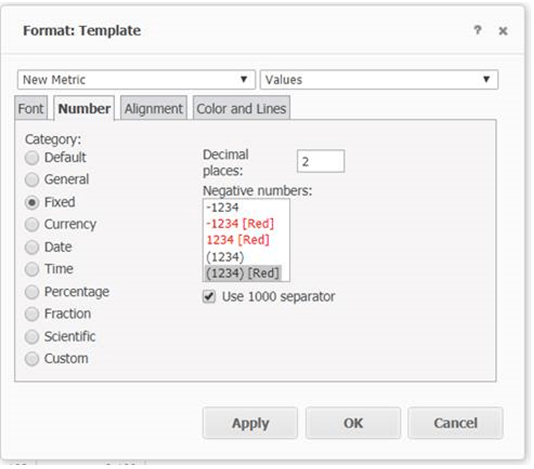
4. Change formatting of ‘New Metric’ to folowing
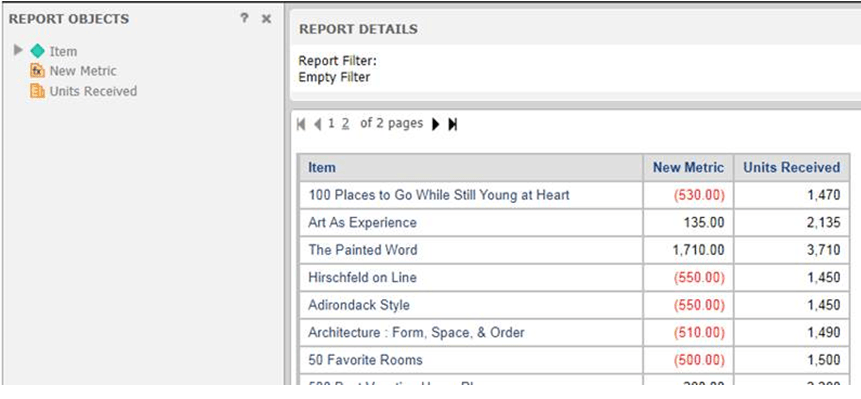
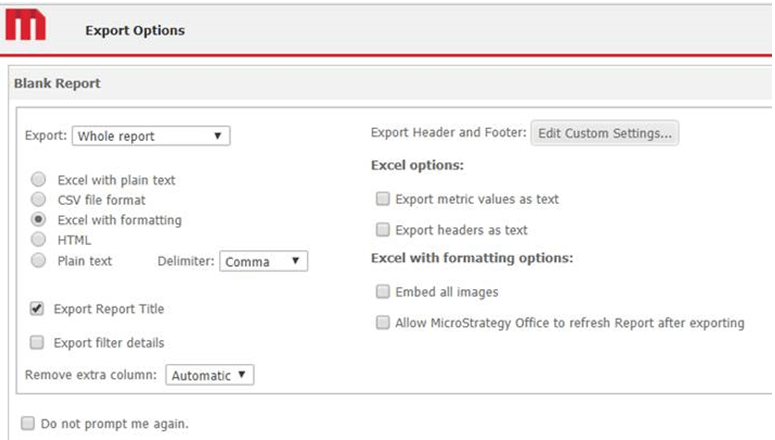
5. Export the report to excel with formatting:
CAUSE
The Strategy product maps its format to excel's predefined format, with this benefit, excel could render the format according to machine's locale.
After changing the machine locale format to Thai in regional Windows setting described in the workaround section, open the Microsoft Excel, we can see there's no format with "()" for number. Microsoft render this format as custom #,##0.00;[Red]-#,##0.00. This format string is not defined by our product, Therefore it is why after you convert machine locale back to English, it works.
ACTION
This issue was reviewed by our Technology team for feasibility and will not be scoped for a code fix in any upcoming Strategy release.
WORKAROUND
This issue can be avoided bye either
1, This issue is not encountered by change the regional formatting to English (United States)
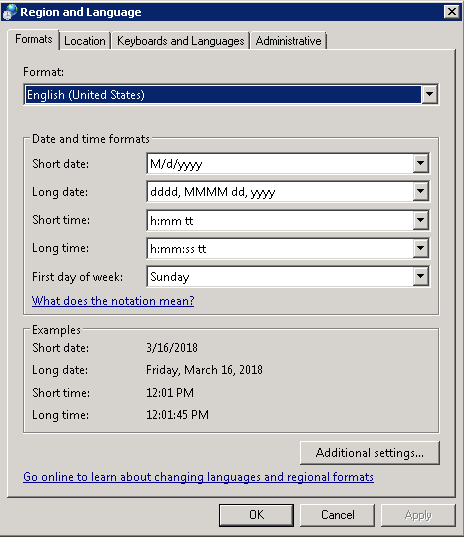
This issue is related to this one particular format, changing the formatting may be done to avoid the undesired effect in exporting to excel, EX:
2. Clicking custom and adding a "#" at the front as demonstrated below:
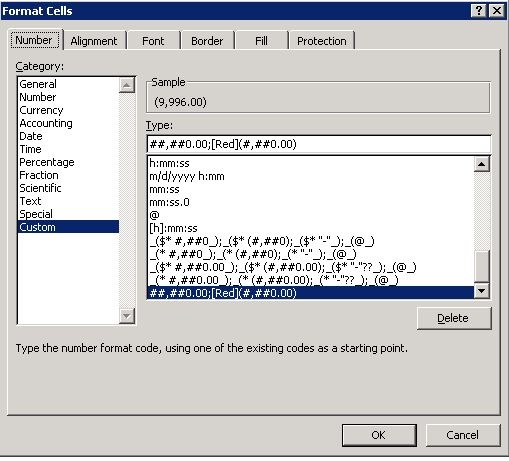
3. Change Mstr format to remove the comma separator:
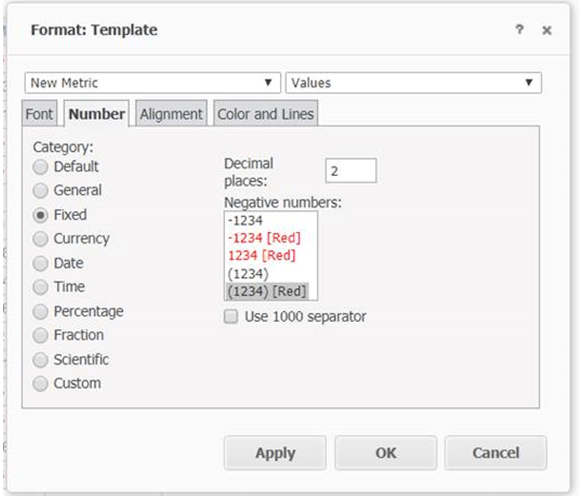
And the excel will show negative values in brackets as expected:
KB439723
