Before starting with this article, it is assumed the user with the issue also has:
The user has set up the shared folder path and gets the following message:

When clearly the shared folder path showcases in the folder display the correct path:
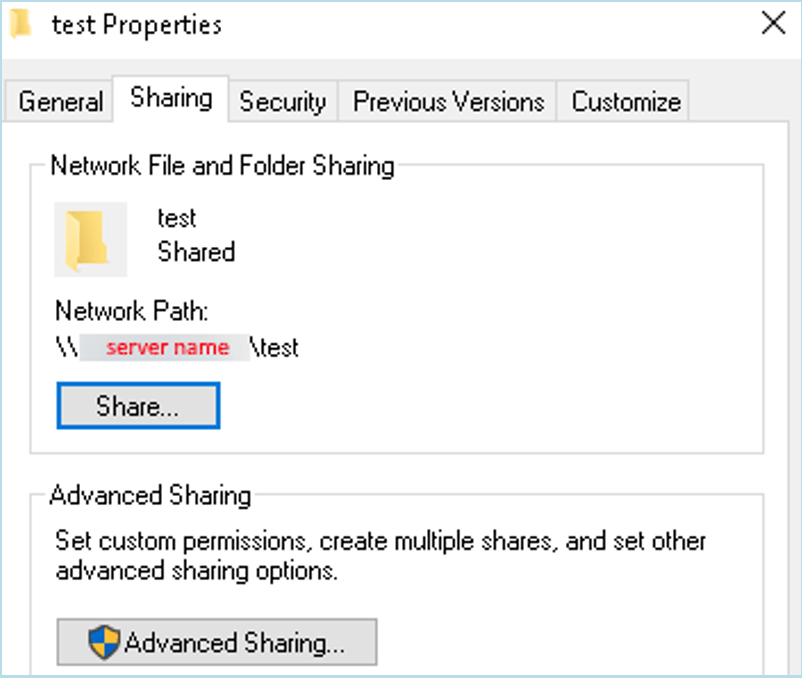
What’s more, If the user tests the path the actual folder loads in the file explorer browser:

This issue should occur because in some instances when sharing a folder, the path given by the properties window is not the expected absolute path that workstation wants.
Which happens commonly when enabling in advance sharing the “share this folder”:

To validate you are using the absolute path would be manually going to the folder itself and checking the path from the File Explorer windows and then making a copy of it.

With that in the clipboard we will grab the shared folder path (that does not work) and modify it to be:
and the end result should look like this:
(path for reference)
//<Servername>/Users/admin/Desktop/test
Later we should use this in Workstation.
