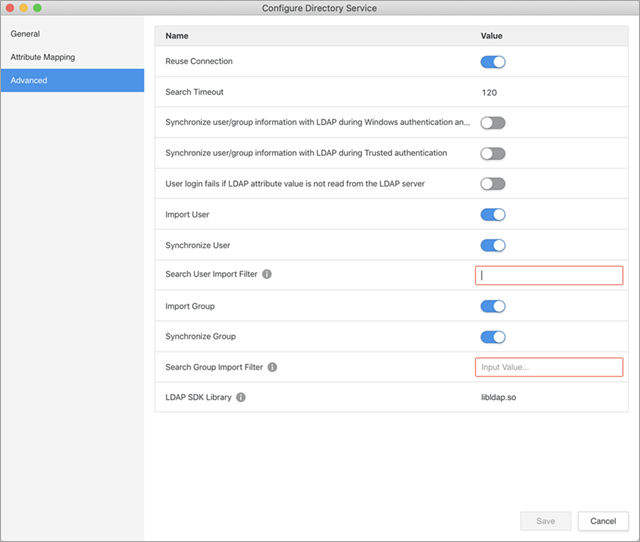
The Lightweight Directory Access Protocol (LDAP) is a vendor-neutral application protocol used to maintain distributed directory info in an organized, easy-to-query manner. As it stands, it is one of the most essential forms of authentication that is used around the world. Now, Strategy Workstation has the ability for administrators to configure LDAP authentication for their Strategy Platform in an all new user friendly and modern interface.
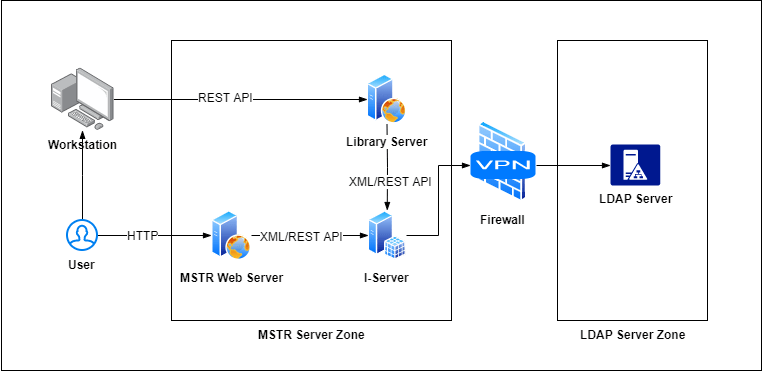
As with all Workstation requests, the REST server will process the API calls sent from Workstation for LDAP configurations. Below is a diagram that represents the workflow of this feature which is integrated into Workstation using the plugin architecture. The functionality is similar to Developer but implemented in a more modern and user-friendly interface taking advantage of easy access from environment administration within Workstation. As with other administrative functions in Workstation, LDAP configuration access is controlled via user privilege.
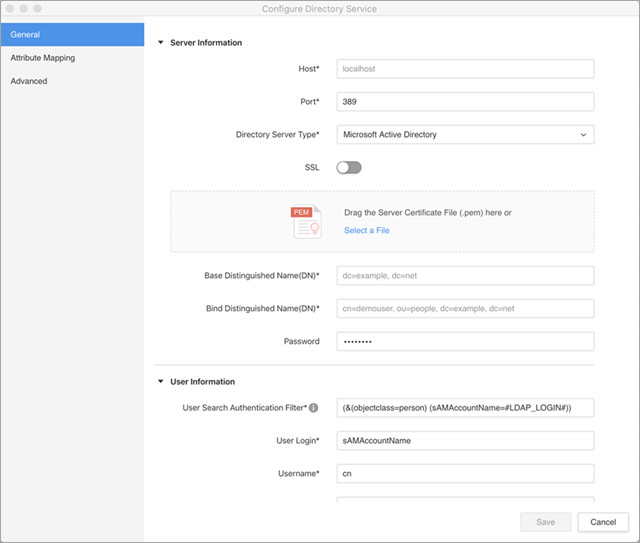
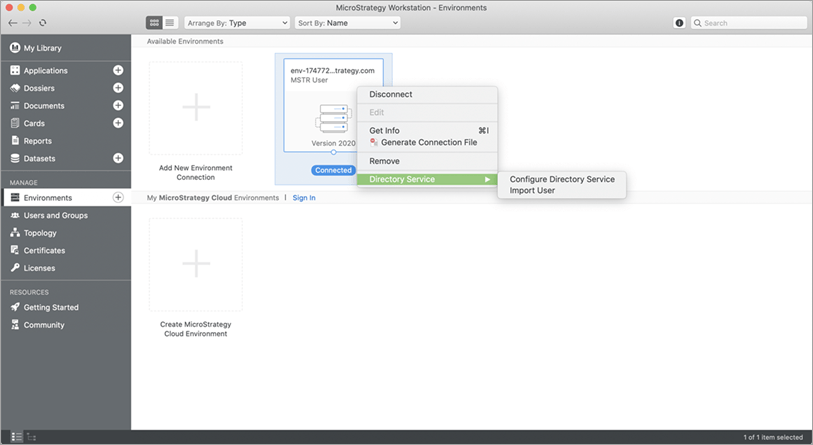
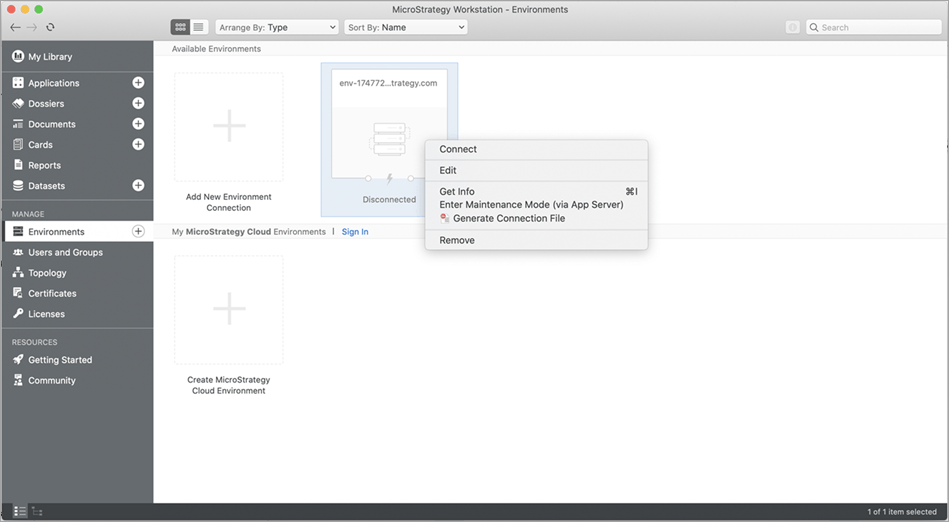
To configure LDAP, user must first connect to an environment with valid credentials. Without connecting to the environment, the Configure LDAP option will not appear if you right-click on the environment in Workstation.
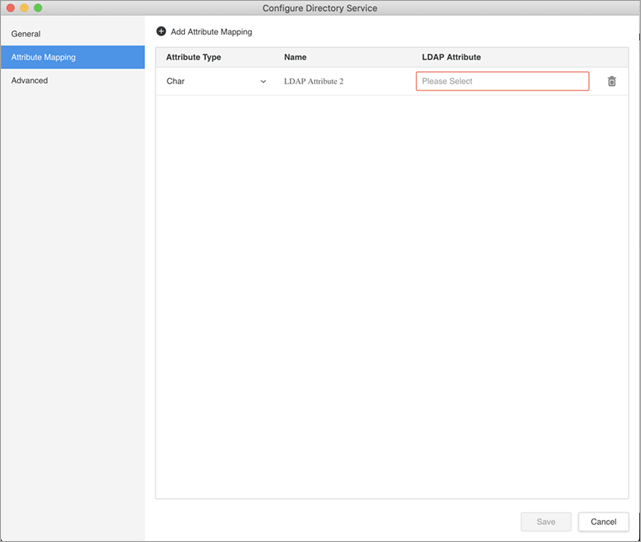
When adding a new row to Attribute Mapping, the user must enter a name before being able to add more rows to Attribute Mapping.
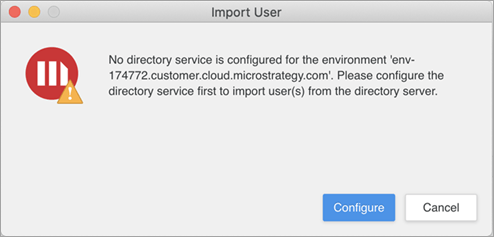
When LDAP is not configured, selecting the Import User function will cause an error to appear directing the user to the LDAP configuration screen.
If any of the required fields are missing or invalid, the Save button will be disabled. The user needs to navigate through all three tabs to resolve these missing fields before saving the configuration information.