Starting with the release of Strategy ONE (March 2024), dossiers are also known as dashboards.
This article provides troubleshooting steps and solution for the issue with browsing users in Workstation in Strategy Update 9.
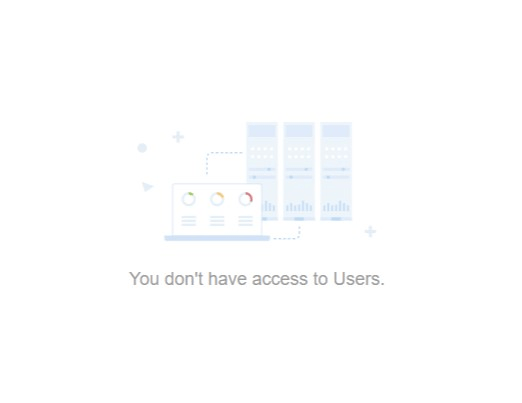
After upgrading to Strategy 2021 Update 9, the user is no longer able to browse users and groups using the Workstation. Below error message can be seen:
1) Log to Developer
2) Go to Administration -> User Manager and open Properties for "Everyone" user group
3) Confirm in Security section that for Everyone user there is a custom permission setting and "Browse" is denied and "Read" is granted
4) Log in to Workstation
5) Go to Users & Groups and observe that there is an error: "You don't have access to Users"
The customer had "Browse" permission denied for the ‘Everyone’ group to take away an option to share dossiers with everyone.
In Strategy Update 7 and Workstation Update 7 (September 2022) only "Read" permission is necessary to see All Users in Workstation.
In Strategy Update 9 and Workstation Update 9 (May 2023) both "Browse" and "Read" permissions are necessary to see All Users in Workstation.
Browse Access is what should be used to find an object's existence (typically via folder browsing or searching)
This is the long existing behavior, that was changed in Update 7, but then it was fixed again in Strategy 2021 Update 9. The current behavior is expected and will not be changed. To fix the issue, customers should grant browse access for Users to the Everyone group.
