After enabling TLS encryption between Strategy Library and Strategy Intelligence Server 10.9 or 10.10, users are unable to log into Strategy Library. Strategy users view the following error message (Image 1):
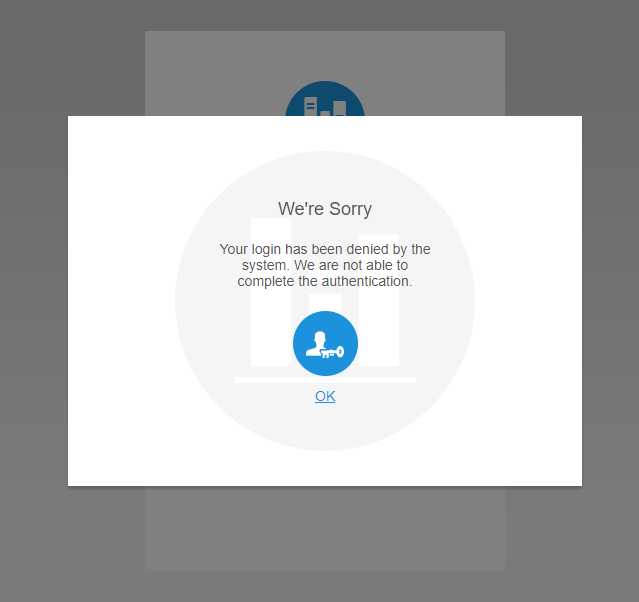
We're Sorry

Your login has been denied by the system. We are not able to complete the authentication.
1. Create or modify a JKS trust store:
keytool –import –trustcacerts –alias rootCA \ –file CA_ROOT_CER_FILE –keystore /path/to/truststore.jks –storepass PASS_PHRASE –noprompt
iserver.default.port = INTELLIGENCE SERVER SSL PORT
iserver.tlsEnabled = true
trustStore.path=/path/to/truststore.jks
trustStore.passphrase=PASS_PHRASE
We're Sorry

Your login has been denied by the system. We are not able to complete the authentication.
"message":"Unexpected error occurred in scheduled task.","logger_name":"org.springframework.scheduling.support.TaskUtils$LoggingErrorHandler",
"thread_name":"pool-1-thread-1","level":"ERROR","level_value":40000,
"stack_trace":"java.lang.NullPointerException: null\n\tat
This system error for TLS encryption is a known issue for Strategy Library 10.9 and 10.10. Our engineers are currently working to resolve this for older versions.
This issue has been fixed in Strategy Library 10.11. Please feel free to upgrade to this version to take advantage of the fix.
If you're still having troubles with the older versions, reach out to your Support liaison at Strategy. We are here to help!
Interested in learning more about your Intelligence Architecture? Visit the Learning Center on Community for video tutorials!
