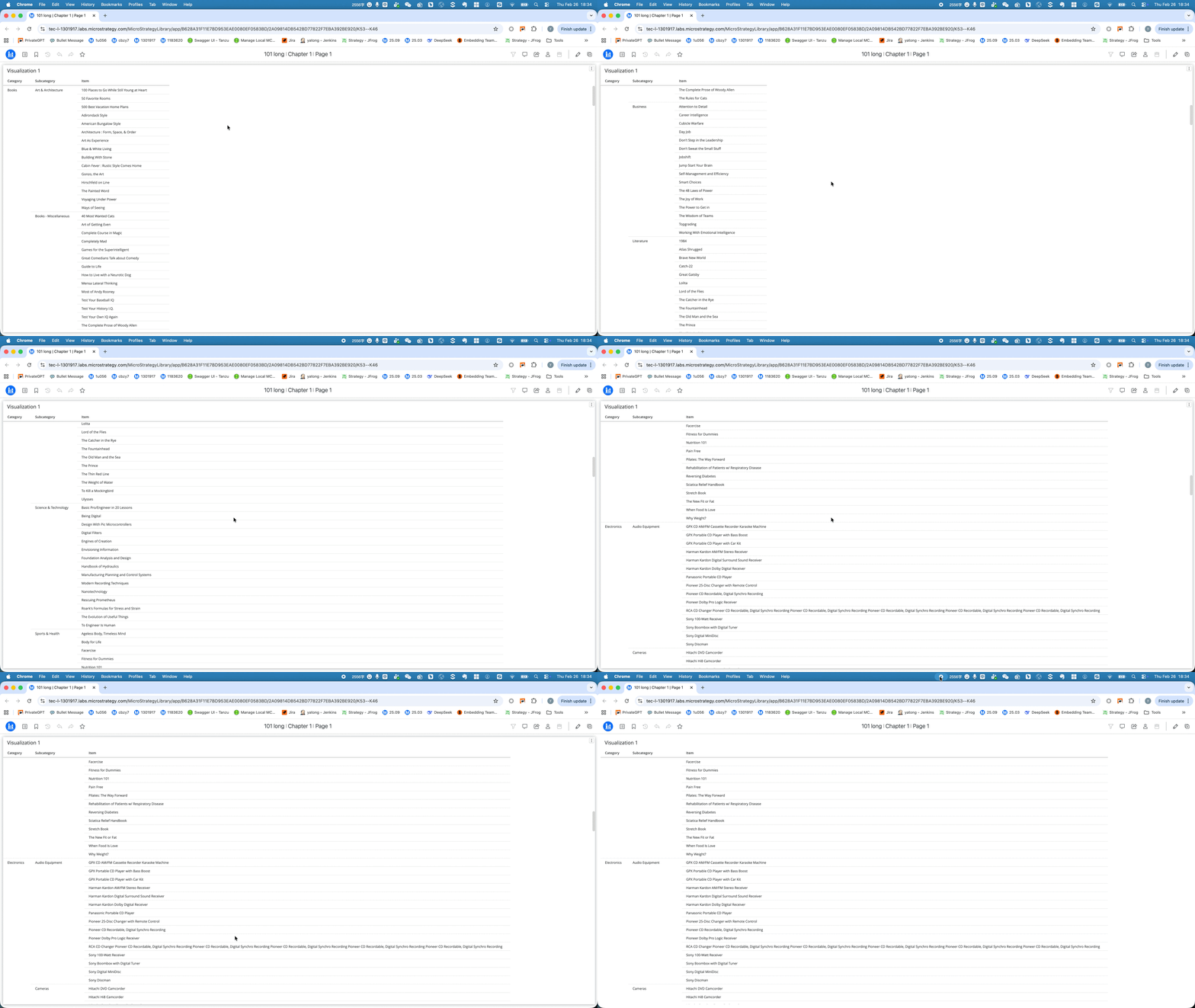
Prior to Strategy One (February 2026), modern grid layout content would cause issues such as the row header would not wrap in fit to content mode or horizontal scrolling lags with unexpected rendering results. Strategy One (February 2026) enhances the modern grid layout for readable text, support for wrap text in fit to content mode, and smooth horizontal scrolling.
The future result of these enhancements are to replace the classic grid with the modern grid. The following updates apply to reports and dashboards (recursive attributes excluded):
Feature Flag
This feature is enabled by default starting in Strategy One (February 2026). If you encounter unexpected impacts and want to disable the feature flag, use the REST API:
/api/configurations/featureFlags/{id}
Object ID: EED73D10DE274AD6B5141FFDE2413797
Status: 1 Enable, 2 Disable"
Cases and Impacts
Fit to Container Layout
See the following image of the modern grid prior to Strategy One (February 2026). The column distribution is averaged so the content is cut off.
.png&w=3840&q=100)
See the following image of the modern grid after upgrading to Strategy One (February 2026). The column width displays based on the content length.
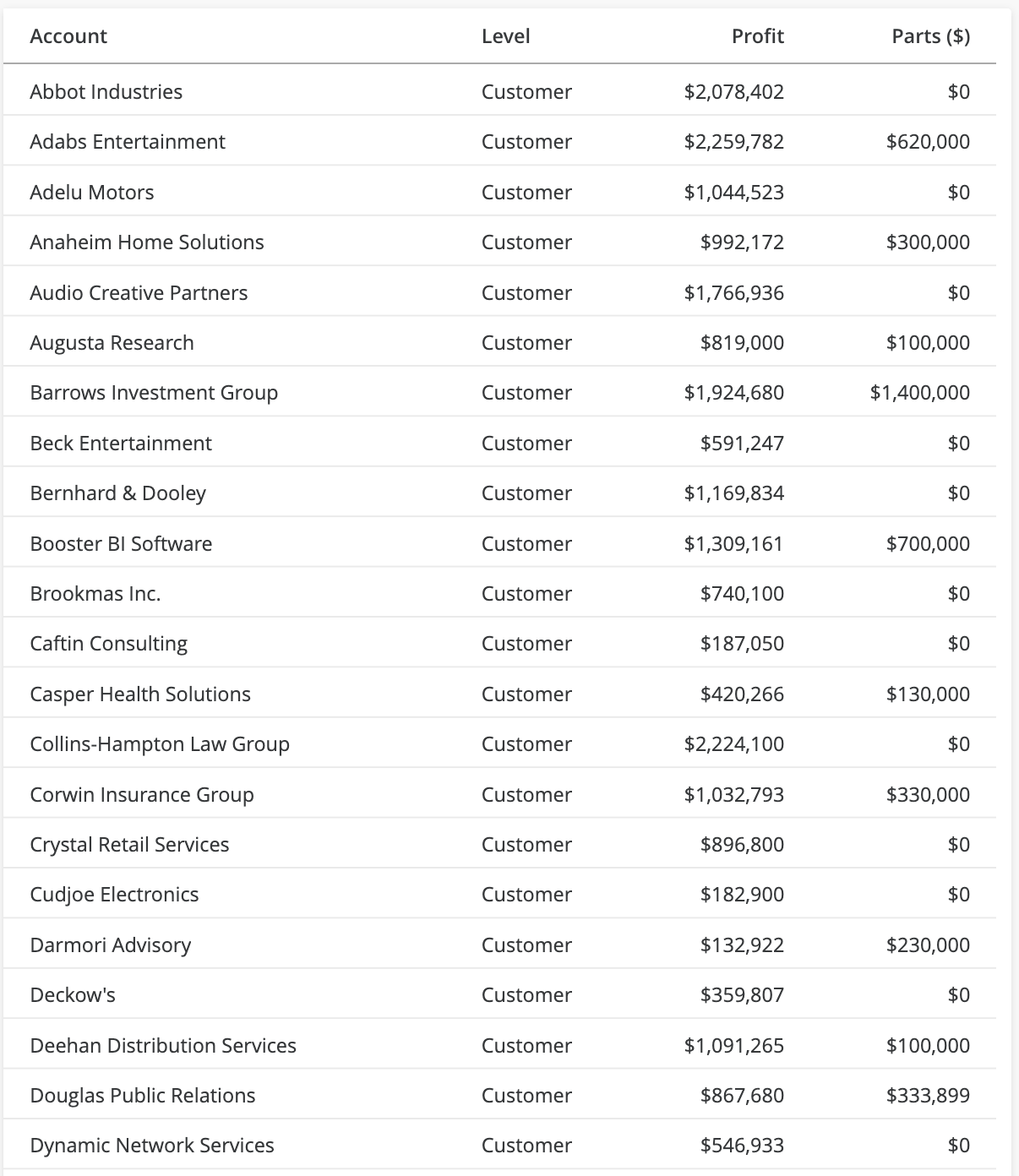
If you prefer to use the cut-off layout with no horizontal scroll bar, use Fixed mode not Fit to Container.
Fit to Content Layout
Extra Space
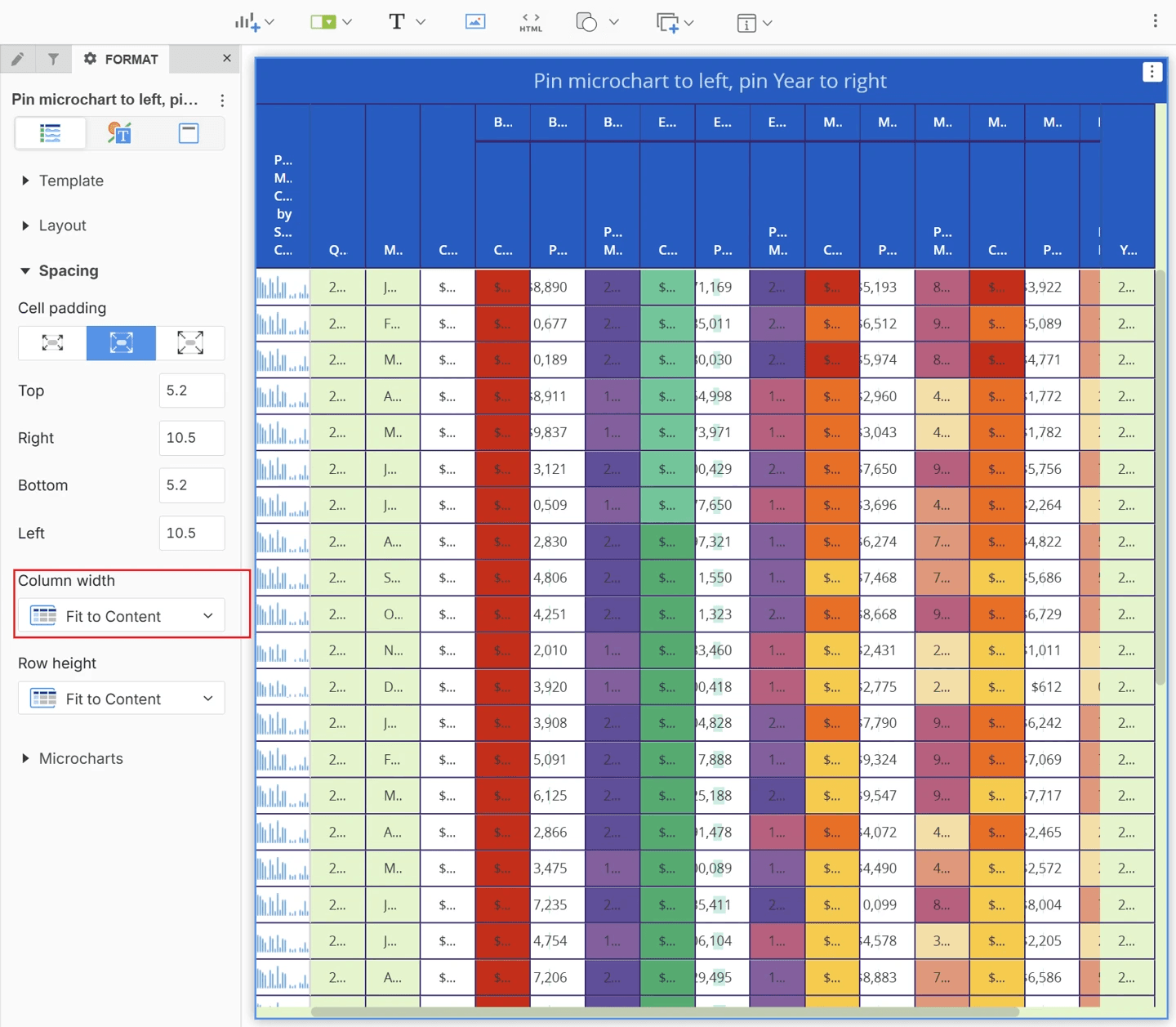
Prior to Strategy One (February 2026), there is fixed extra space added to each column which makes the grid use more space than needed.
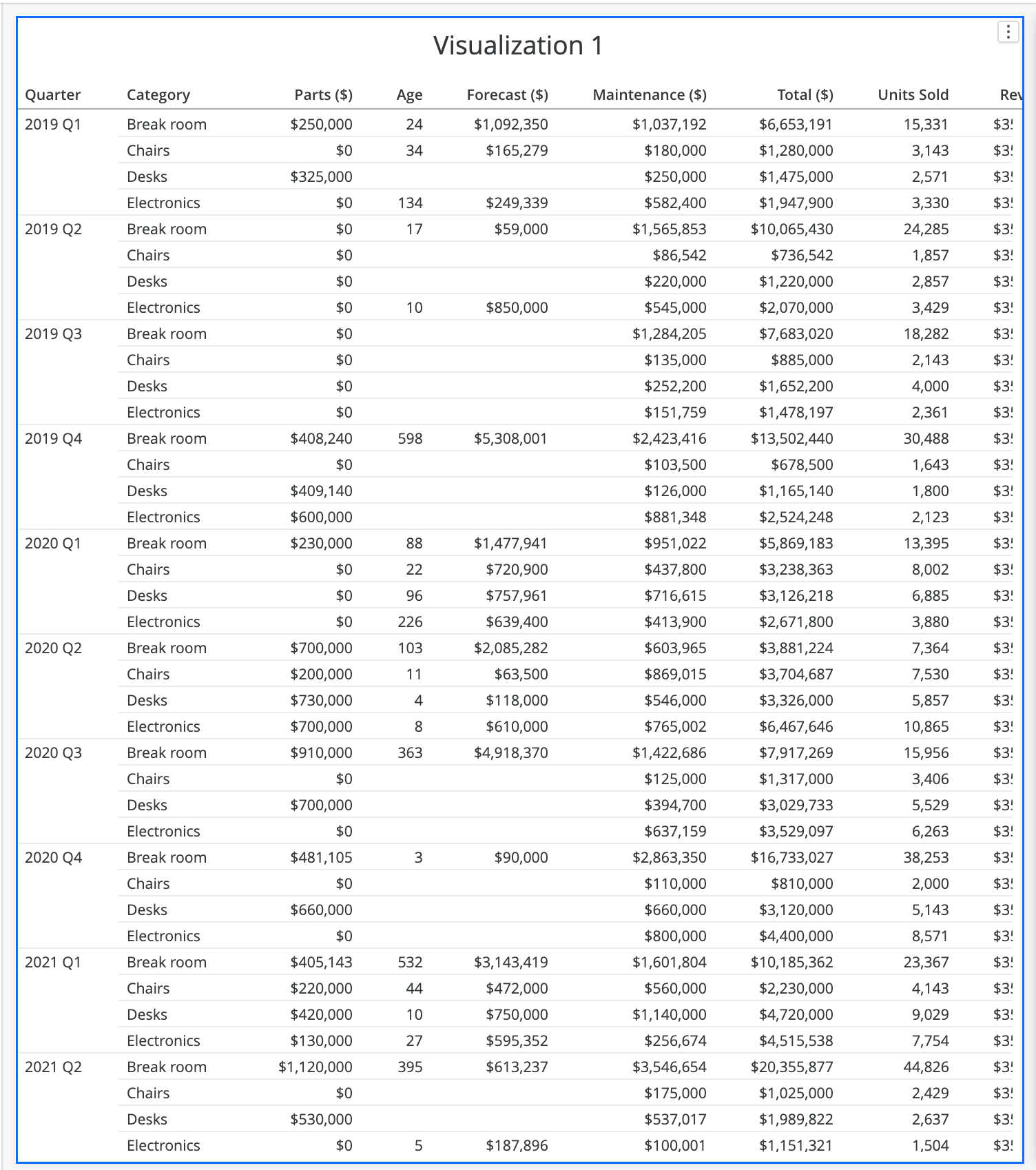
See the following image of the modern grid after upgrading to Strategy One (February 2026). The column width improves space efficiency and is more similar to the Classic Grid.
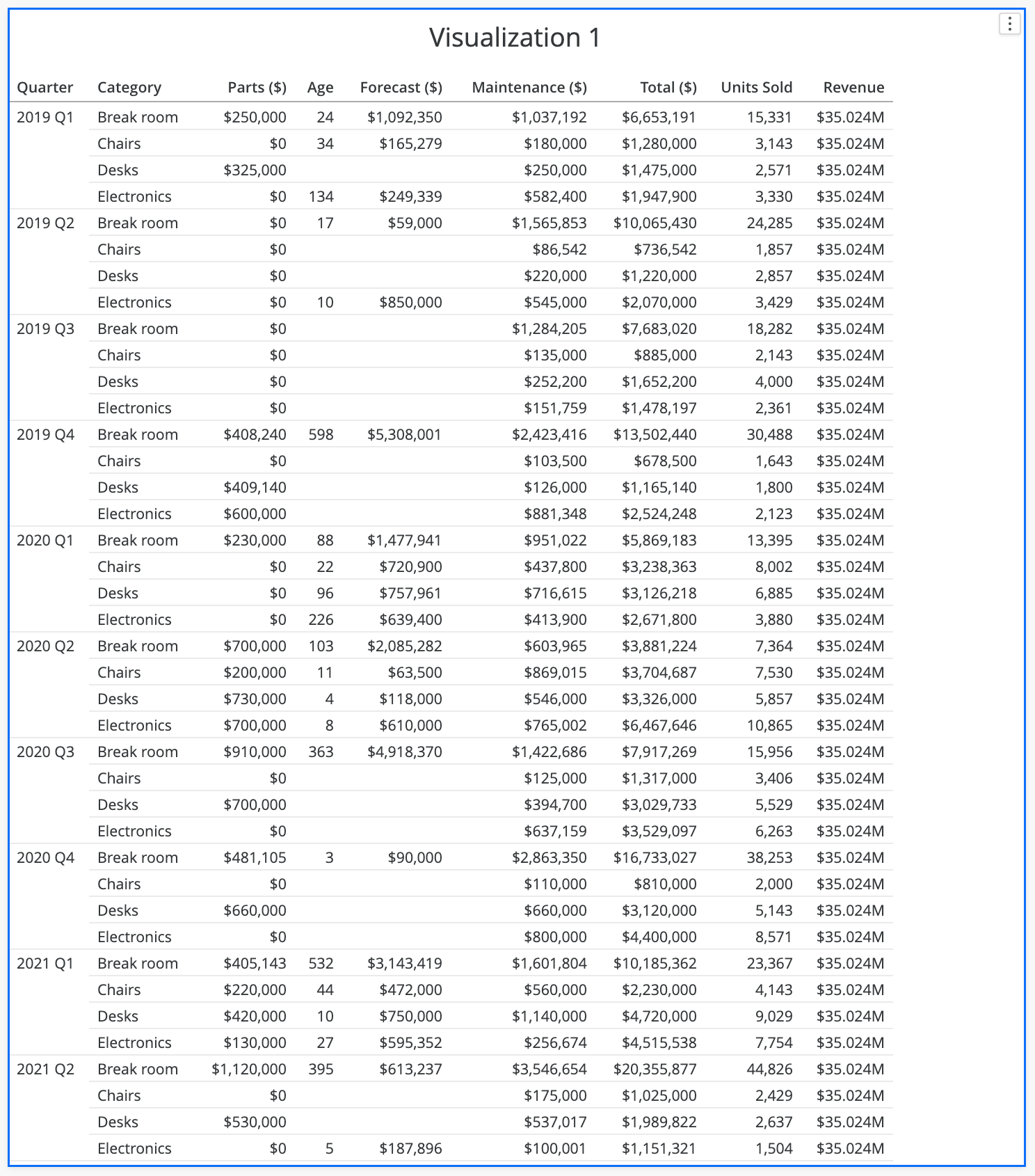
If you prefer the fixed space, use the Padding setting to adjust the cell space, when needed.
Wrap Text
Prior to Strategy One (February 2026), the Wrap text setting does not work correctly. After upgrading to Strategy One (February 2026), the Wrap text setting works as intended.
After upgrading, the setting is enabled by default. If you do not prefer wrapped text, disable the setting in the grid Format panel.
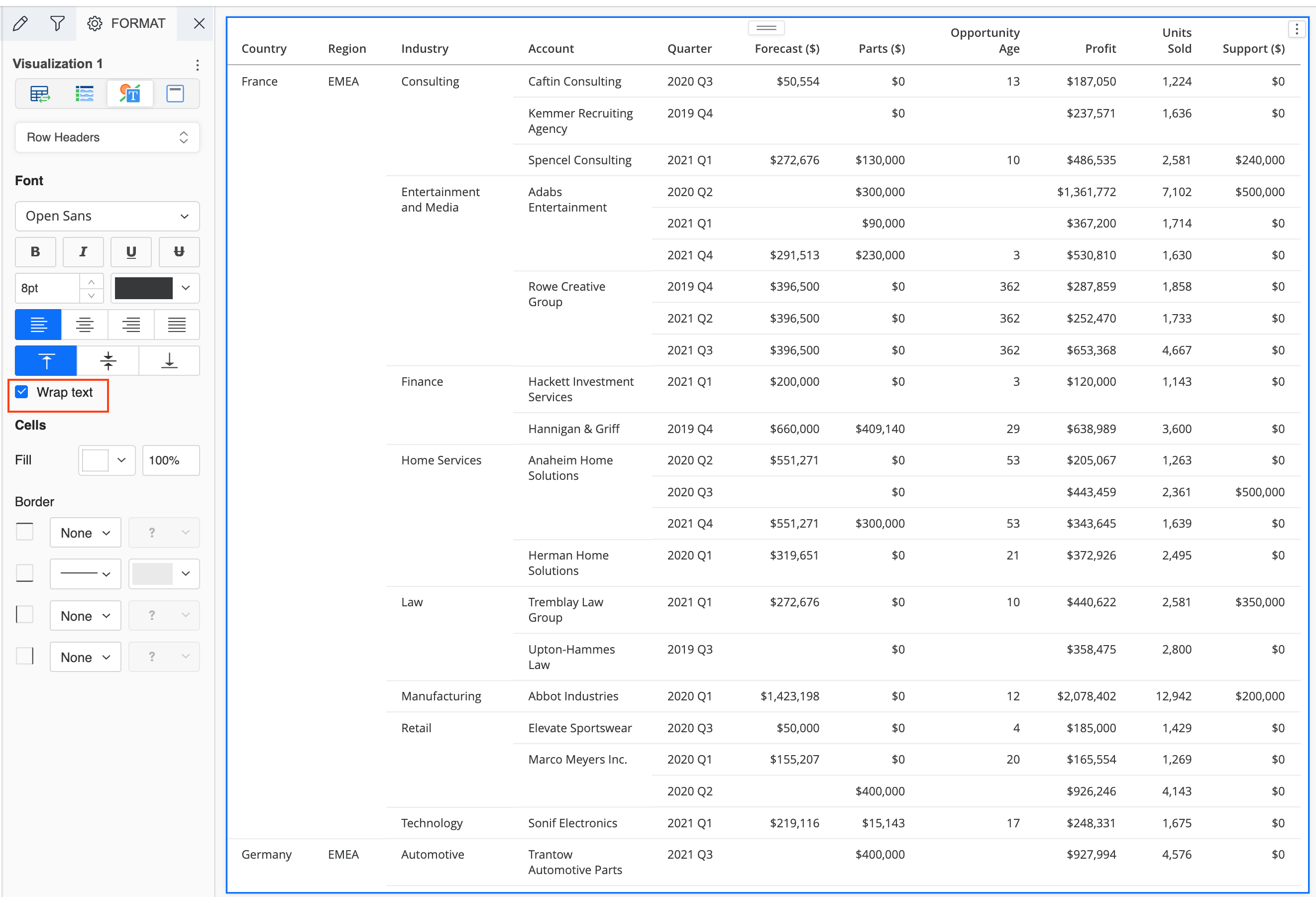
Prior to Strategy One (February 2026), Fit to Content may experience cut off text. After upgrading to Strategy One (February 2026), cut off text is resolved.
Horizontal Scrolling
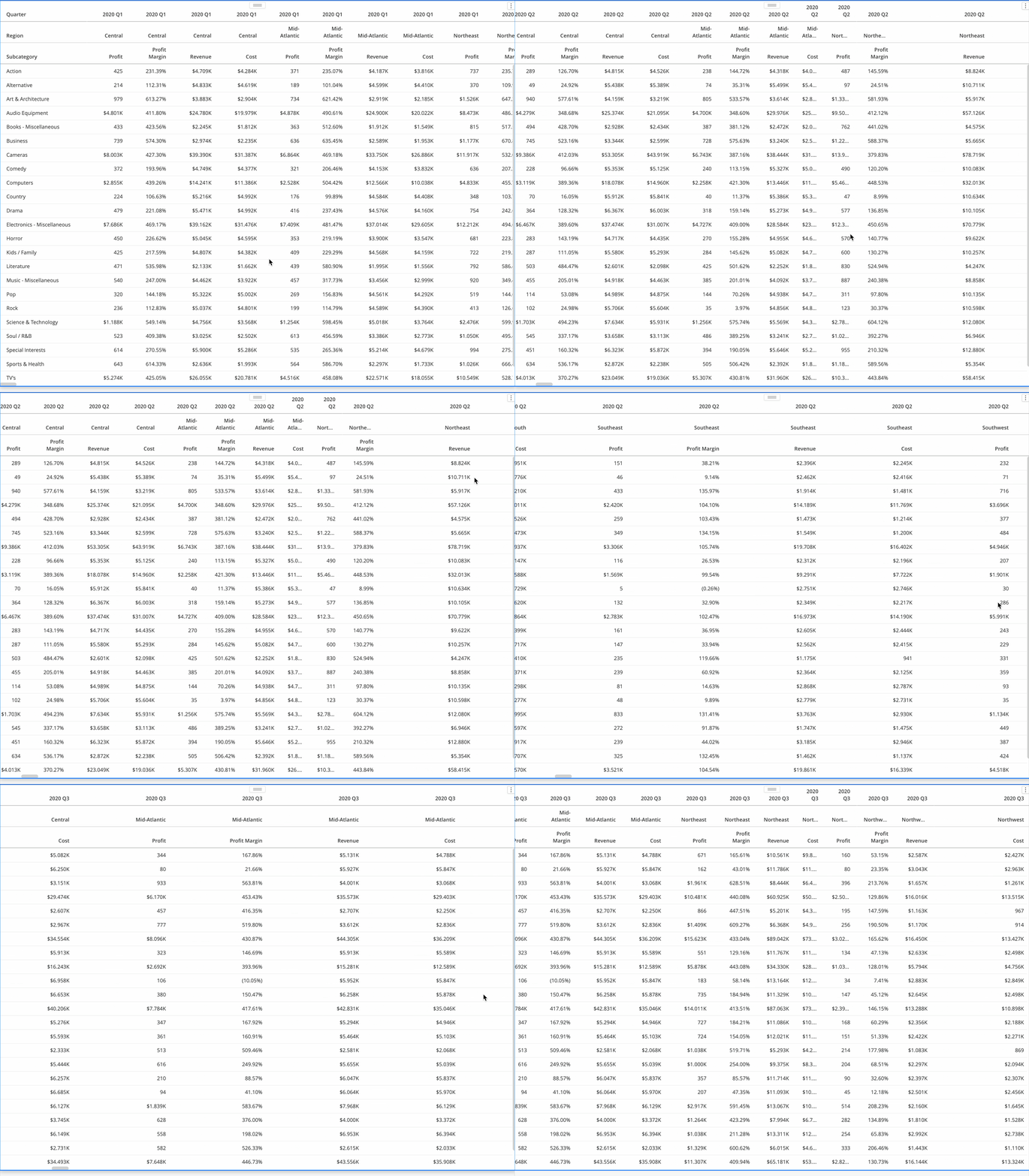
Prior to Strategy One (February 2026), horizontal scrolling includes a laggy scroll and an incorrect column width with extra spaces or cut off text. After upgrading to Strategy One (February 2026), scroll is smooth with the correct layout.
Vertical Scrolling in Fit to Content Mode
Does not refit the column width during vertical scrolling so text is cut off. After upgrading to Strategy One (February 2026), refit works as expected.