The AC/MakeModernGridDefaultViz deployment feature flag was introduced in MicroStrategy ONE (September 2024) to control the default visualization and grid name in dashboards.
When the feature flag is disabled, which is the default setting, the default visualization is a Grid and the Grid panel looks as shown below.
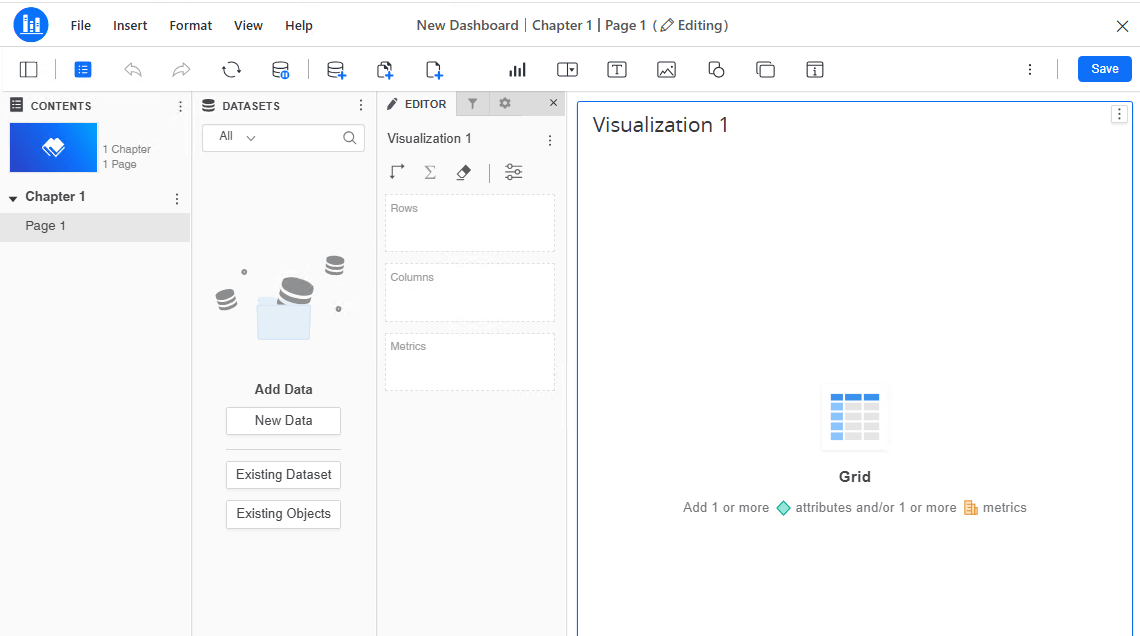
Grid default visualization
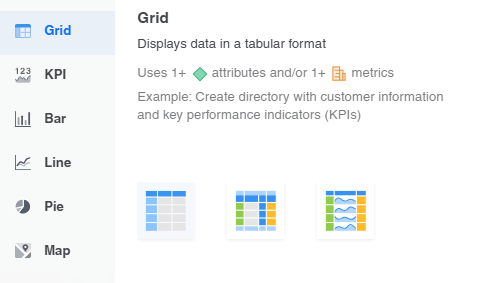
Grid panel
When the feature flag is enable, the Grid is renamed as Classic Grid, the Grid (Modern) is renamed as Grid, the default visualization in dashboards displays as Grid but is Grid (Modern), and the Grid panel looks as shown below.
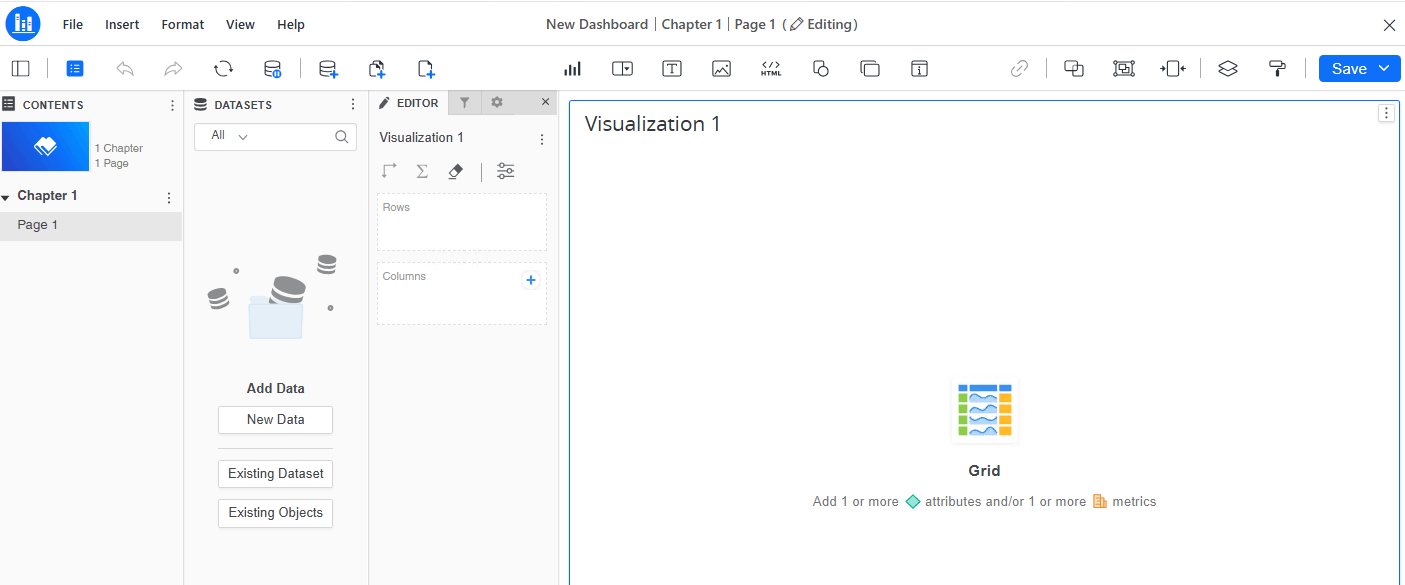
Grid default visualization
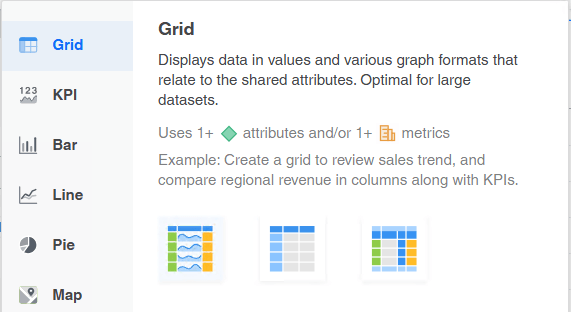
Grid panel
If you want to make the Grid (Modern) your default visualization, you can enable the deployment feature flag using the following:
Computer\HKEY_LOCAL_MACHINE\SOFTWARE\WOW6432Node\MicroStrategy\DSS Server\DeploymentFeatureFlags. If the path does not exist, create all missing folders in the hierarchy.
Final registry entry
[Strategy Software Installation Path]/MSIReg.reg file.[Strategy Software Installation Path] is the following on Linux: /opt/mstr/MicroStrategy.[HKEY_LOCAL_MACHINE\SOFTWARE\MicroStrategy\DSS Server\DeploymentFeatureFlags] "AC/MakeModernGridDefaultViz"="true"
Note: If you are using a clustered Intelligence server environment, these steps must be repeated on each node in the cluster.
