SYMPTOM:
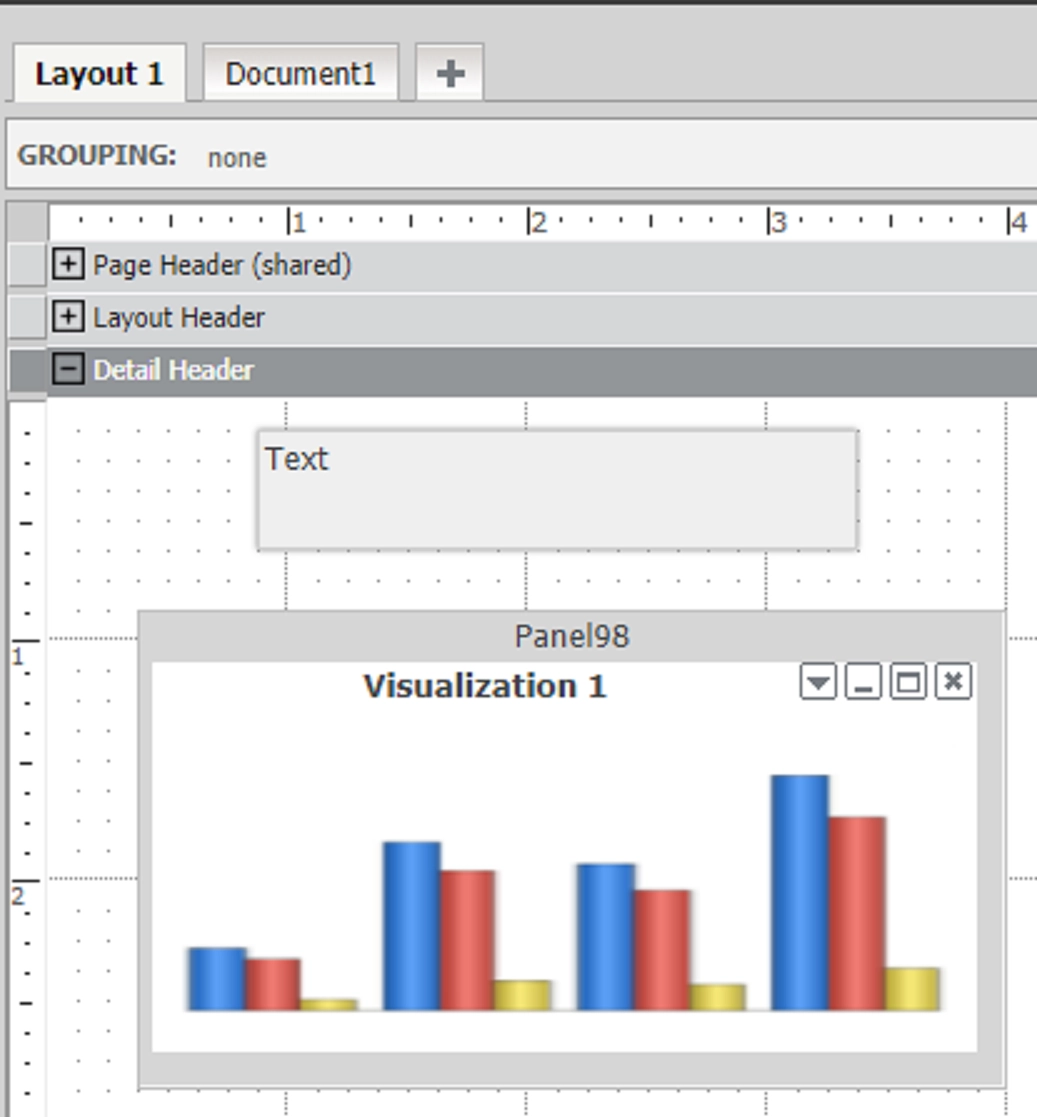
In Strategy Web 10.x, a Visual Insight dashboard can be converted to a Report Services Document to leverage the pixel-perfect functionality, among other features. The visualizations in the newly converted document can be used in a variety of ways.
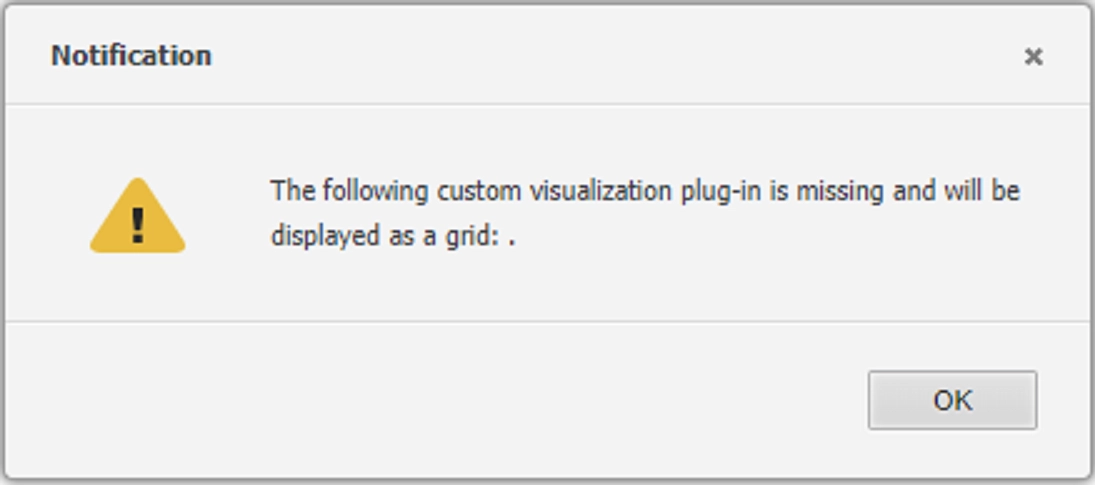
In this situation, the converted Visual Insight visualization is used in an information window in a multi-layout document. After switching layouts and manipulating the document, clicking on the information window throws the following error:
Notification
The following custom visualization plug-in is missing and will be displayed as a grid: .
The document should now look similar to the following screenshot:
CAUSE:
This has been identified as a defect in Strategy Web 10.x. The error shows for both custom and out of the box visualizations created in Visual Insight. If the visualization is a grid, the error does not show after modifying the steps to reproduce.
ACTION:
This is currently under review by Strategy to determine a root cause and potential fix in a future version of Strategy Web. Contact Strategy Technical Support for an update on this investigation.
WORKAROUND:
Create the visualization directly in the Strategy Web 10.x Report Services Document.
The Strategy Internal Reference Number for this issue is DE80651. 38958 KB438958
