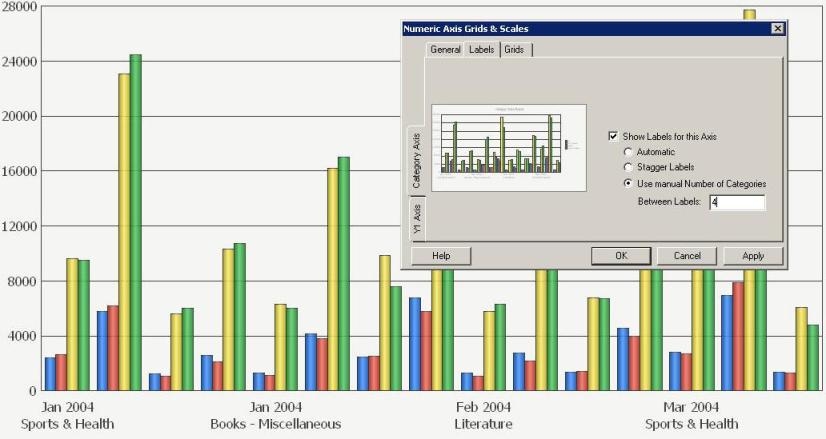
In a Strategy Developer graph, users have the ability to specify only a certain number of category axis labels to be displayed. This allows the user to display only a set number of axis labels for analysis purposes and is often advantageous for graphs that have numerous labels in the category axis.
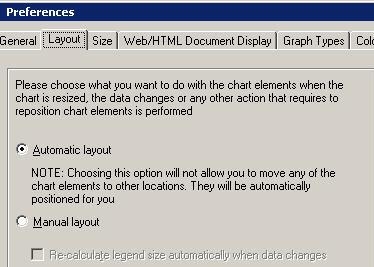
A graph by default will have its layout preference set to 'Automatic', as shown below:
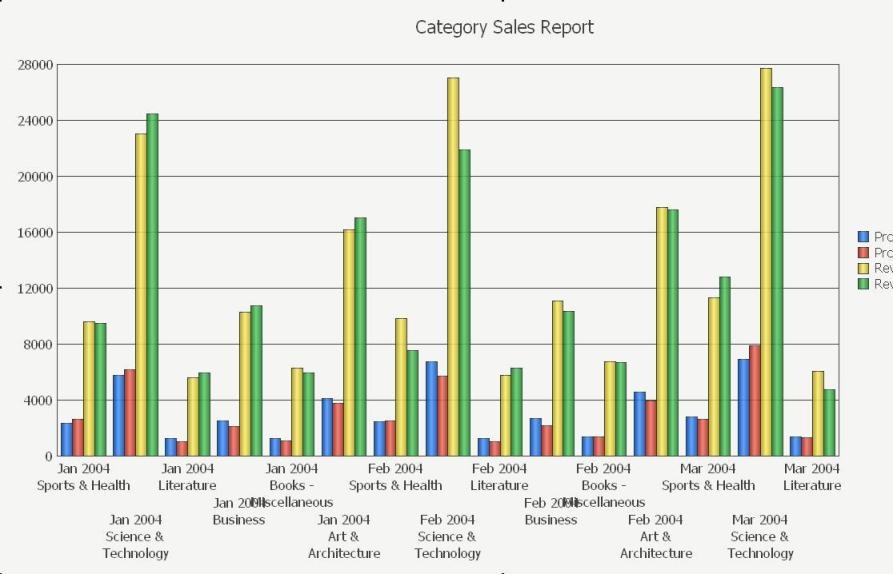
This will cause the graph to display all of labels that are available in the category axis by default, as shown below:
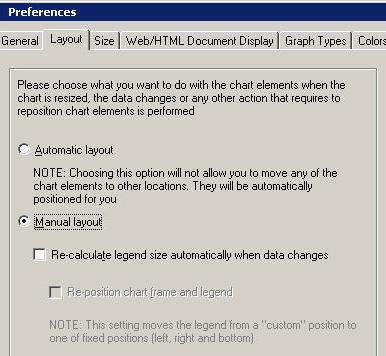
In order to manually specify or hide only a certain number of labels in the category axis to be displayed, do the following:
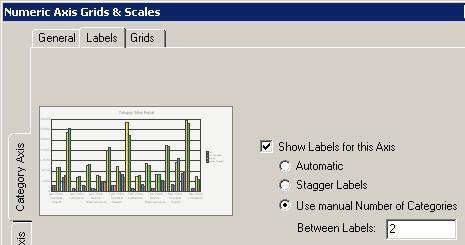
Refer to the following examples:
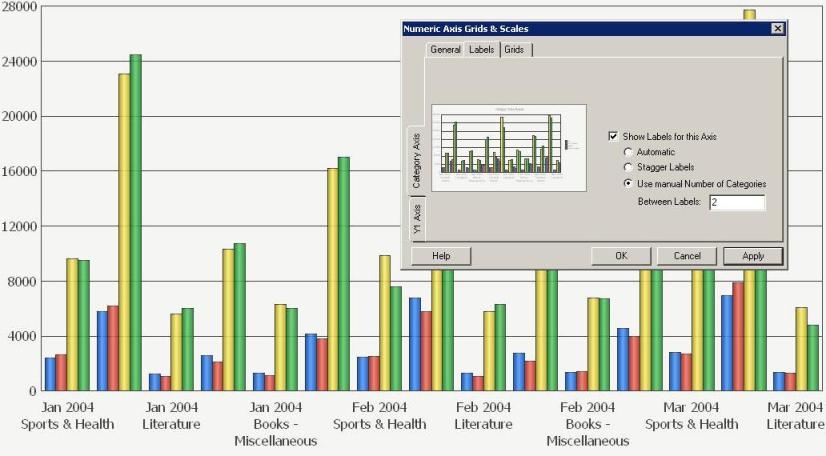
In this graph, the 'Between Labels' is set to 2. Every 2nd label after the first label is displayed, as shown below:
In this graph, the 'Between Labels' is set to 4. Every 4th label after the first label is displayed as shown below: