INTRODUCTION
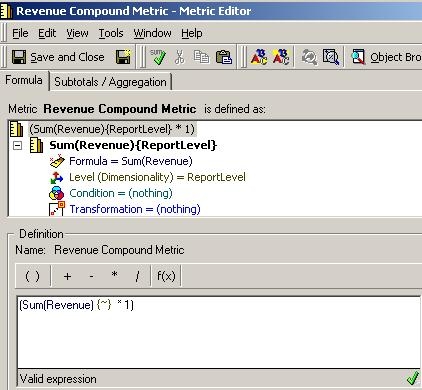
In Strategy 9.x, it is possible to create a drill path to a template via a metric. The metric can either be a simple metric or a compound metric.
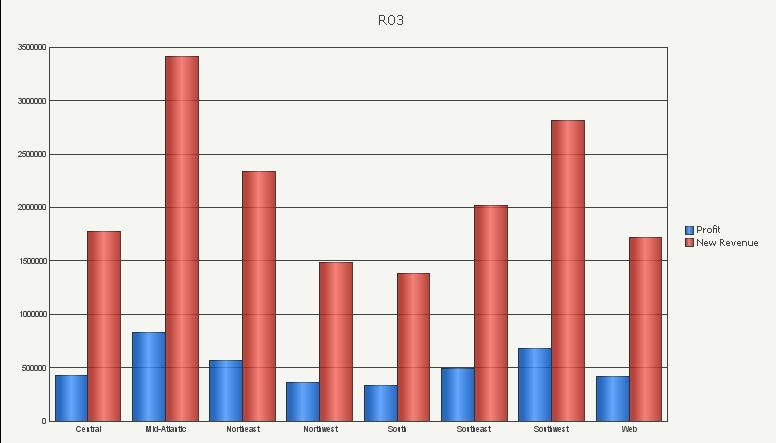
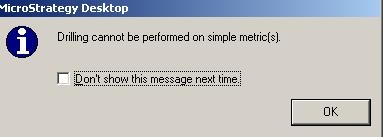
There is a known issue, when the user executes the report in graph view mode and tries to drill on a template via a simple metric, the following message appears:
Sample Code/Error
Drilling cannot be performed on simple metric(s).
This issue occurs with reports executed in graph view mode in Strategy 9.x and has been logged with Strategy. There are two possible workarounds for this scenario:
The following steps describe the first workaround - How to drill to a template via a simple metric, converted to a compound metric, in the graph view of a report:
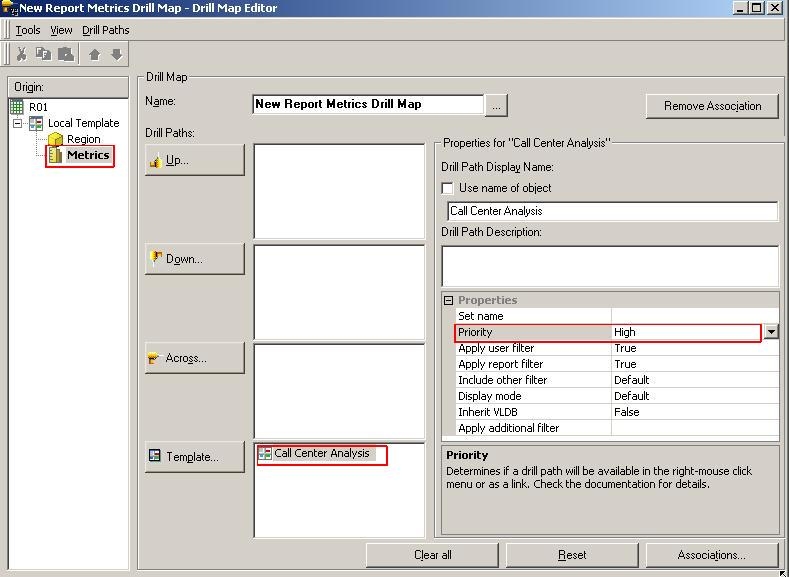
Note: Drilling in graph view is only possible by double-clicking on the metric. For this the priority of the drill path must be set to High as seen above.