SYMPTOM
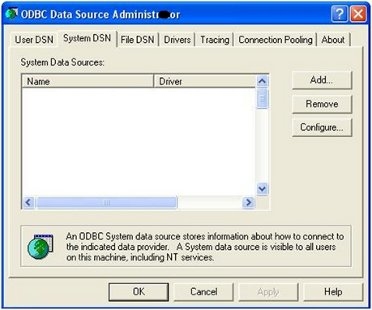
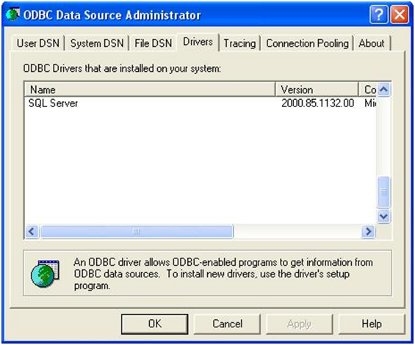
For Strategy 9.x On a 64-bit Microsoft Windows operating system, system DSNs and installed Strategy drivers are not listed in the ODBC Administrator found under Control Panel > Administrative Tools > Data Sources (ODBC). As shown in the screenshots below, newly created DSNs are not seen under the Systems DSN tab and installed Strategy drivers are not found under the Drivers tab.
CAUSE
On 64-bit Windows Operating Systems, the ODBC Administrator found under Control Panel > Administrative tools is the 64-bit ODBC Administrator application and it only lists 64-bit user and system DSNs and 32-bit user DSNs. It does not list 32-bit system DSNs and drivers. All the drivers shipped and supported with Strategy 9.x are 32-bit ODBC drivers.
ACTION
To view the 32-bit system DSNs and the installed drivers on a 64-bit machine, use the 32-bit ODBC Administrator located at C:\WINDOWS\SysWOW64. Execute the odbcad32.exe application available in this location.
