In Strategy Web, users may receive one of the following error messages when they try to create or edit a derived metric.
In 10.4 and earlier versions:
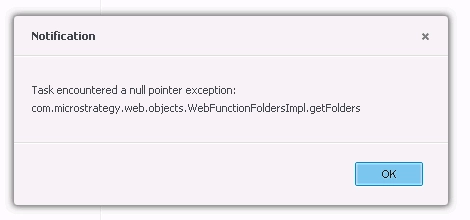
Task encountered a null pointer exception:
com.Strategy.web.objects.WebFunctionFoldersImpl.getFolder
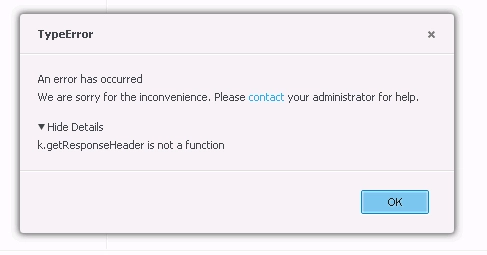
k.getResponseHeader is not a function
In 10.5 and newer versions:
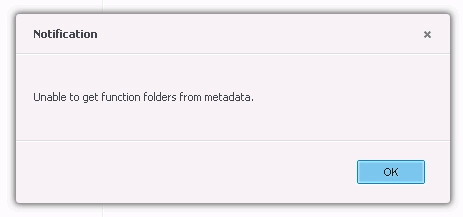
Unable to get function folders from metadata.
This error occurs when users do not have the necessary ACLs to access the "Functions and Operators" folder and its contents. Users must have View access to these objects in order to create or edit a derived metric in Web.
In Developer, browse to the "Functions and Operators" folder located within the "Schema Objects" folder. Right-click on the folder and go to Properties, then go to the Security tab to access the ACL. For users who need to create and edit derived metrics, grant at least View access for the Object and Children. Check the box "Apply changes in permissions to all children objects" and "Recursively" to apply it to the "Functions and Operators" folder and its contents.
