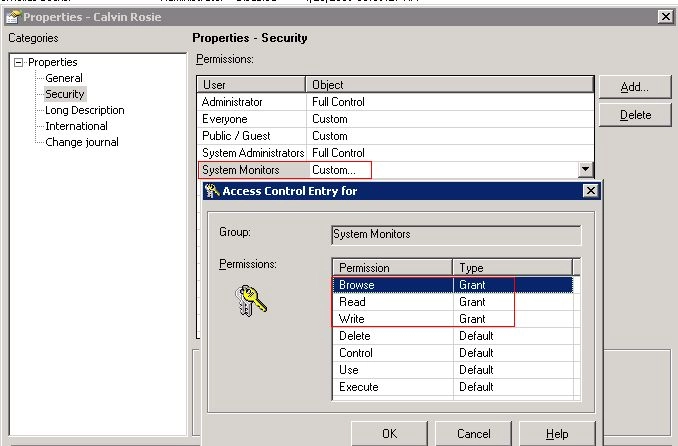
SYMPTOM:
When editing an existing user by a user in the group "User Administrators", the warning message "You do not have the permission to change the settings. Your changes in the editor will not be saved." appears, as shown in the image below:
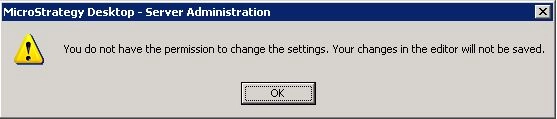
You do not have the permission to change the settings. Your changes in the editor will not be saved.
ACTION:
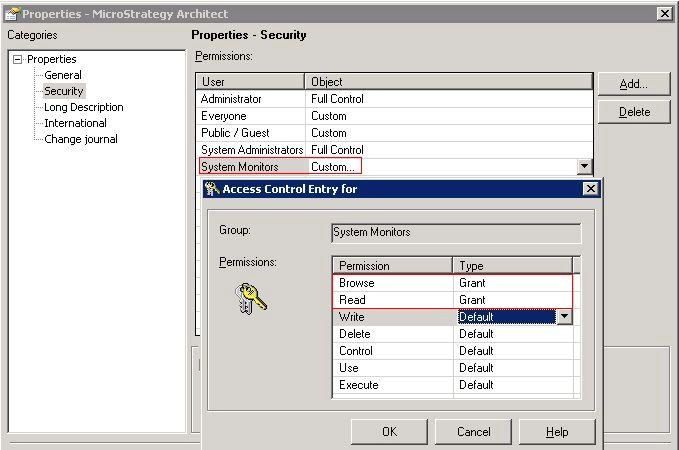
Right click on an existing user and choose Properties, grant Write permission to group "System Monitors", as shown in the image below: