SYMPTOM:
When triggering multiple document cache update subscriptions from Strategy Developer 9.x and 10.x, only one document cache is created under Administration > System Monitors > Caches > Documents.
STEPS TO REPRODUCE:
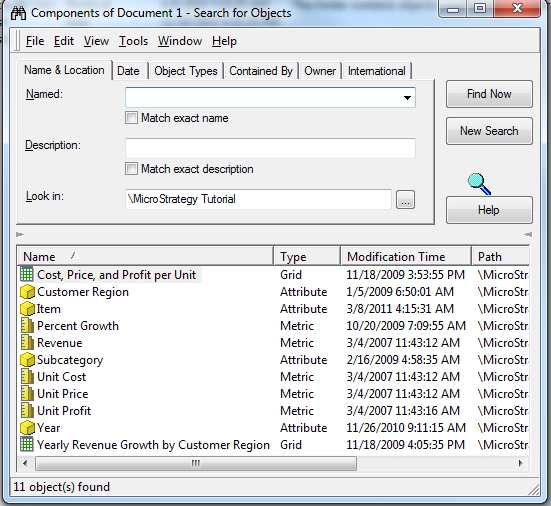
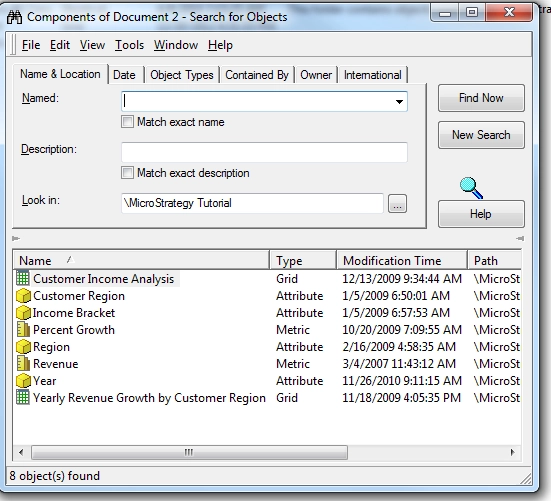
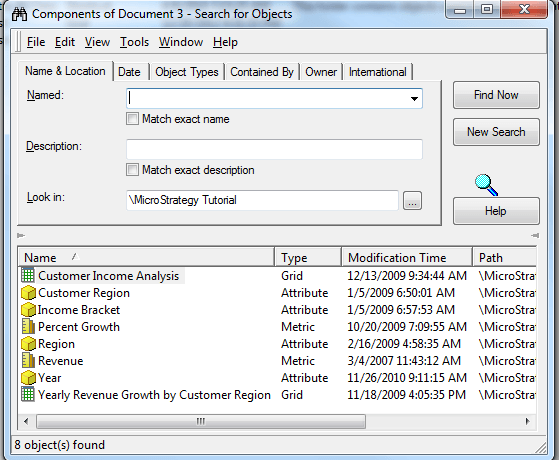
1. Create 3 documents that share at least one report dataset. The image below shows the components of each document (right-click on the document > Search for Components).
2. Create a event based schedule, in this example it is called "Event schedule".
KB19718: How to create an event based schedule in the MicroStrategy Intelligence Server 9.x
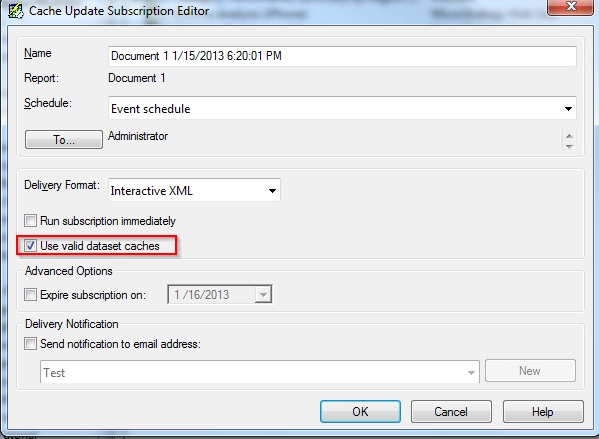
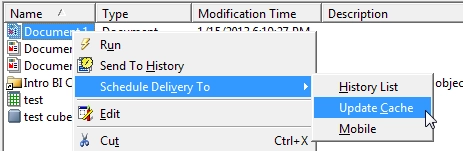
3. Create three document cache update subscriptions as shown below, and use the "Event schedule" schedule created in step 2.
4. Trigger the event "Event schedule".
5. Go to Administration > System Monitors >Cachs > Documents and only one document cache (for "Document 3" as shown below) is created:

6. Go to Administration > System Monitors >Caches >Reports, all the reports caches are created as shown below:

CAUSE:
This is expected behavior behavior when documents share datasets. Because a document cache update subscription re-runs datasets, the previously created document cache will be invalidated immediately after a dataset that it uses is re-run.
WORKAROUND:
User can enable the "Use valid dataset caches" option while creating the cache update subscription as shown below: