EducationSoftwareStrategy.com
StrategyCommunity

Knowledge Base

Product

Community

Knowledge Base

TopicsBrowse ArticlesDeveloper Zone

Product

Download SoftwareProduct DocumentationSecurity Hub

Education

Tutorial VideosSolution GalleryEducation courses

Community

GuidelinesGrandmastersEvents
x_social-icon_white.svglinkedin_social-icon_white.svg
Strategy logoCommunity

© Strategy Inc. All Rights Reserved.

LegalTerms of UsePrivacy Policy
  1. Home
  2. Topics

KB42393: How to store information about the MicroStrategy Properties on a parameter set by the use in System Manager


Community Admin

• Strategy


This technical note explains how to create a user-defined parameter in System Manager that will be used in defining the process Retrieve MicroStrategy Properties.

 
This technical note explains how to create a user-defined parameter in System Manager that will be used in defining the process Retrieve Strategy Properties.
 
1. In the System Manager, in the Properties and Parameters session, click in the $(x) Parameters button.
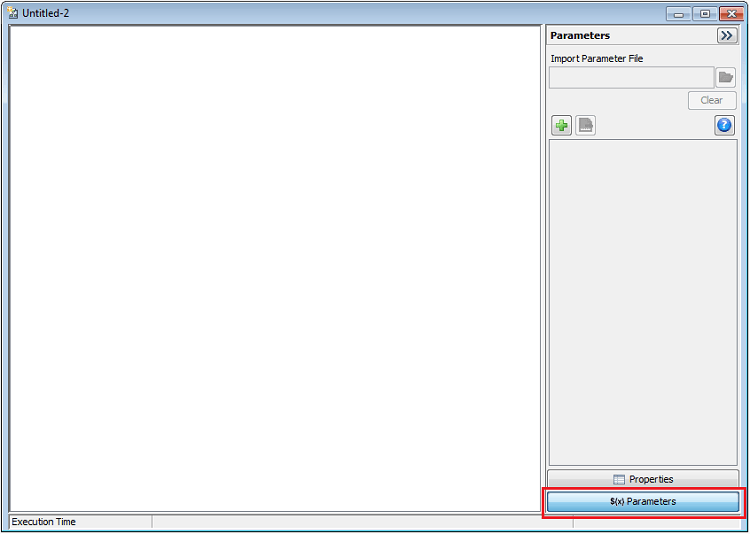
ka04W000000OhdaQAC_0EM4400000029eJ.png

 
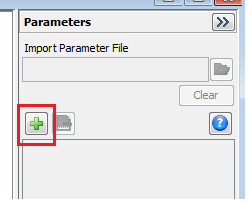
2. Add a new parameter.

ka04W000000OhdaQAC_0EM4400000029eD.png

 
3. Type the parameter name and left blank value.
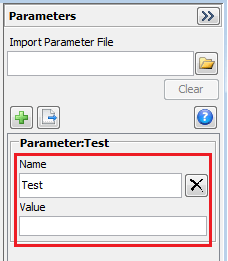
ka04W000000OhdaQAC_0EM4400000029eQ.png

 
4. Insert the process Retrieve Strategy Properties.
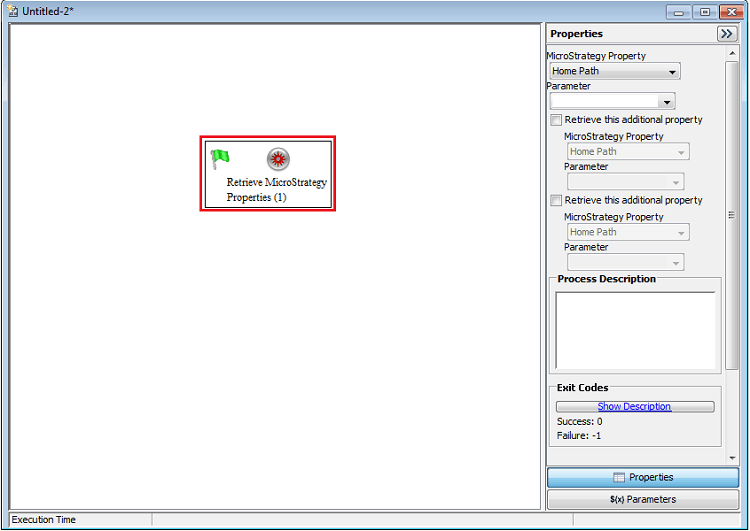
ka04W000000OhdaQAC_0EM4400000029eM.png

 
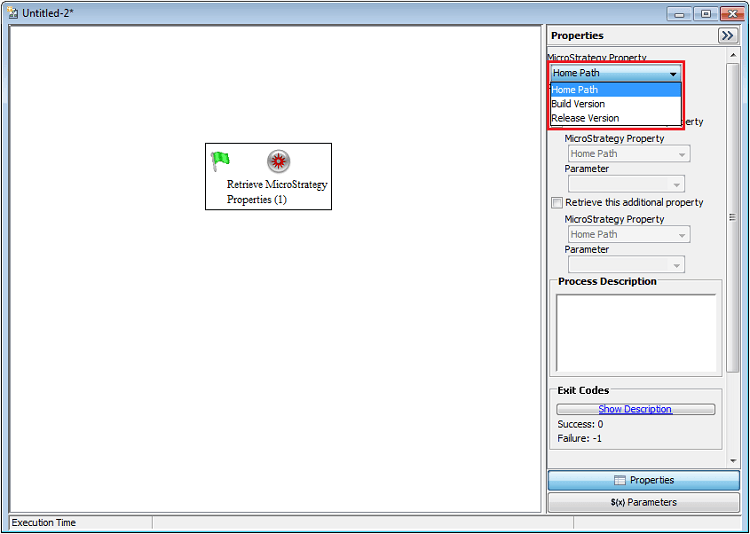
5. In Properties, select the desired Strategy Property, for example, Home Path.
ka04W000000OhdaQAC_0EM4400000029eP.png

 
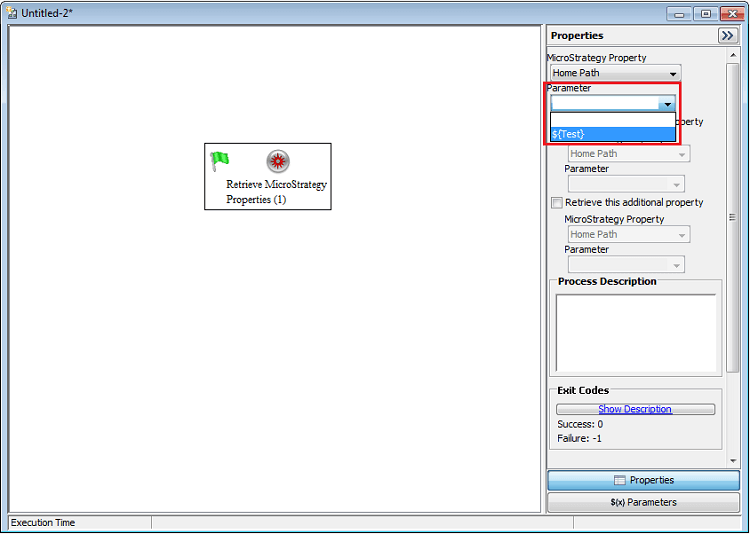
6. In Parameter, select the parameter created.
ka04W000000OhdaQAC_0EM4400000029eC.png

 
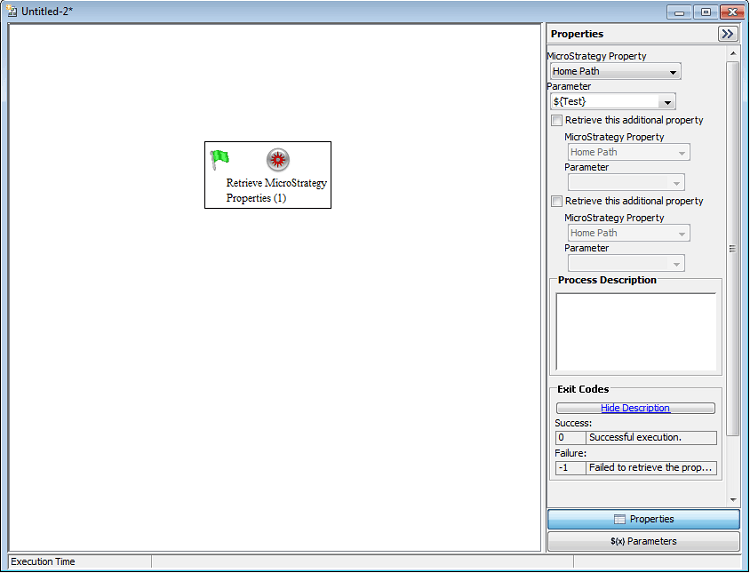
In this way, the parameter will receive the Strategy Property selected.
ka04W000000OhdaQAC_0EM4400000029eO.png

Comment

0 comments

Details

Knowledge Article

Published:

May 4, 2017

Last Updated:

May 4, 2017