Starting in Strategy 11.0, when a report is used as "report as filter" in another report, both the reports will honor their own VLDB settings as opposed to old behavior where "report as filter" would inherit its VLDB settings from its parent report.
STEPS TO REPRODUCE:
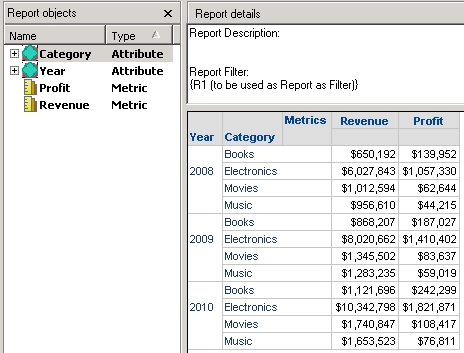
1. Create a report R1 as following:
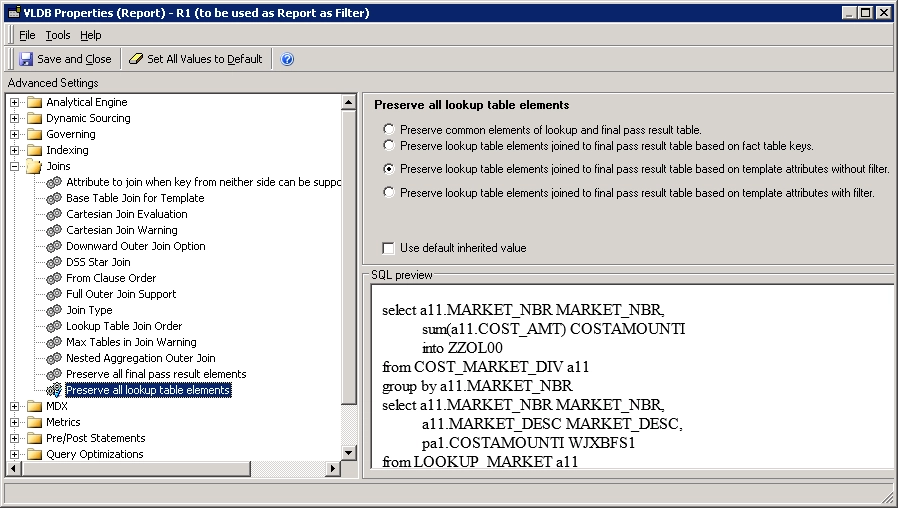
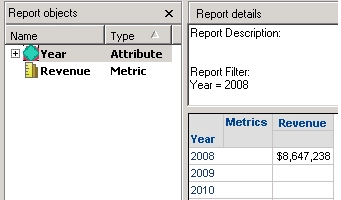
1. Create another report R2 as following:
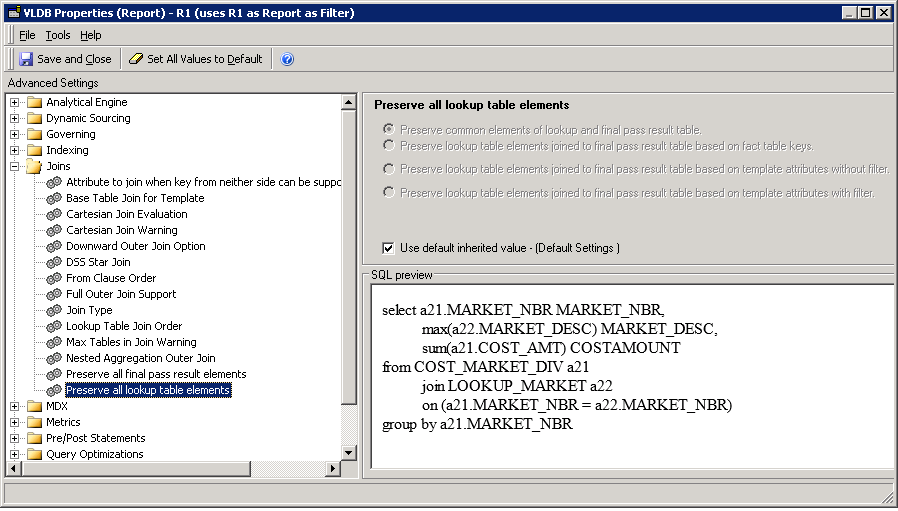
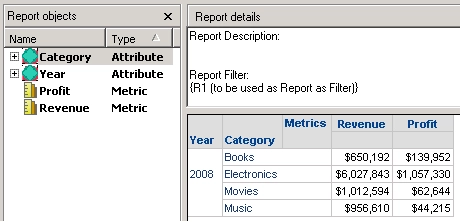
Note that R1 is using the same VLDB setting as R2 and hence only Year 2008 data is returned by R1.
CAUSE:
Report as Filter inherits its parent report's VLDB setting instead of using its own.
ACTION:
This is addressed Strategy 11.0 and above.
If you are upgrading to Strategy 11.0 or above, to pick up the fix, enable project level setting "Data Engine Version" to 11. This property can only be enabled through Workstation. For more details on enabling the setting, refer to Change Data Engine Version.
If you are upgrading to Strategy 10.9 / 10.10 / 10.11: To pick up the fix, enable the Feature Flag "Defect fixes that may impact Data, SQL, MDX, CSI" within the Web Preferences -> Project Defaults. For more details on enabling Feature Flags refer to What are the Feature Flag options and what do they accomplish in MicroStrategy Web 10.8 and up. Starting Strategy 11.0, this Feature Flag is removed and replaced with project level setting called "Data Engine Version".
Strategy reference numbers for this technical note are KB440739 and F8056.
