Testing push notifications for your iOS or Mac applications can difficult. You might consider setting up your own server or use one of the many push web services you can find online. Either way, there can be a lot of work involved in getting everything to work. Push notifications should come in quickly and reliably, in less than one second. However, when push notifications do not appear, it can be difficult to figure out why.
NWPusher is an iOS application that allows you to test the Apple Push Notification service (APNs). This tool can be used to confirm whether generated device tokens are correct.
1. Apply the URL that enables mobile push notifications. Allow push notifications and login as the administrator.
2. In Strategy Developer, choose Administration > Delivery Managers > Contacts. The device token appears under Administrator.
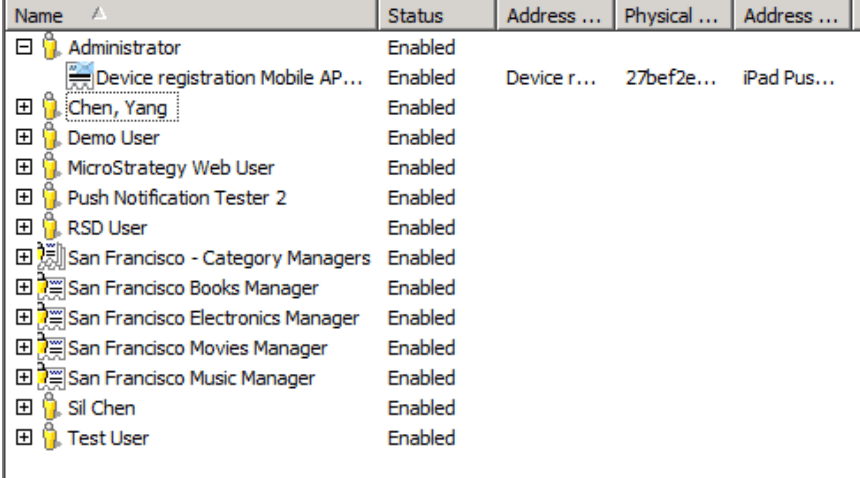
3. Copy the physical address of the device token that corresponds to your application's device token.
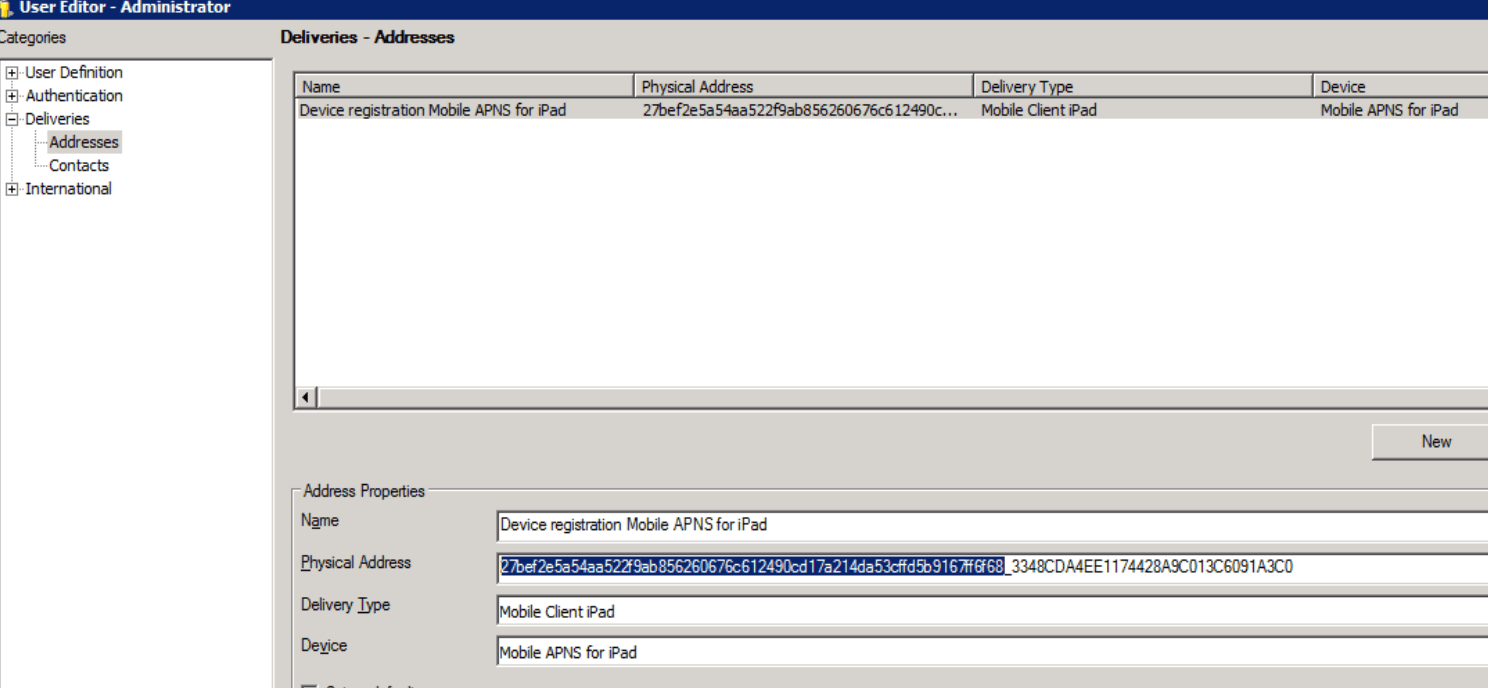
4. Open Pusher.
5. Paste the token address and add your certificate.
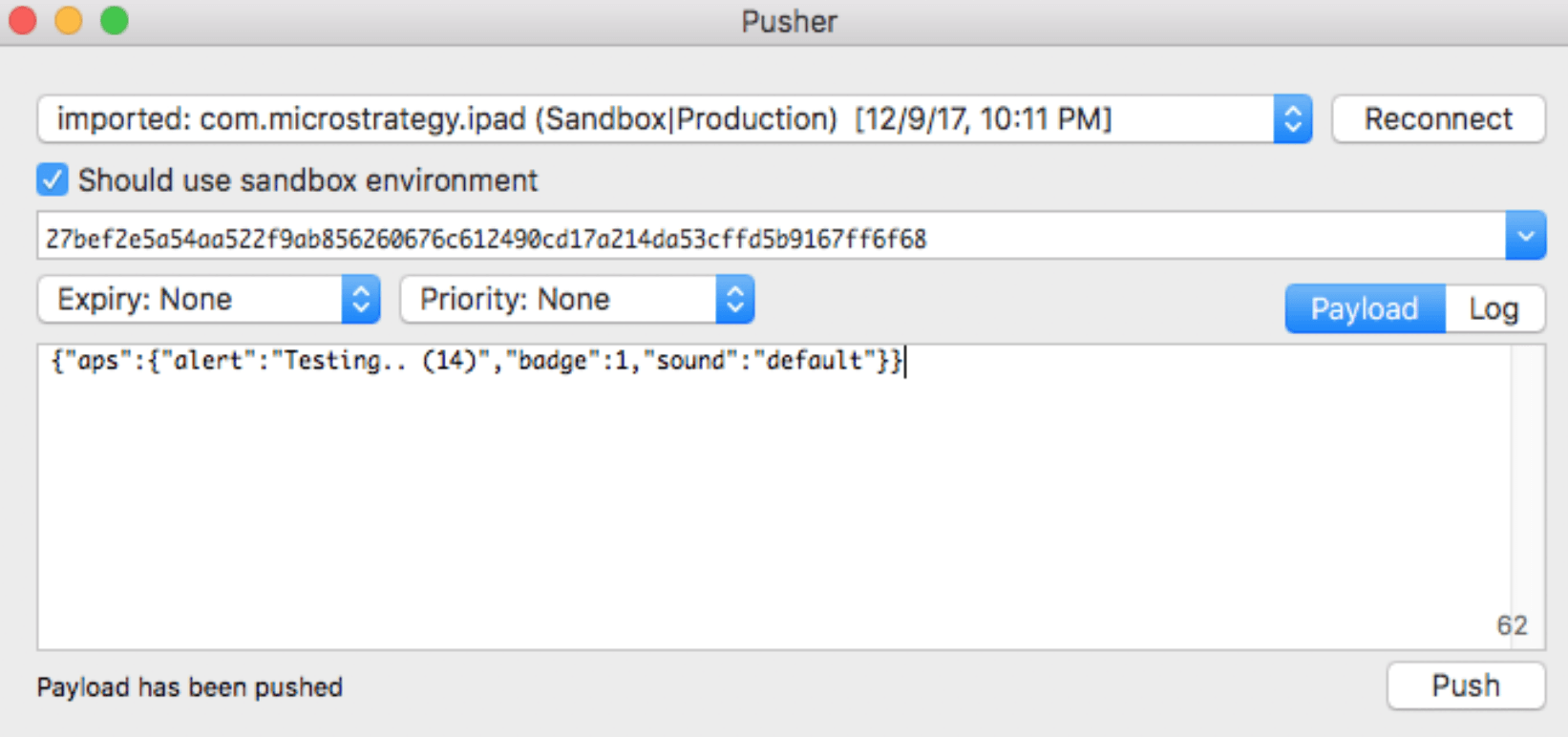
6. Click Push. You will receive a message if the device token generates correctly.
The third-party product(s) discussed in this article are manufactured by vendors independent of Strategy. Strategy makes no warranty, expressed, implied, or otherwise, regarding this product, including its performance or reliability.
This article contains a link to a third-party website that is not under the control of Strategy. When the user accesses a third-party web site, the user does so at his or her own risk and acknowledges that Strategy is not responsible or liable for any content, advertising, products, or other materials available from such third-party sites. Mention of third-party companies and web sites in this article is for informational purposes only and does not constitute an endorsement or recommendation.
