Starting with the release of Strategy ONE (March 2024), dossiers are also known as dashboards.
SYMPTOM:
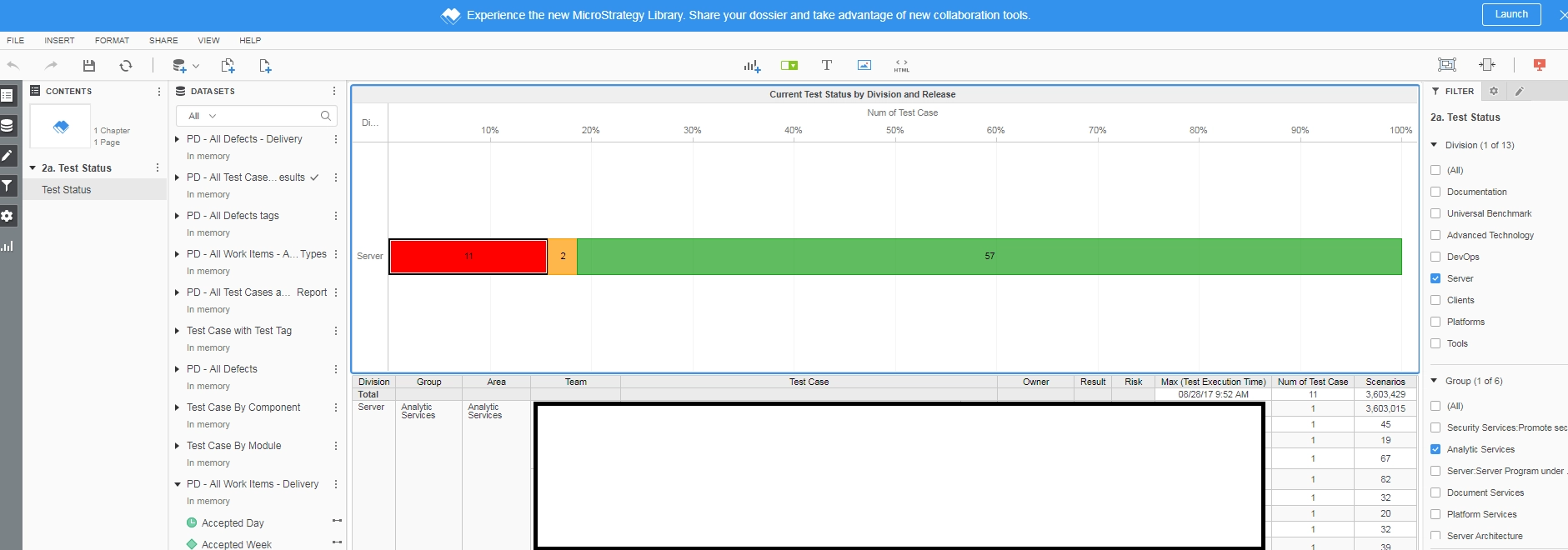
After making a change, such as changing the selections in the filter panel, to a dossier containing multiple datasets, users may see “Unspecified error” returned in a visualization. This happens because when there are 2+ datasets in a Dossier with same attribute(s) then Data Blending Engine uses the dataset with smaller GUID to use for key attribute. The GUID may change for save-as operation and hence the problem may be seen in some cases where a dossier may fail to execute after save-as operation.
STEPS TO REPRODUCE:
Users may see the following error after changing the filter selection for an attribute, save-as, and running the saved dossier:
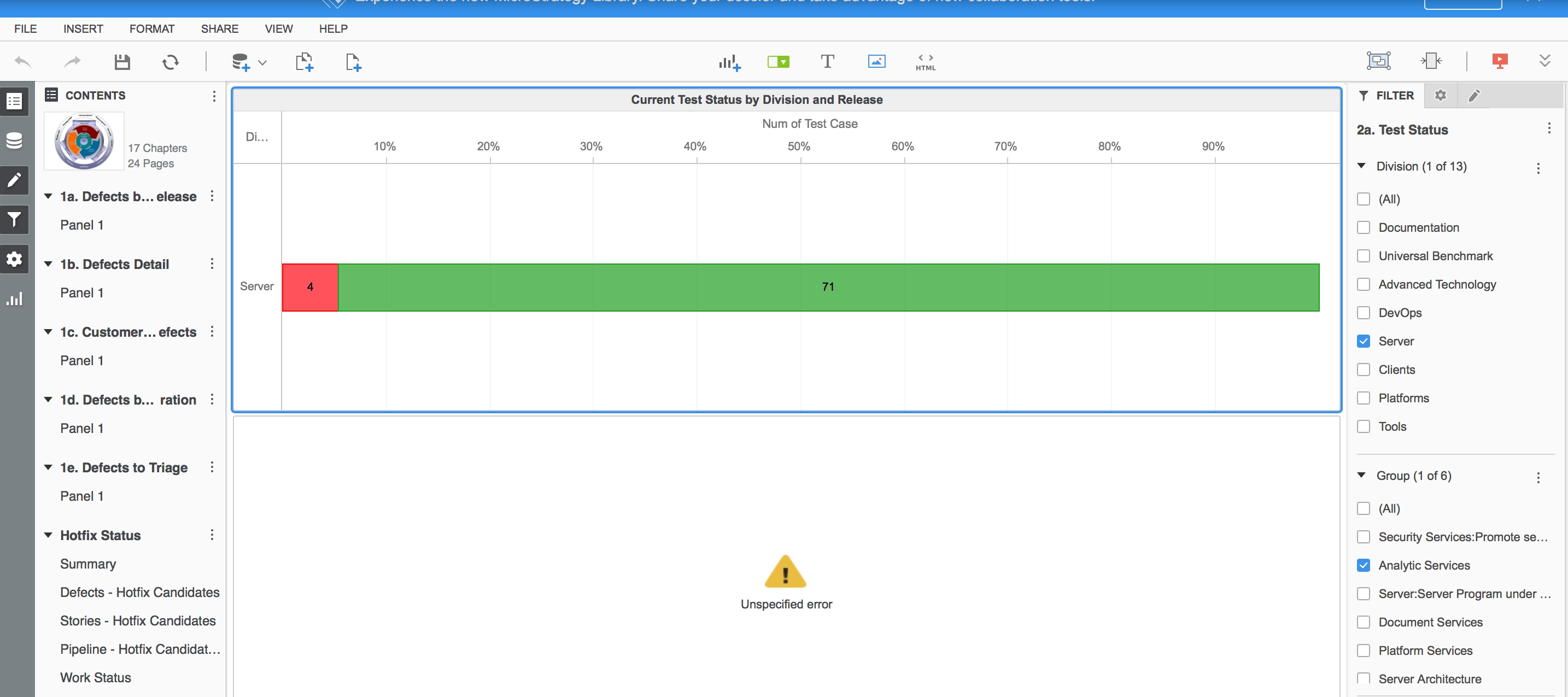
“Unspecified error”
CAUSE:
This is a known defect in Strategy 10.11 or earlier releases.
ACTION:
The product logic is improved as to while linking attributes, the attribute belonging to the dataset that has the smaller index number will be selected as the Key Attribute. (For example- attribute from DS0 will be selected instead of DS3).
To take advantage of the fix, upgrade to Strategy 11.0 or above.
If you are upgrading to Strategy 11.0 or above, to pick up the fix, enable project level setting "Data Engine Version" to 11. This property can only be enabled through Workstation. For more details on enabling the setting, refer to Change Data Engine Version.
The Strategy Internal Reference Number for the issue discussed in this technical note is KB442186 and DE75537.
