SUMMARY:
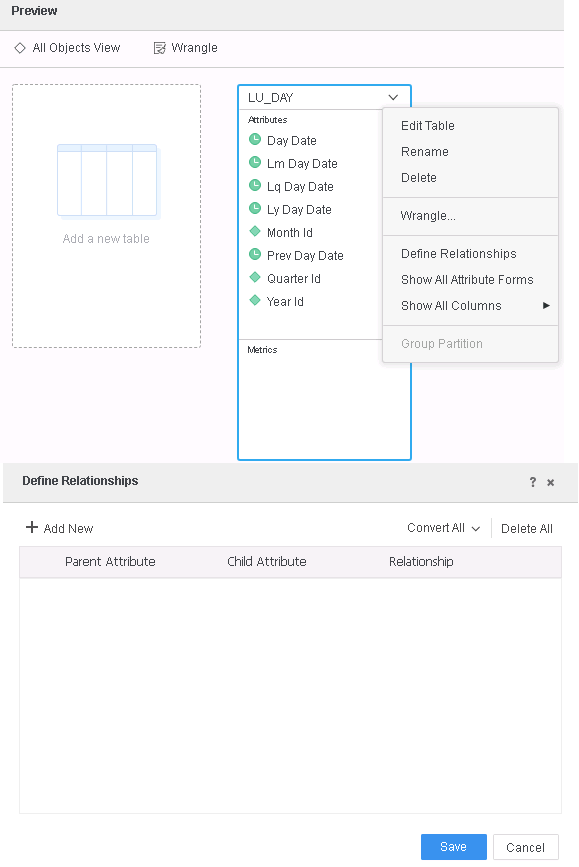
Starting 11.0 release, while creating Data Import Intelligent Cubes, automatic relationship detection is disabled and no relationship will be detected between attributes automatically. The onus of defining relationships between the attributes will lie with Intelligent Cube designer.
STEPS TO REPRODUCE (Before 11.0 release):
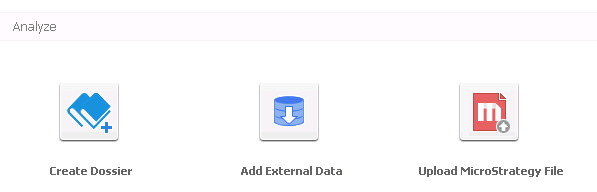
1. In Strategy Web, create a new Data Import Cube using "Add External Data" link.
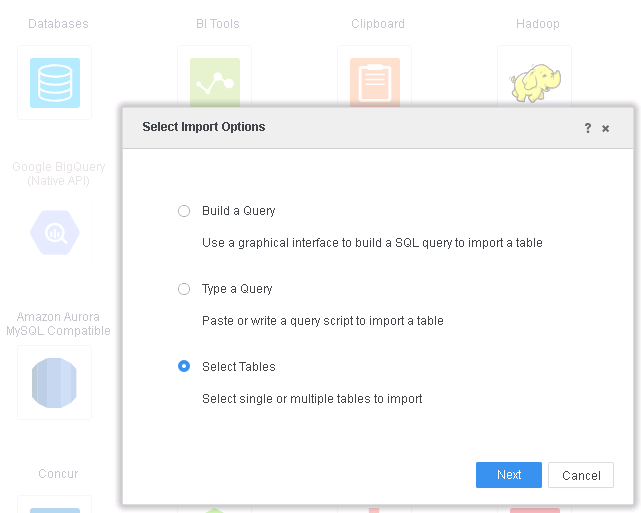
2. Click Database > Select Tables.
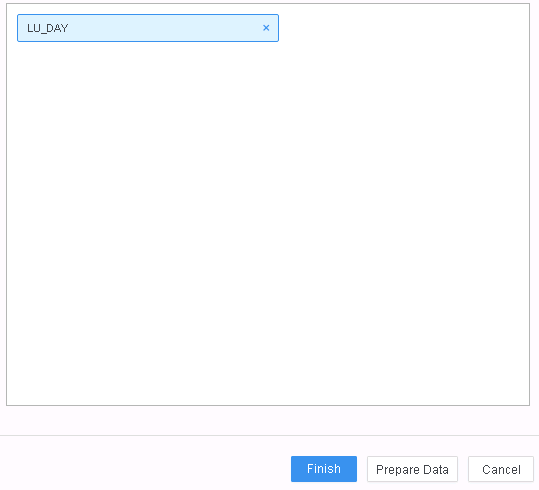
3. Select table(s) that contains multiple attributes and click "Prepare Data".
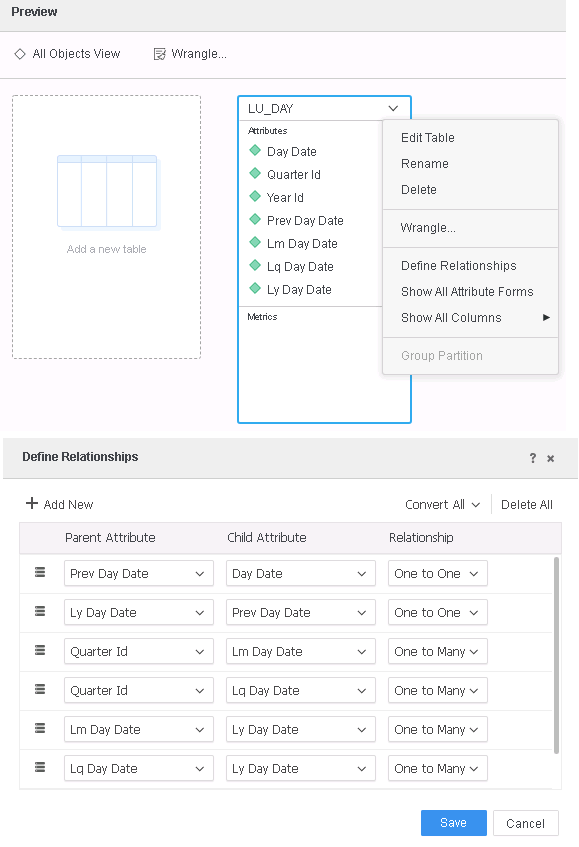
4. Select Edit Table > Define Relationships and note that 1:1 and 1:M and relationships are automatically detected.
ACTION/RESOLUTION:
This is enhancement in Strategy 11.0 release to not automatically detect relationships between attributes.
Strategy reference numbers for this technical note are KB442269 and DE110145.
