SYMPTOM:
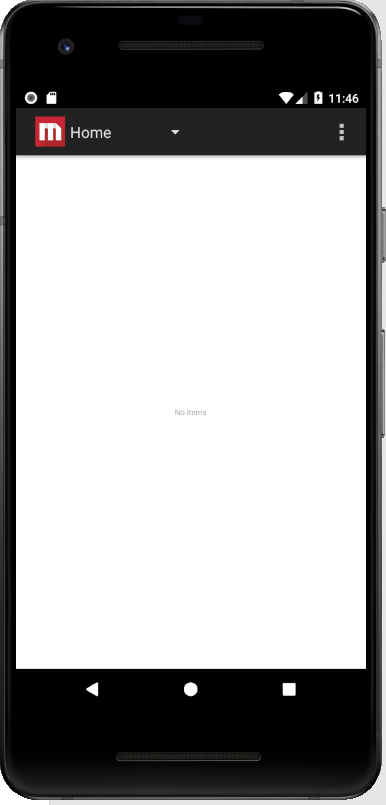
User may refer to the Strategy Library Mobile SDK Documentation to preconfigure the Library SDK app. When the preconfigured app was executed on the simulator, an empty page from Strategy Platform app would be displayed as seen below:
CAUSE:
This is caused by invalid default_config.json file. As per the documentation, users should only modify the mentioned parameters to the desired value while keep all the other parameters unchanged. Some users may only keep the sample parameters as mentioned in the documentation in the default_config.json file, which could causes the above issue.
ACTION:
Import the default Strategy Library SDK project into Android Studio again, modify the following parameters ONLY to the desired value while keep all the other parameters unchanged
{
  "po": 443,
  "pt": "StrategyLibrary",
  "ty": 0,
  "rt": 1,
  "udc": true,
  "nm": "myLibraryServer.cloud.cloud.Strategy.com",
  "dmo":false,
  "wsc": {
    "am": 1,
    "lo": "",
    "ps": "",
    "ow": false
  },
  "pdc": {
    "am": 1,
    "lo": "",
    "ps": "",
    "ow": false
  },
  "pl": [
  ]
}