DESCRIPTION
When refreshing a Microsoft Powerpoint presentation, users notice that documents that have been inserted using Strategy Office are duplicated on the same slide. This issue does not affect every document but only certain ones, that have been cut and pasted from other slides either from within the same or from a different Powerpoint presentation.
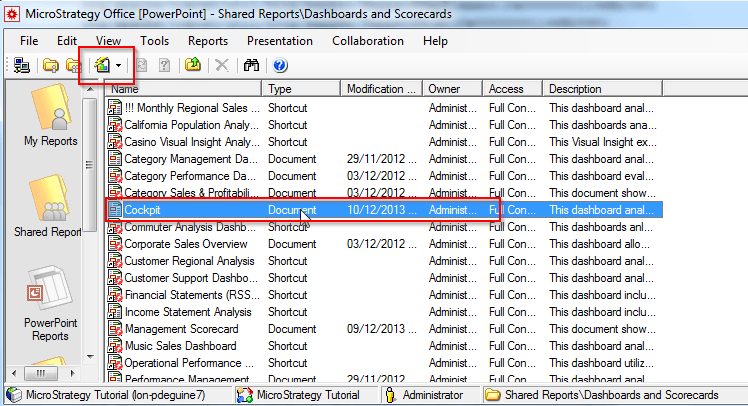
In order to reproduce the issue, insert a document into a Powerpoint presentation:
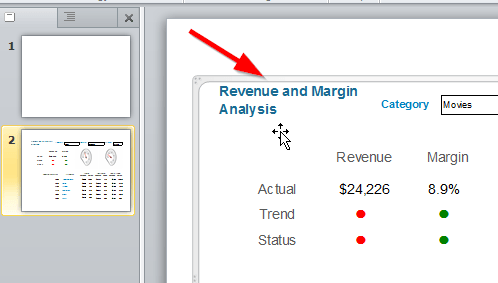
Select the document on the slide and cut and paste the document onto a different slide using cut (CTRL + X) and paste (CTRL + V).
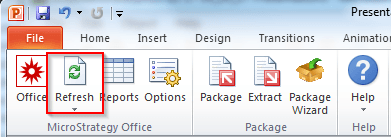
Finally refresh the presentation using the Strategy Office toolbar and note that the document is duplicated on the same slide.
CAUSE
This is a known issue with Strategy Office 9.3.x and above.
ACTION
Contact Strategy Technical Support for an update on this issue.
WORKAROUND
Instead of using cut and paste, use copy and paste of the entire slide containing the Strategy Report or Document layout in order to maintain the persisted properties when refreshing the presentation.
