Starting with the release of Strategy ONE (March 2024), dossiers are also known as dashboards.
STEPS TO REPRODUCE
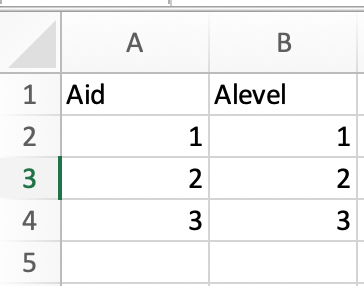
1. In a pre-11.0 release, create a multiple formed attribute with different forms in multiple tables. For example, create a multiple formed attribute “Alevel” from these sample files with this content:
DescTable.xlsx
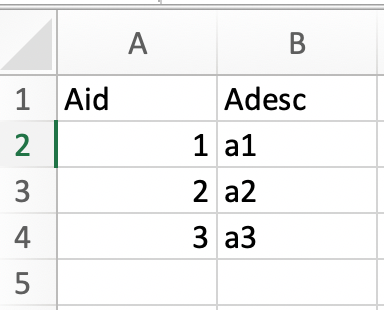
and LevelTable1
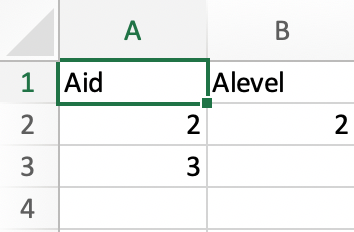
and LevelTable2
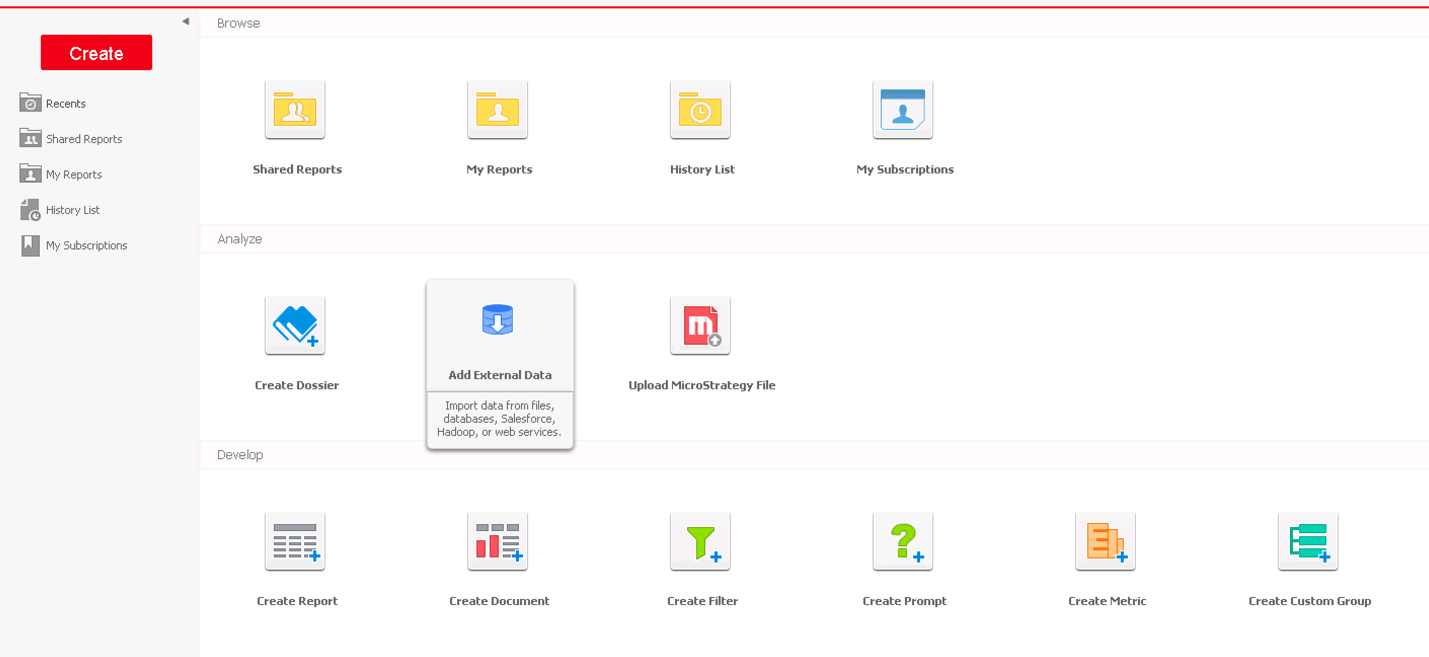
2. Connect to an MD, and from web choose Add External Data.
3. Choose files DescTable and LevelTable1, then click Prepare Data.
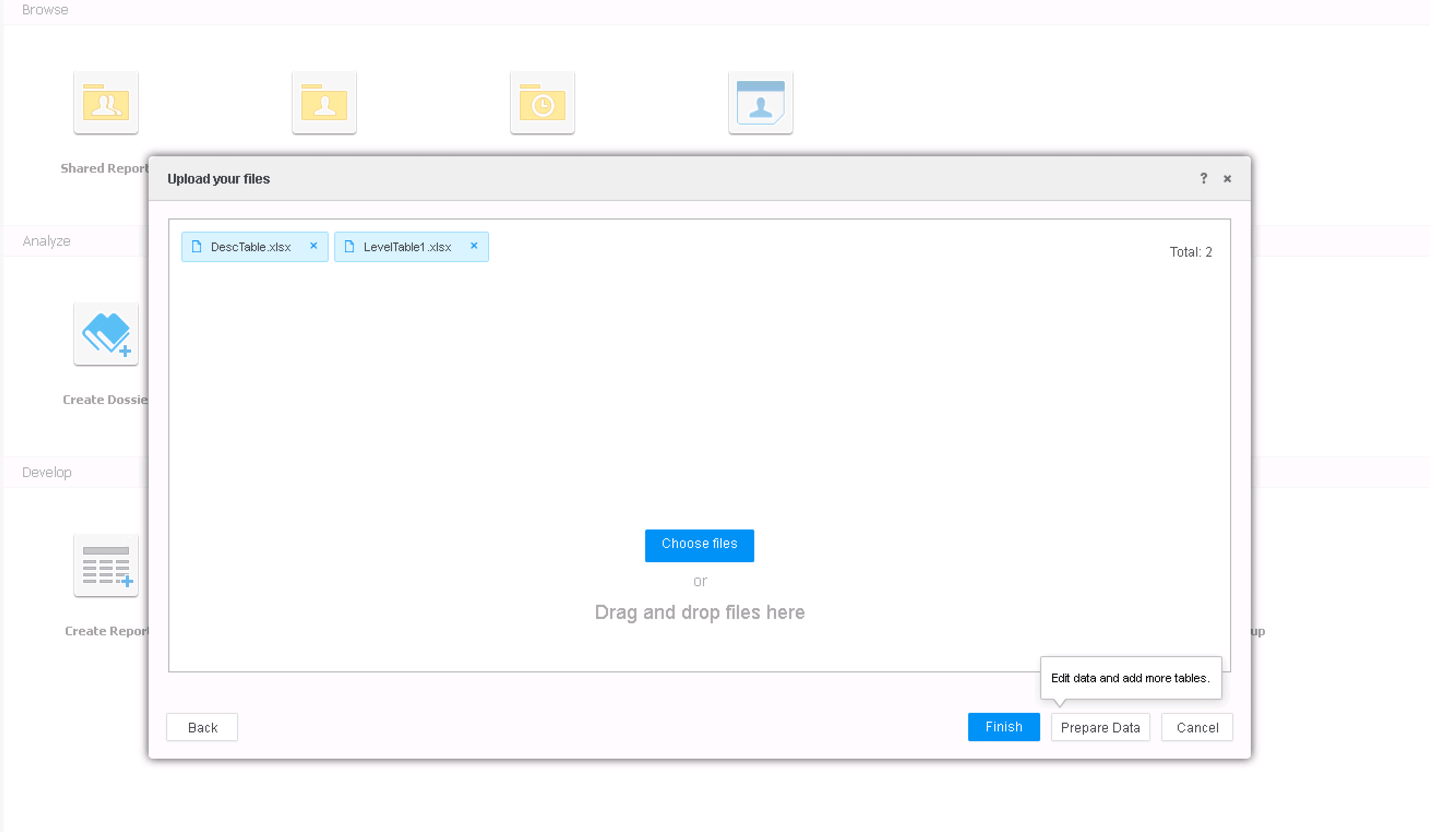
4. Change Alevel to be attribute, and make a multiform attribute with Aid as ID, Adesc as DESC, Alevel as level. This can be done by adding the forms one by one from RMC each mapped attribute + the form to combine them to be a multi-form attribute. Click Finish and Create Dossier once cube is created.
5. Add Aid to the grid, and we see ID for all 3 rows, DESC for all 3 rows, and Level for row 2.
6. From Datasets panel, choose 'Republish Cube...', check LevelTable1.xlsx and browse to LevelTable2.xlsx.
7. Clicking Refresh, then Done, we see that the information for the DESC form is lost.
CAUSE
The lookup table merge algorithm does not handle multiple forms from multiple tables properly. In this case we are merging data from 3 places: Data in Table1, Data in Table 2 and Data in cube. The merge algorithm directly merges them into a big table, and then does a select-distinct operation. Here form1 is from Table1, and form2 is from Table2. Since all both tables contain all the id values, the select-distinct operation will end up with selecting the data only from table1. hence all data in table2 are lost.
SOLUTION
This issue has been addressed in 11.0: after merging the lookup table from different tables based on ID form, now we fill in the none id forms according to update types defined on each table.
