EducationSoftwareStrategy.com
StrategyCommunity

Knowledge Base

Product

Community

Knowledge Base

TopicsBrowse ArticlesDeveloper Zone

Product

Download SoftwareProduct DocumentationSecurity Hub

Education

Tutorial VideosSolution GalleryEducation courses

Community

GuidelinesGrandmastersEvents
x_social-icon_white.svglinkedin_social-icon_white.svg
Strategy logoCommunity

© Strategy Inc. All Rights Reserved.

LegalTerms of UsePrivacy Policy
  1. Home
  2. Topics

KB483549: A Whitelabel Error Page Appears in MicroStrategy Web When Attempting to Use the MicroStrategy Connector


Community Admin

• Strategy


This article explains how to solve the whitelabel error that occurs when using the MicroStrategy connector.

Description

Before you use the Strategy connector, the Strategy Web server must be added to a white list on the Community Connector server.
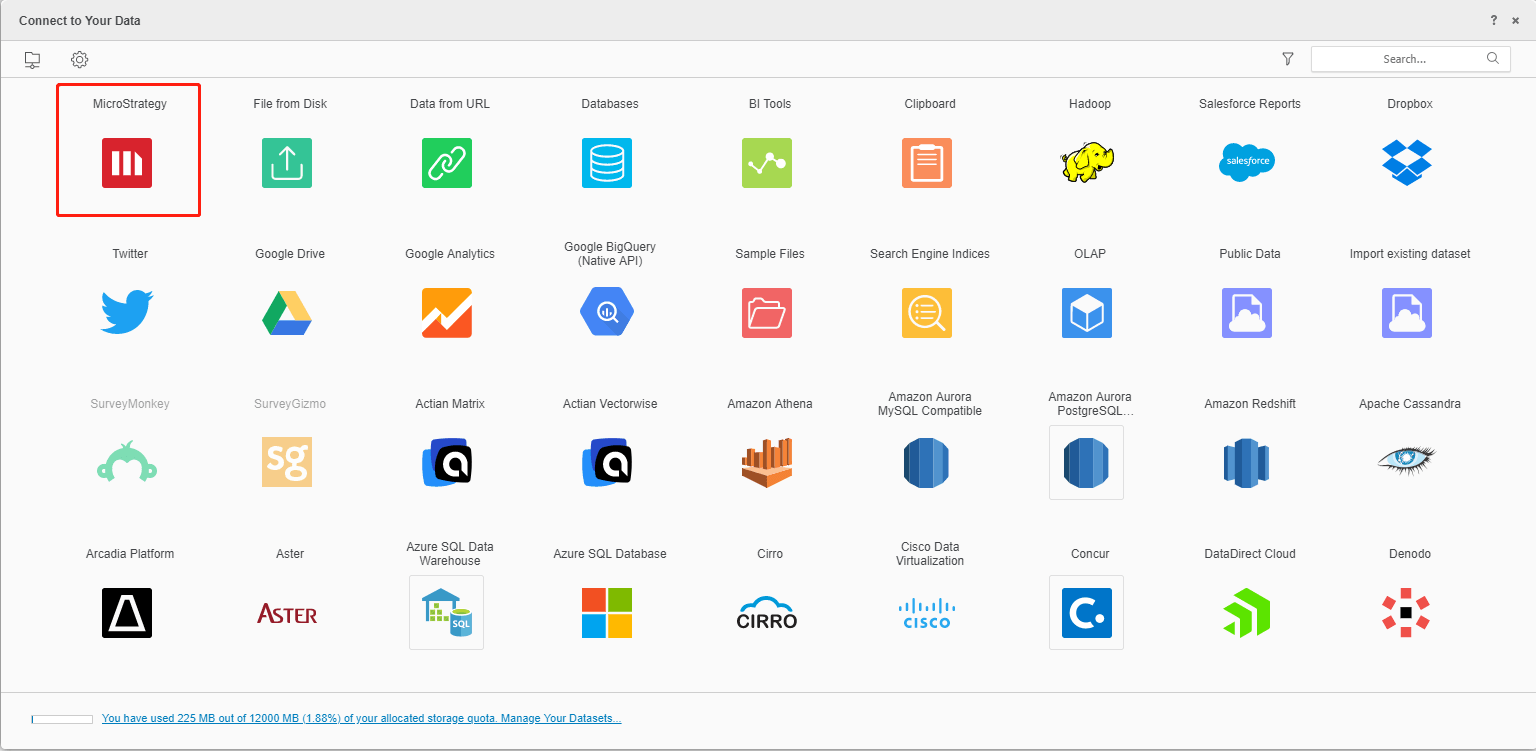
 

ka0PW0000000d9RYAQ_0EM2R000000lfIB.jpeg

You will seen an error message that states "Whitelabel Error Page"

ka0PW0000000d9RYAQ_0EM2R000000lfIf.jpeg

Why is this happening?

You must manually add your Strategy Web server hostname to the whitelist.txt file to use Community Connectors.

Solution

  • Navigate to your Community Connector server. This is usually in Tomcat, within the file path [Tomcat]\webapps\CommunityConnectors\WEB-INF\whitelist.txt.
  • Add a new line and enter your Strategy Web server hostname.
ka0PW0000000d9RYAQ_0EM2R000000lfIQ.jpeg
  • If the connector is deployed with cluster mode, you must add the Strategy Web server hostname to the whitelist.txt file for each connector. 
    Note: If your Web server is deployed with cluster mode, then use the web load balancer's hostname in the whitelist.txt file.

Comment

0 comments

Details

Knowledge Article

Published:

August 15, 2019

Last Updated:

February 13, 2024