EducationSoftwareStrategy.com
StrategyCommunity

Knowledge Base

Product

Community

Knowledge Base

TopicsBrowse ArticlesDeveloper Zone

Product

Download SoftwareProduct DocumentationSecurity Hub

Education

Tutorial VideosSolution GalleryEducation courses

Community

GuidelinesGrandmastersEvents
x_social-icon_white.svglinkedin_social-icon_white.svg
Strategy logoCommunity

© Strategy Inc. All Rights Reserved.

LegalTerms of UsePrivacy Policy
  1. Home
  2. Topics

KB30791: Printing or exporting of Flash Widgets Microchart does not work with Microstrategy Web 9.0.x.


Community Admin

• Strategy


SYMPTOM:
Sparkle line /bar graph inside Microchart widget cannot be exported or printed. Strategy Tutorial Project is used to illustrate this issue.
 
STEPS TO REPRODUCE:
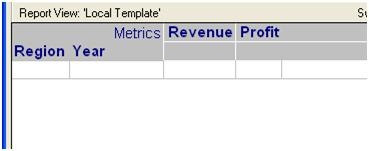
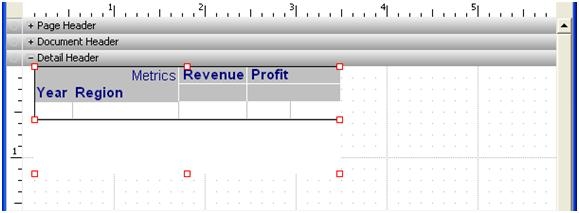
  • Create a report with 2 Attribute and 2 metrics and save as Report R1
ka04W00000147rrQAA_0EM4400000028Je.jpeg
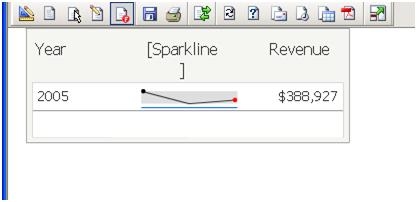
  • Create Dashboard using R1 as a Dataset and insert MICROCHART Widget and place the attributes and Metrics in to the Microchart widget.
  • Save the Dashboard as D1
ka04W00000147rrQAA_0EM4400000028JR.jpeg
  • Login to Strategy Web, and view this Dashboard in Flash mode.
  • Notice that the sparkle line /bar graph inside Microchart widget are displayed correctly
ka04W00000147rrQAA_0EM4400000028JQ.jpeg
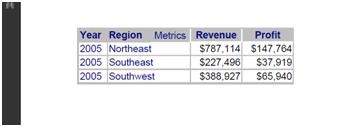
  • Export to PDF and print the Dashboard. Notice that the sparkle line/bar graph are not printed or exported.
ka04W00000147rrQAA_0EM4400000028Jv.jpeg

 
ACTION:
This is behaving as designed in Strategy Web 9.0.x and 10.x. Flash has a limitation where it is not able to correctly translate to PDF.


Comment

0 comments

Details

Knowledge Article

Published:

April 6, 2017

Last Updated:

November 25, 2019