When running any report from Strategy Library, below error occurs. The error only happens when SSL is enabled.
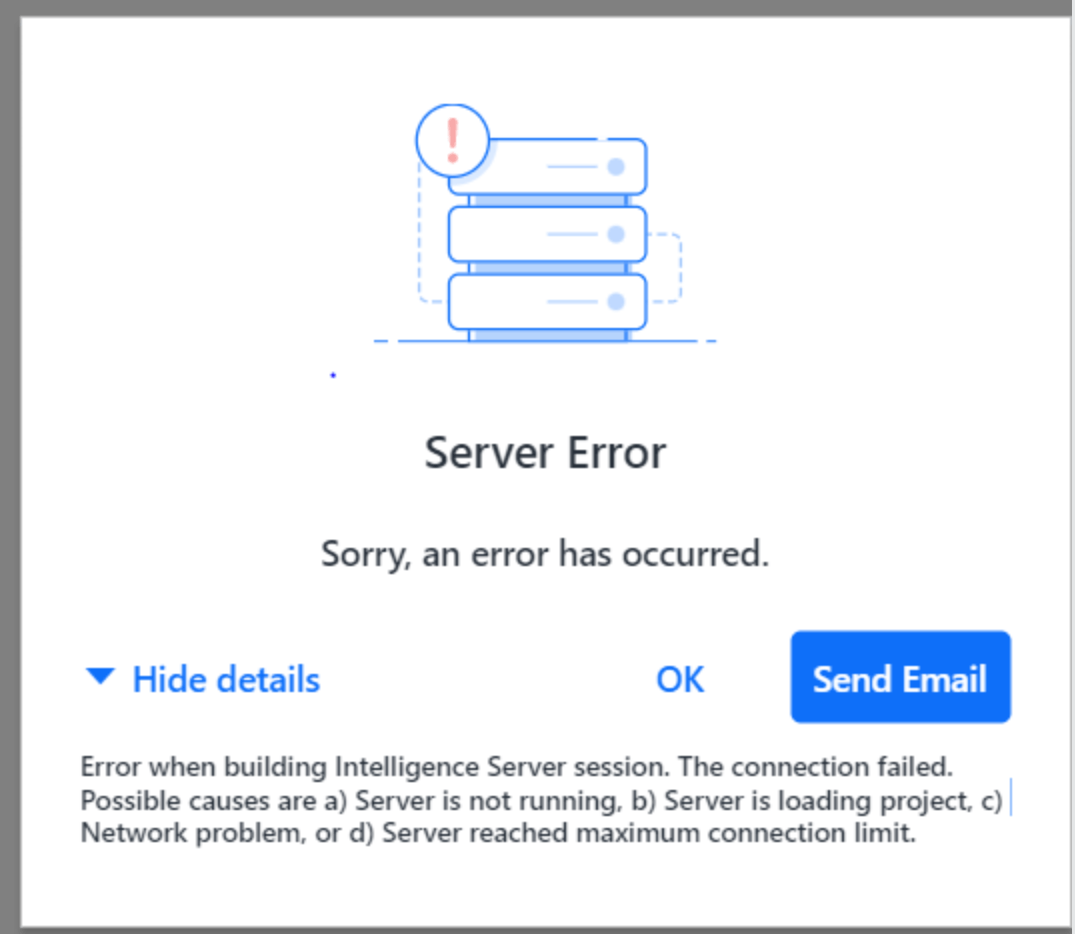
Error in Modeling Service log:
[com.Strategy.modelservice.actionhandler.ErrorHandler] {"errors":[{"code":"8004cb05","message":"Error when building Intelligence Server session. The connection failed. Possible causes are a) Server is not running, b) Server is loading project, c)  Network problem, or d) Server reached maximum connection limit.","moreInfo":"https://community.Strategy.com/s/article/KB484255-Configure-the-Modeling-Service","additionalProperties":{"arguments":["The connection failed. Possible causes are a) Server is not running, b) Server is loading project, c)  Network problem, or d) Server reached maximum connection limit."]}}]}
com.Strategy.modelservice.gateway.exception.MstrGatewayException: Error when building Intelligence Server session. The connection failed. Possible causes are a) Server is not running, b) Server is loading project, c) Network problem, or d) Server reached maximum connection limit.[SERVER:CastorServer][PID:65909][THR:139757060609792][Network Classes][Error][UID:0][SID:0][OID:0][MSINetReactorModern.cpp:505] SSL accept error : error:0A00010B:SSL routines::wrong version number
It is caused by incorrect configuration between Modeling Service and Intelligent Server. Modeling service’s TrustStore only contains one certificate of the Intelligent Server and missing the complete certificate chain (root certificate > middle certificate > Intelligent Server's certificate).
This command can be used to list the certificates which has been added in TrustStore:
keytool -list -v -keystore xxx.jks
Run below command to add the certificate to Modeling Service's Keystore (xxx.jks):
keytool -importcert -alias "xxx" -file certificate.pem -keystore xxx.jks
keytool -list -v -keystore xxx.jks
