Starting with the release of Strategy ONE (March 2024), dossiers are also known as dashboards.
Since the Strategy 2021 release, the SAP HANA ODBC driver comes bundled with Strategy Secure Enterprise. Now, you can connect to SAP HANA data sources right out of the box, without the need for complicated configuration. The Connectivity Wizard will ensure all required DSN settings are answered for proper functionality with Strategy.
This article covers the following topics:
There are two ways to use the Connectivity Wizard.
Connectivity Wizard in the graphical user interface
INSTALL_PATH/bin, which by default is in
/opt/mstr/MicroStrategy/bin.
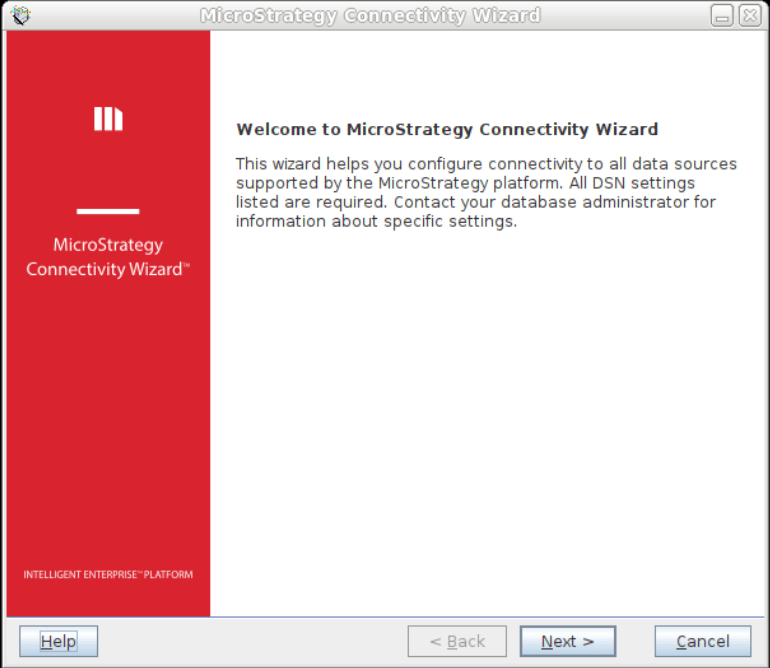


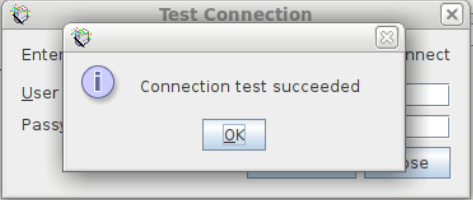
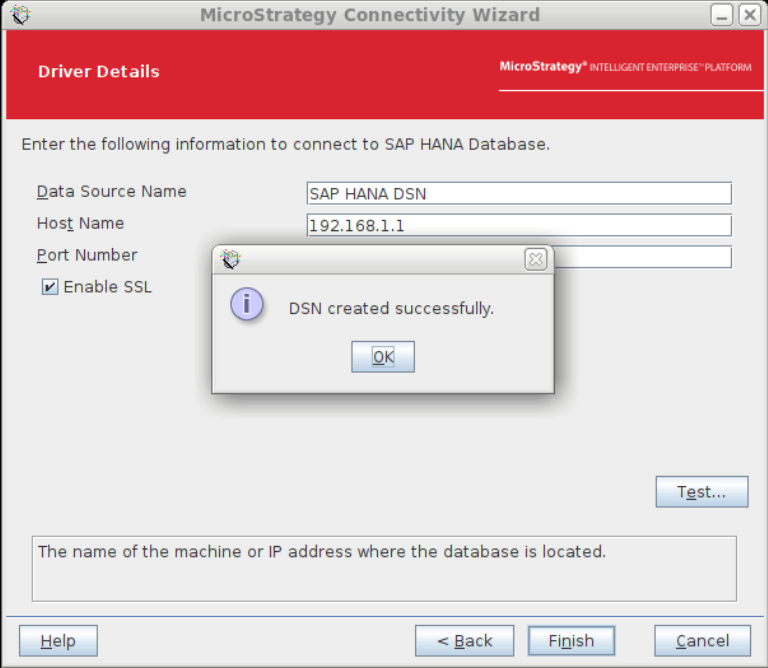
Connectivity Wizard in the command line interface (CLI)
You can create the DSN using the command line interface with SSH protocol to the Intelligence server machine.
INSTALL_PATH/bin, which by default is in
/opt/mstr/MicroStrategy/bin.
./mstrconnectwiz SAPHANA [Data Source Name] [hostname] [-port:port] [-EnableSSL:0/1]
./mstrconnectwiz SAPHANA SapHanaDsn 192.168.1.1 -port:30015 -EnableSSL:1

1to enable SSL and
0to disable SSL. To find out more, use the following command:
./mstrconnectwiz help

Once you have the DSN created, you can use that DSN to create a database instance in Strategy Web. This will allow you to connect Strategy to the SAP HANA database and start using it to create your dossier.
Strategy Web
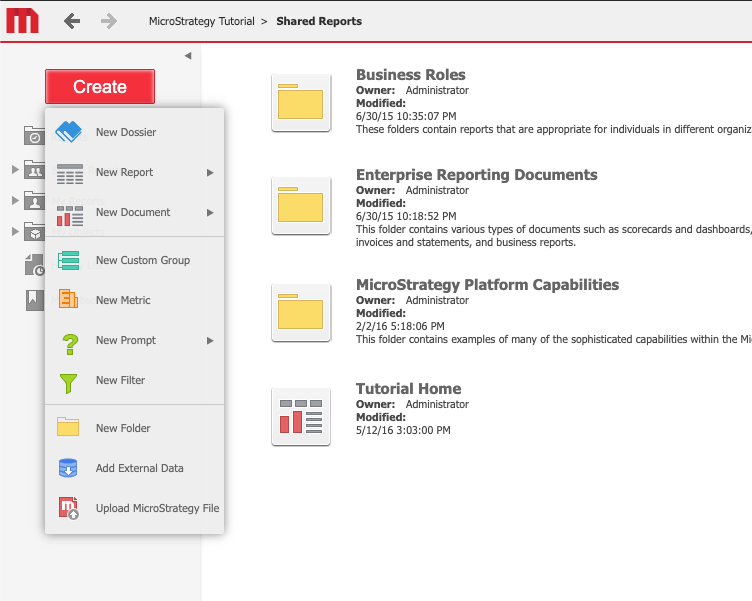
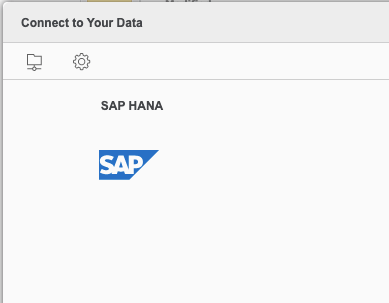
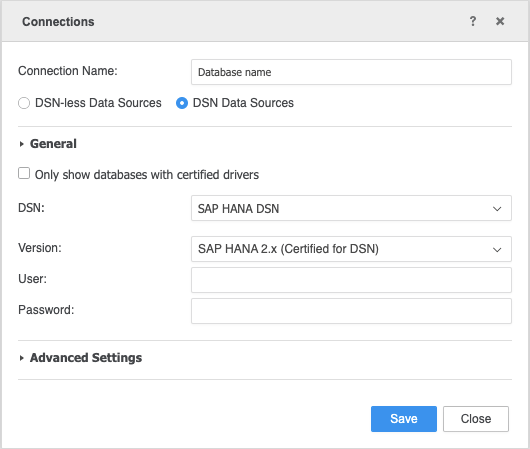
Strategy Workstation

DSN-less connection to SAP HANA is supported via Strategy Web and Workstation.

Kerberos authentication is not supported by the driver bundled out of the box by the Strategy installer.
To configure Kerberos authentication with SAP HANA, the system administrator needs to manually download (e.g., from SAP Launchpad) and install the SAP HANA client, and follow the instructions linked below.
Strategy supports Single Sign-On (SSO) access to SAP HANA using Kerberos when the Strategy Intelligence server resides on either a Windows or Linux operating system.
To set up Kerberos for use with SAP HANA and Strategy, see How to set up Kerberos for use with SAP HANA and MicroStrategy.
To set up SSL or TLS connection between Strategy clients and an SAP HANA server, see KB483476: How to configure SSL/TLS in MicroStrategy for SAP HANA.
LDAP authentication is not supported by the driver bundled out of the box by the Strategy installer.
To configure LDAP authentication with SAP HANA, the system administrator needs to manually download (from SAP Launchpad) and install the SAP HANA Client, and follow the instructions in Managing LDAP Authentication.
