If you do not have a valid certificate, Internet Explorer blocks the access to the Strategy for Office add-in.
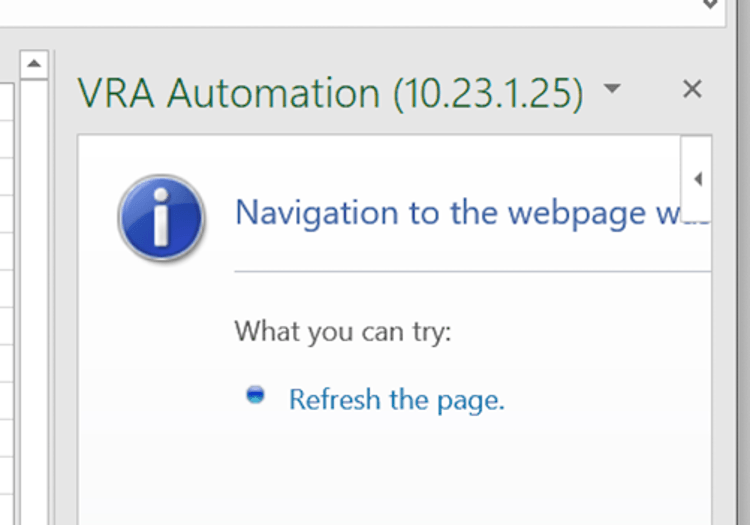
To detect if your certificate is valid, go to the following link in Internet Explorer:
https://<web services server name>:<port>//MicroStrategyLibrary/static/loader-mstr-office/index.html
If access is blocked by Internet Explorer, it means there is an issue with the certificate being used to access your environment.
Please note that Strategy for Office requires a secure connection (HTTPS) in addition to a valid certificate. For details, see KB484200: How to detect if an HTTPS connection is being used for MicroStrategy for Office.
