SUMMARY:
When selecting a font to format a grid report or document in Developer, the desired font is not available. The only fonts available are the fonts that have previously been installed on the Developer machine. The desired font can be added if the font file can be obtained and installed on the Developer machine. Only TrueType fonts (.TTF) can be used.
If the desired font is added in Web (see: "KB37127: Adding Fonts to the Font Dropdown Menu using MicroStrategy Web SDK 9.3.x-9.4.x."), the font will not be available in Developer automatically. Therefore, if a report is created in Web that uses a font not available in Developer, when the report is opened in Developer the report will use a default font. Similarly, if Client Machine A has a font installed on it, but Client Machine B does not, then a report created on Client Machine A that uses this font, will use a default font when executed on Cleint Machine B. All .TTF fonts that are installed on a Client Machine are available for use in Developer.
Additionally, when exporting to PDF from Web, if the font doesn't match the font selected when creating the document, please see: "KB441194: How to install and use fonts for Reports/Documents/Dashboards for the Export Engine to PDF with MicroStrategy Intelligence Server Universal 9.x-10.x on Unix/Linux "
SYMPTOM:
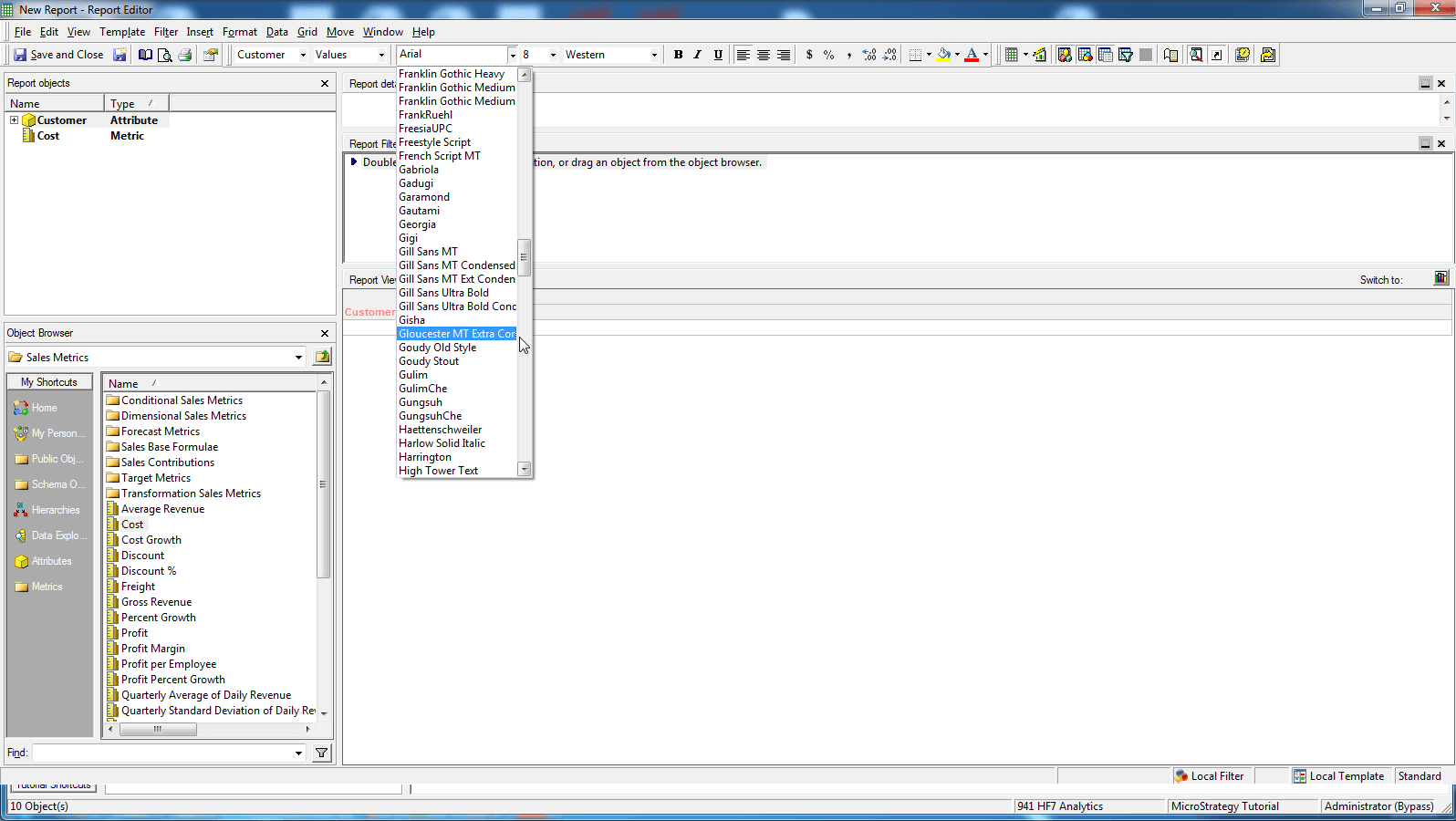
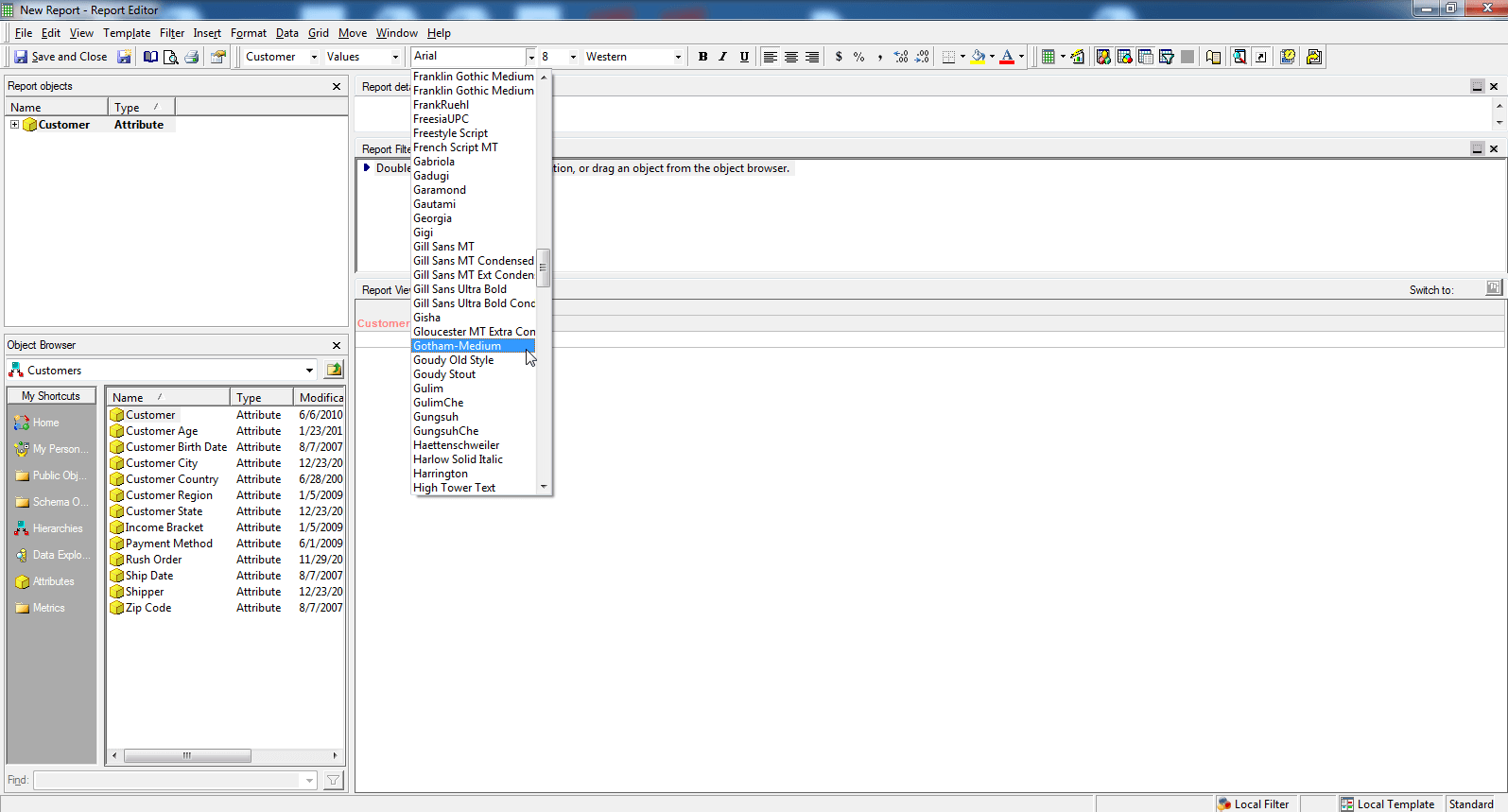
1.) User attempts to format the column headers with the Gotham Medium font. However, the Gotham Medium font is not available as a potential font in Developer.
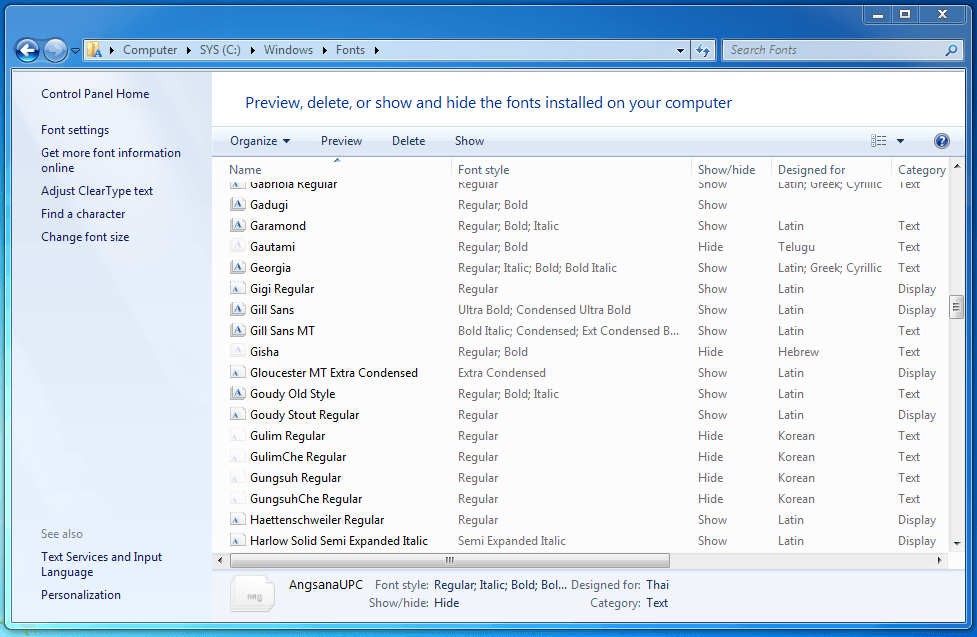
2.) The C:\Windows\Fonts folder on the Developer machine shows that the Gotham Medium font is not installed on the machine.
ACTION:
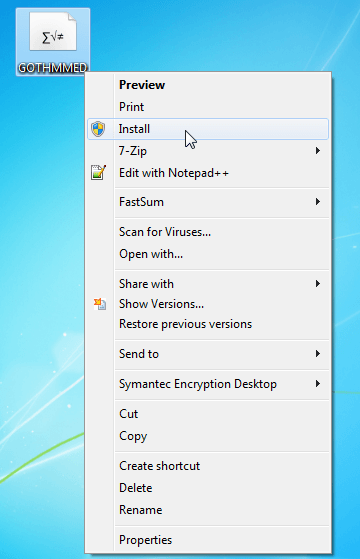
1.) Obtain the Gotham Medium font file (in .TTF format) and install the file.
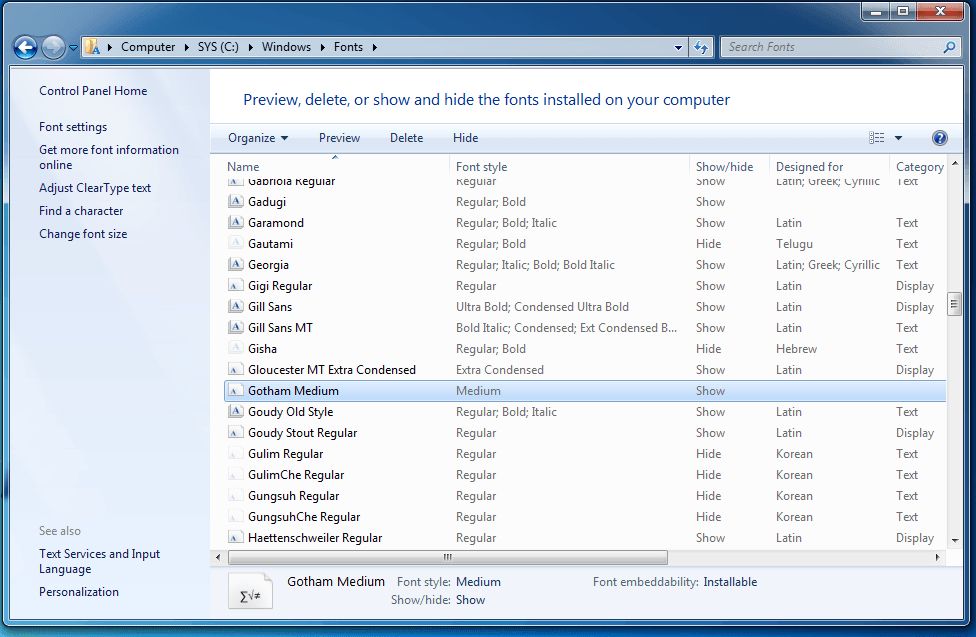
2.) The C:\Windows\Fonts folder on the Developer machine now shows that the Gotham Medium font is installed on the machine.
3.) User can now select the Gotham Medium font in Developer.
KB13668
KB13668
