SYMPTOM:
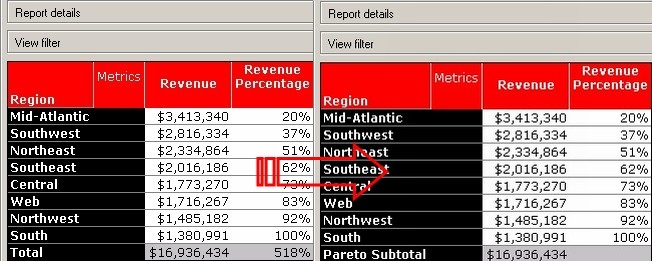
In Strategy Developer 9.4.x - 10.x, there is a graph called Pareto (Percentage). The idea is to see the contribution of each value leading to 100 percent, with the greatest contribution in the top and then descending in terms of relative importance contribution. Consider a simple report from the Strategy Tutorial project with the total Revenue per region, as shown below:
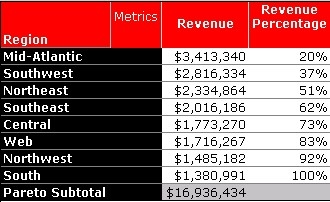
There is currently no function in Strategy Developer to allow this in a grid.
ACTION:
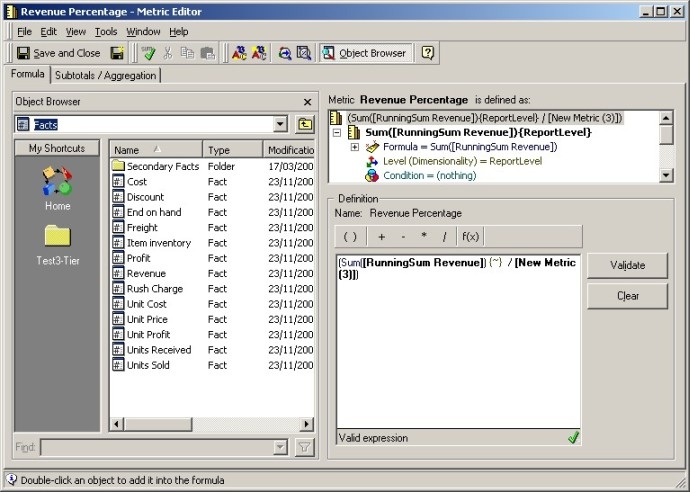
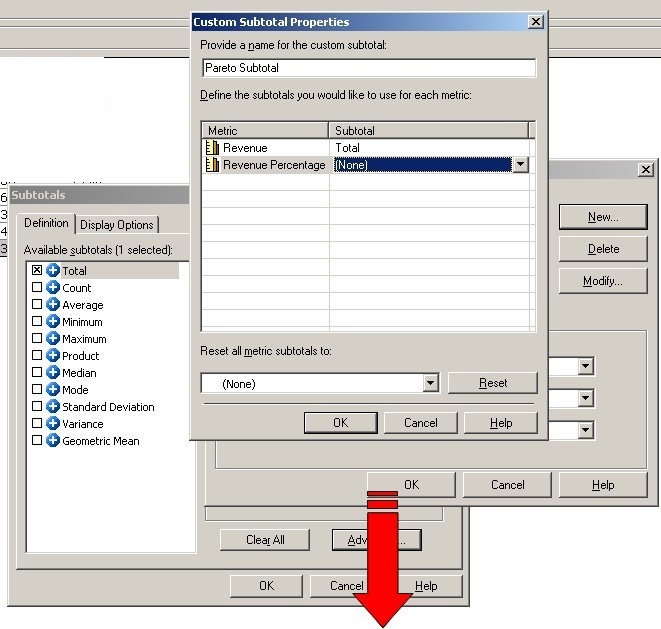
To create a Pareto grid like the one above, follow the steps below in the Strategy Tutorial project:
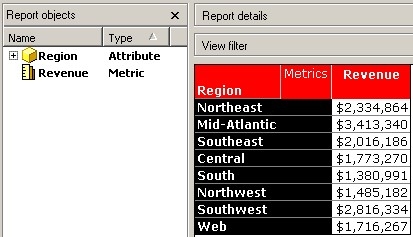
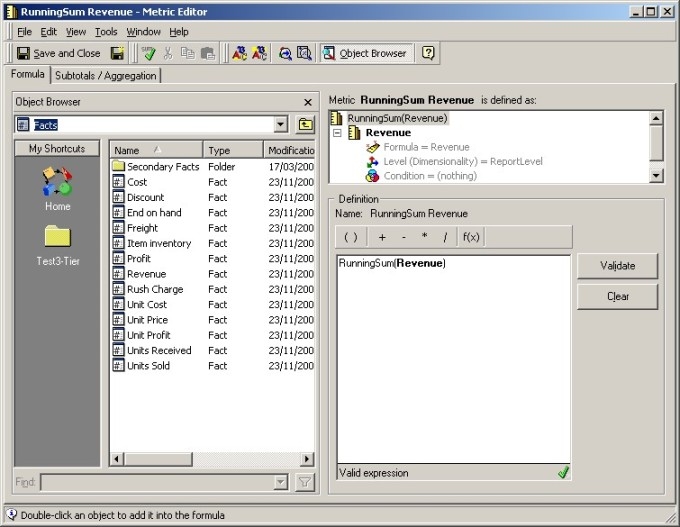

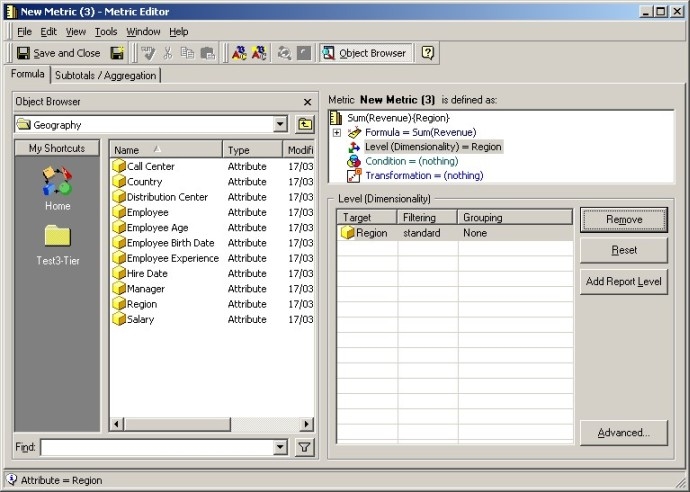
In this example, create the metric by using the Sum function over the Revenue metric. Then add Region, set 'Grouping' to 'None', and remove 'Report' in the Level (Dimensionality) section, as shown below: