SYMPTOM:
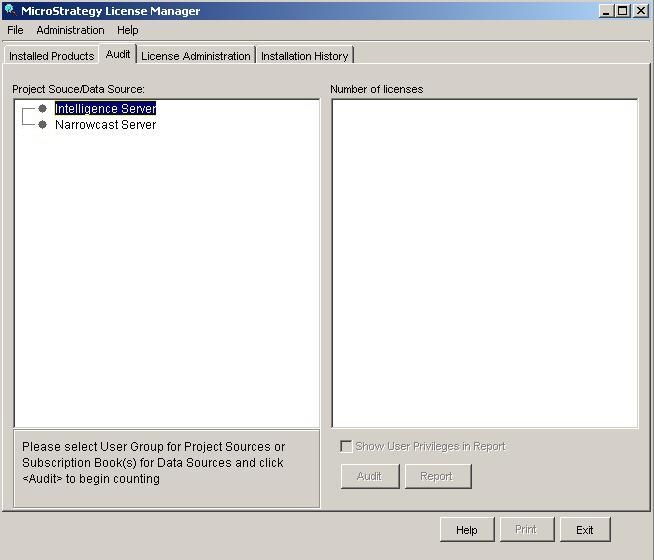
Users are unable to audit a Strategy Intelligence Server instance when running License Manager from the physical machine where the Intelligence Server resides. License Manager shows a screen where the user cannot log in to the server, as shown below:
CAUSE:
A 3-tier project source does not exist on the Strategy Intelligence Server machine. An audit is performed only through 3-tier project sources in License Manager.
ACTION:
Create a 3-tier project source pointing to the Strategy Intelligence Server using Configuration Wizard or Developer's Project Source Manager from the same Strategy Intelligence Server machine. For more details on how to create a Project Source on a UNIX/Linux environment using only the console, refer to the following Knowledge Base article:
KB30490: How to create a project source using the command line (console mode) in MicroStrategy Intelligence Server Universal?
