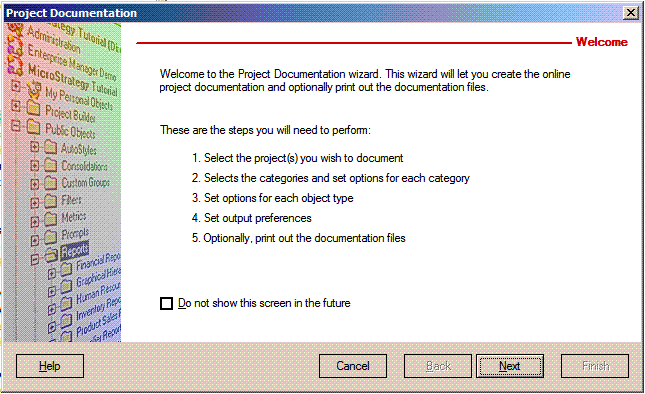
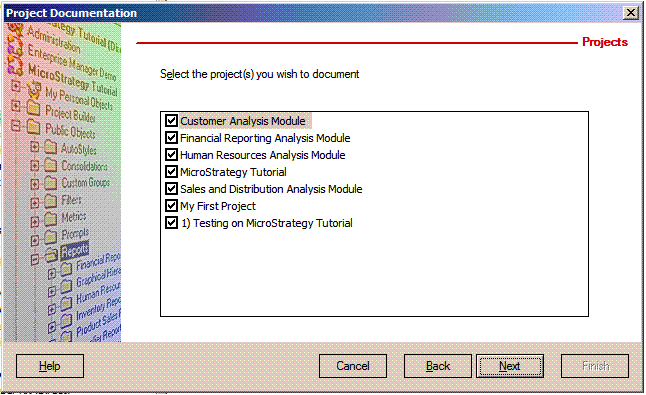
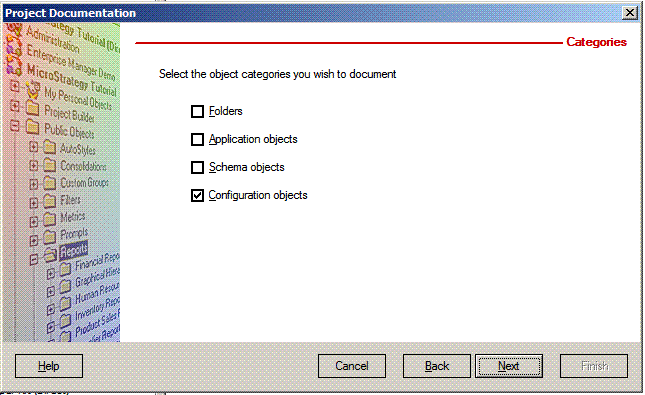
The Project Documentation Wizard allows users to create a detailed documentation for any object present in a project source. It then can be used as a fast way for printing the list of users of a single project or for the whole project source. Follow the steps below to use project documentation to create a printable list of users in Strategy Developer 9.x and 10.x:
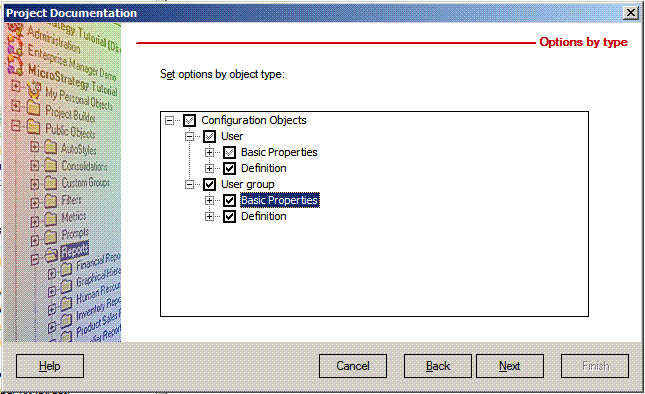
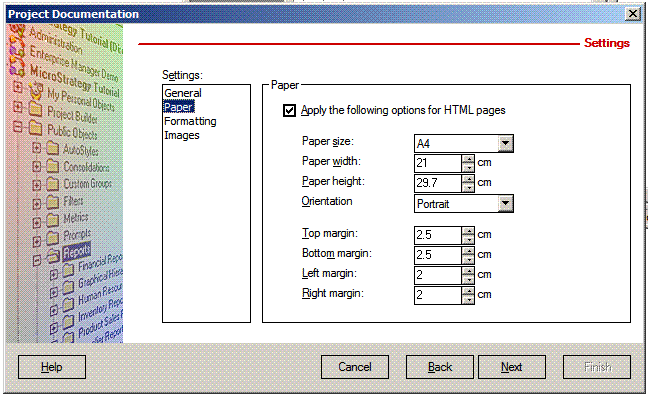
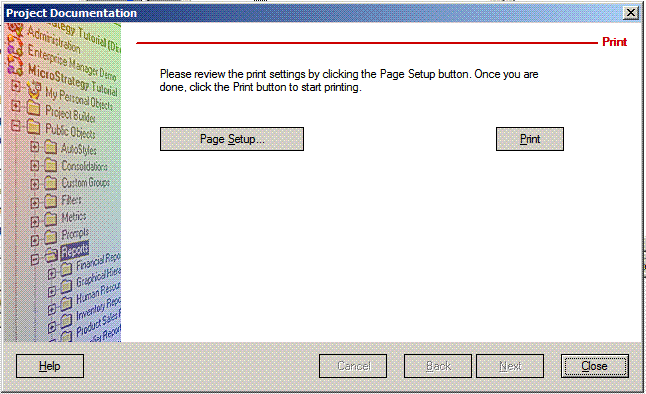
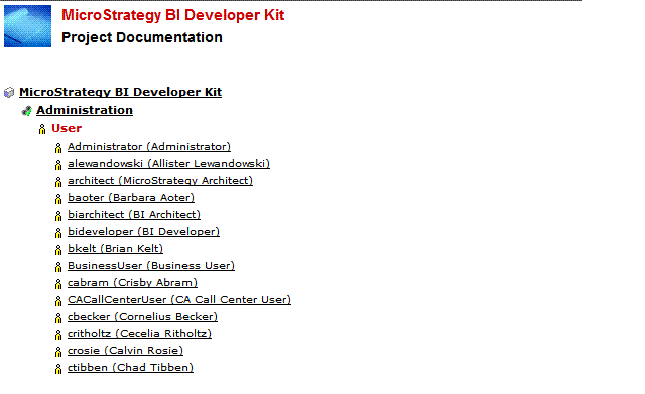
The list of users appears on the HTML documentation and on the print page, as shown below. Clicking on a user will show the detailed view that shows all the options to choose.
For all the functionalities available via Project Documentation, refer to KB7853: How does the ’Project Documentation Wizard’ work in MicroStrategy Desktop 9.2.x - 9.4.x?
