INTRODUCTION
Starting with Strategy 8.1.2, it is possible to use SAP user credentials to log into a Strategy project connected to a SAP BI OLAP cube source.
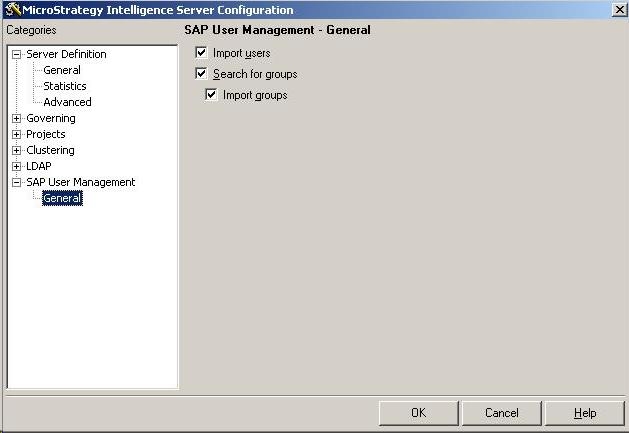
This is achieved by importing SAP BI users and SAP BI roles into Strategy as users and groups, respectively. Once the users and groups are imported, privileges can then be granted in the same way as for any Strategy user or group.
However, as in LDAP user management, imported SAP BI users are granted group privileges at runtime. This means when a user attempts to perform a task that requires a privilege, it is at this time that the group membership is checked and privileges are granted. This can be seen in the User Editor where a Strategy user (linked with a SAP user) is not shown as member of the group nor do they list any privileges they inherit from its Strategy groups (linked to SAP roles).
Note: SAP users and roles are imported into Strategy when a user logs in to a Strategy project with their SAP username and password.
PREREQUISITES
The following are a set of authorizations required for this feature:
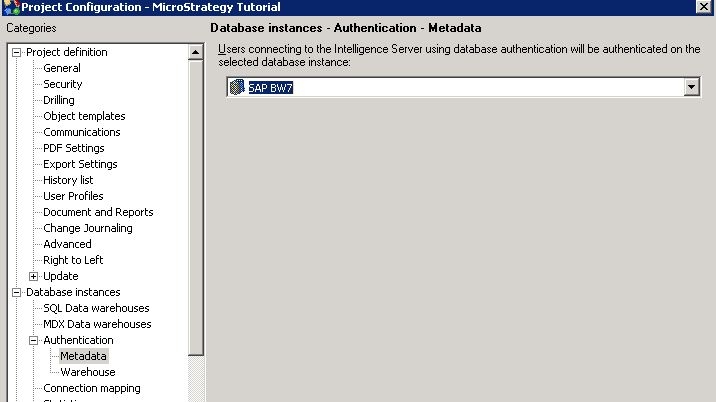
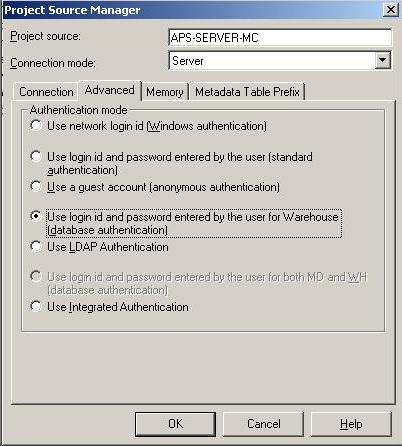
Steps to import SAP BI users and roles into Strategy as users and groups:
As a result of performing this step, users will have a database instance connected to an SAP BI OLAP cube source.
As a result of establishing all the above, when a SAP user logs into a Strategy project, that user is shown under the Warehouse Users group as seen below:
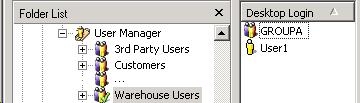
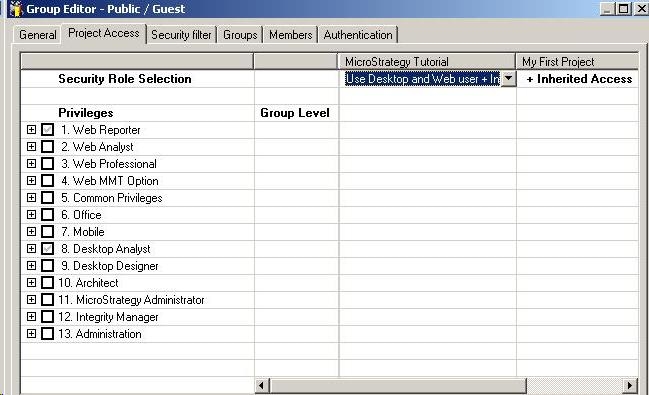
Now that these users and groups are created in Strategy, they can be granted additional privileges within Strategy.