SYMPTOM:
When attempting to log in to a project in Strategy Web 9.x, the user receives the following error:
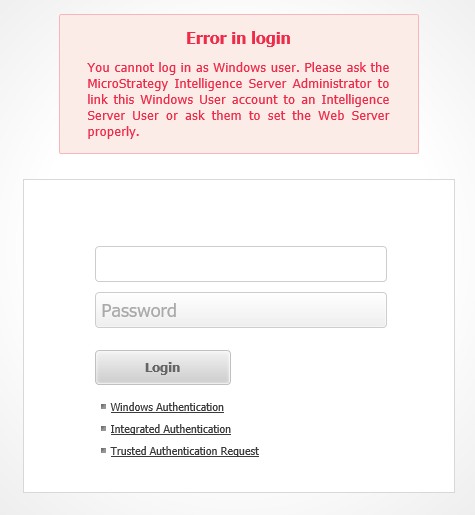
'Error in login.You cannot login as Windows User. Please ask the Strategy Server Administrator to link this Windows User account to a Strategy Server User or ask them to set the Web Server properly' error occurs when logging into Strategy Web 10.x.
The user has Windows authentication enabled and is set to default authentication.
CAUSE:
One of the probable causes for this issue is enabling Anonymous access along with Integrated Windows authentication on the IIS application server.
IIS 6:

IIS 7:

ACTION:
To correct the issue uncheck/disable Anonymous access on the Strategy virtual directory and reset IIS.
For Microsoft IIS 7.x and above, refer to KB205622: How to setup Windows Authentication with Microsoft IIS 7.x for MicroStrategy Web, Mobile or Office 9.x
