SYMPTOM:
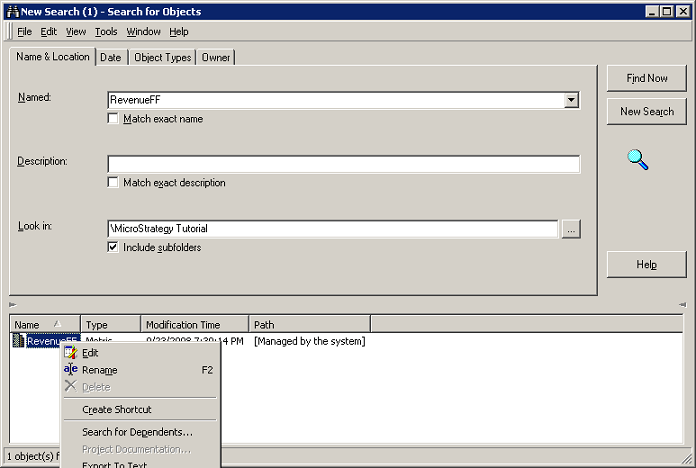
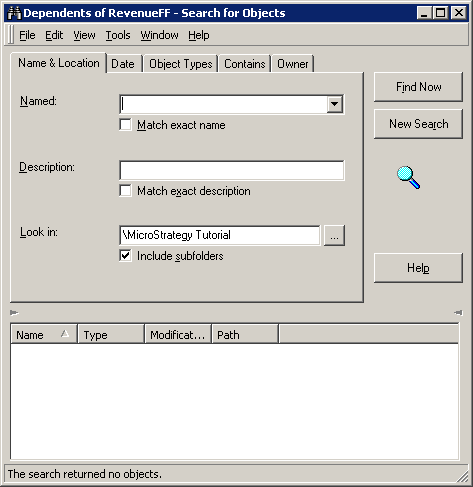
A metric managed object that returns no dependents cannot be deleted. The metric shows the delete option grayed out and selecting the 'Delete Managed Objects' option found under the Administration menu > Projects in Strategy Developer does not delete the metric object.
CAUSE:
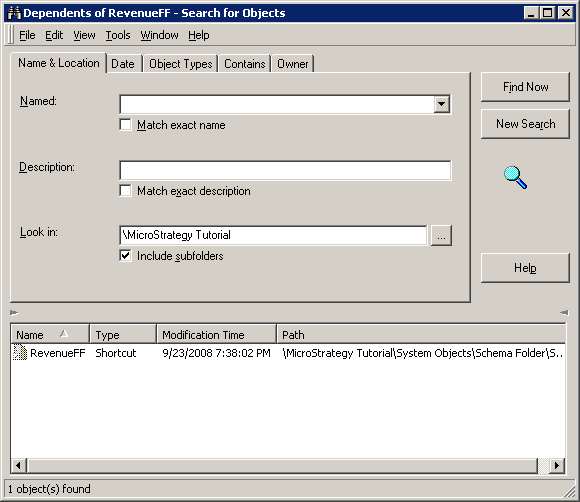
When a freeform SQL report is created, the attributes and metrics mapped in the reports will be stored as managed objects. A shortcut to the metric is generated as well, this is stored inside the System Objects folder. The shortcut will be a dependent of the metric but it will not display by default as a dependent of the metric.
ACTION:
If no other objects are dependent on the metric, it is safe to delete the shortcut to the metric and then execute delete unused managed object.