In Strategy Web 10.x, it is possible to prevent users from accessing dataset, editor, properties filter panels and visualization gallery in Visual Insight by disabling the Web Analyst privilege "Web Edit Dashboard". For more information, refer to below Technical Note:
KB274546: How to prevent users from accessing dataset, editor, properties filter panels and visualization gallery in Visual Insight 10.x
It is also possible to hide those panels using URL API, by adding share=1 parameter to the URL. This will make the Visual Insight dashboard run in presentation mode.
A sample URL would be:
http://<web server>/MicroStrategy/asp/Main.aspx?evt=3186&src=Main.aspx.3186&subscriptionID=6515878E484686B953D6BCAC5FA5F57B&Server=ServerName&Project=Strategy%20Tutorial&Port=0&share=1
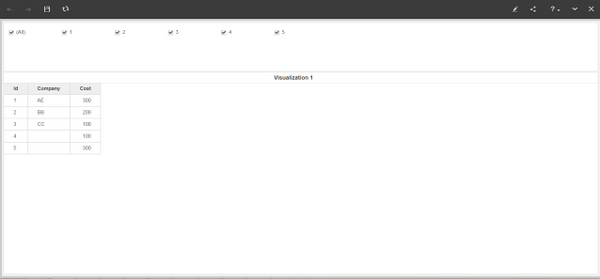
To have the ability to run Visual Insight dashboards in Presentation Mode by default in future versions, please post to the Ideas Exchange.
