Starting in Strategy Desktop 10.x, users can import reports from third-party Salesforce accounts to build Strategy and dashboards via the Data Import tool. Strategy Desktop version 10.x uses a different Salesforce API to interact with Salesforce account. This API requires that the Salesforce account is a developer account. The steps below are a simplified version of the steps in tech note KB248845 used to import data from Salesforce in Web.
PREREQUISITES
A developer account in Salesforce
STEPS TO CONNECT TO SALESFORCE
Configuring the Salesforce account
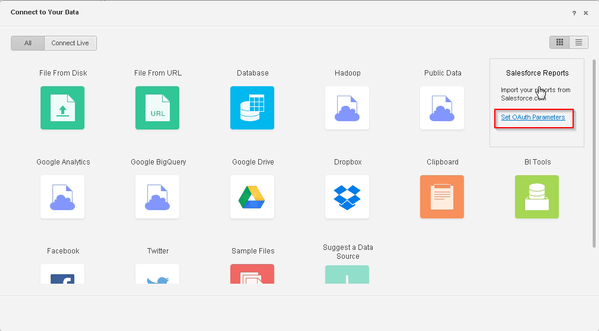
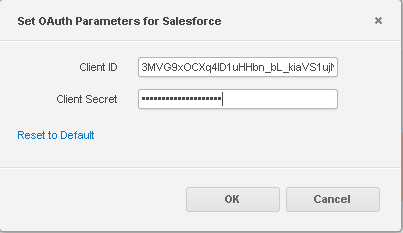
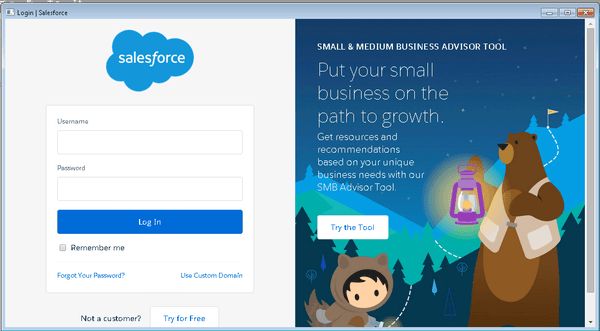
Using Salesforce in Desktop
Third Party Software Installation Warning:
The third-party product(s) discussed in this technical note is manufactured by vendors independent of Strategy. Strategy makes no warranty, express, implied or otherwise, regarding this product, including its performance or reliability.
KB320770
