SUMMARY:
This issue has been classified as a defect by Strategy. The impact is from the Strategy Web 10.x product when trying to use the Google Analytics connector. A solution/code fix for this issue is not available in current releases and has not been scoped for a future Strategy release.
SYMPTOM:
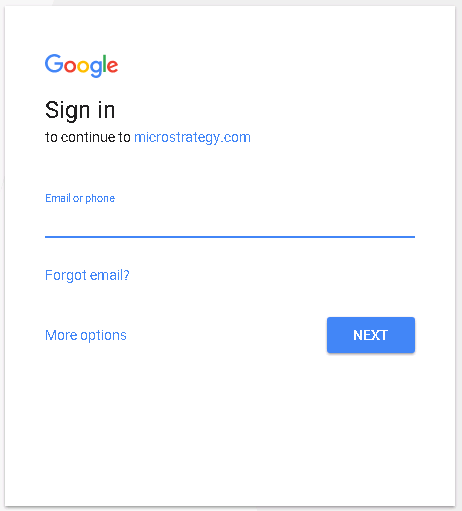
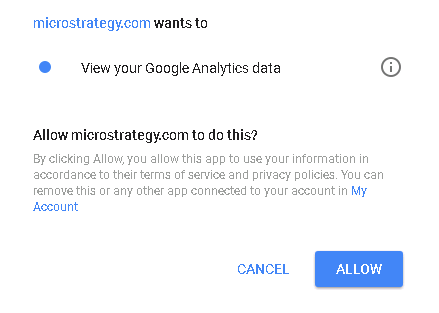
After following the steps in article KB263684 to configure the Google Analytics connector, the following error shows:
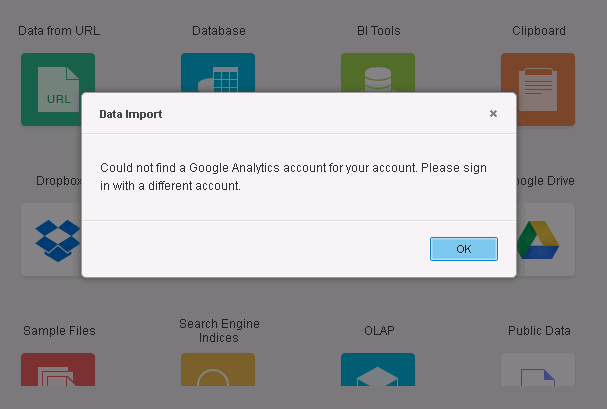
Could not find a Google Analytics account for your account. Please sign in with a different account.
CAUSE:
A possible cause of the issue is that Internet Explorer is used when doing the configuration.
ACTION:
Use a different browser to configure the Google Analytics account, once this is done, the Google Analytics account will be available to be used in Internet Explorer. KB26590 KB426590
