To start, the user deployed the Dataset Connector for Tableau by following all of the steps in the following guide:
MicroStrategy Dataset Connector for Tableau
However, the user can only log in with LDAP authentication. If the same user attempts to log in with Standard Authentication, they receive a "Login failure" error.
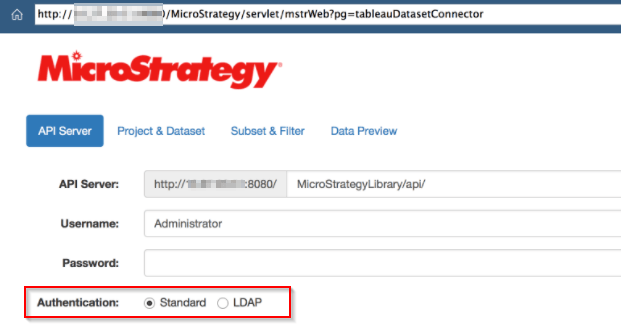
Authentication mode specified in configOverride.properties files allow only LDAP authentication for Strategy Library. Following lines were found in the file:
auth.modes.available=16
auth.modes.default=16
Either delete the entry or add "1" for Standard Authentication to also work:
auth.modes.available=1,16
auth.modes.default=1,16
For more information about how to configure Strategy Library, refer to the MicroStrategy Library Administration .
Looking to learn more about Library administration? Check out the Learning Center or Strategy's education courses:
