EducationSoftwareStrategy.com
StrategyCommunity

Knowledge Base

Product

Community

Knowledge Base

TopicsBrowse ArticlesDeveloper Zone

Product

Download SoftwareProduct DocumentationSecurity Hub

Education

Tutorial VideosSolution GalleryEducation courses

Community

GuidelinesGrandmastersEvents
x_social-icon_white.svglinkedin_social-icon_white.svg
Strategy logoCommunity

© Strategy Inc. All Rights Reserved.

LegalTerms of UsePrivacy Policy
  1. Home
  2. Topics

KB439877: The Org Chart visualization renders blank or as a grid on iPad when using MicroStrategy Mobile 10.9 and 10.10 ASP


Shane Winslow

Cloud Support Expert I • MicroStrategy


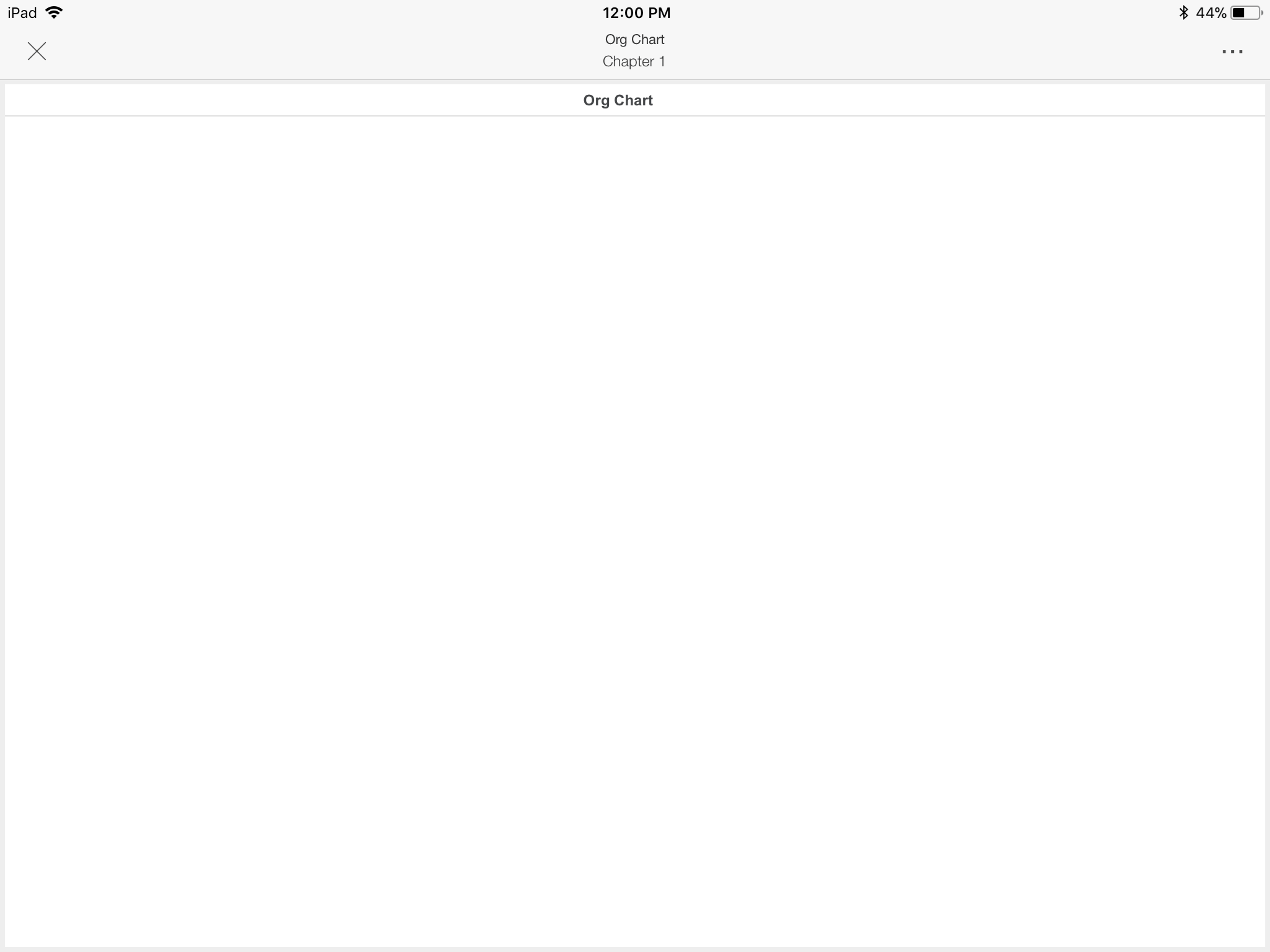
This article outlines a defect with MicroStrategy Mobile 10.9 and 10.10 on IIS where the Org Chart visualization renders as a blank visualization on iPad. The issue does not occur if using a JSP mobile server.

Starting with the release of Strategy ONE (March 2024), dossiers are also known as dashboards.
SYMPTOM:
When running a Dossier containing a Org Chart visualization in the Strategy Mobile application on iPad with a Strategy Mobile 10.9 or 10.10  ASP, the Org Chart visualization appears blank or may appear as a grid, as seen below.
ka0PW0000001JS2YAM_0EM44000000YWMI.png

The Org Chart visualization renders correctly in Strategy Web as shown below.

ka0PW0000001JS2YAM_0EM44000000YWMN.png

This issue is specific to ASP mobile servers and does not occur when using a JSP mobile server. This issue occurs on iOS 10 and 11.
STEPS TO REPRODUCE:

  1. Download the Org Chart visualization from the Strategy Visualization Gallery.
  2. Deploy the Org Chart plugin in Strategy Web and Strategy Mobile for ASP.
  3. Create a report with Category, Subcategory, and Cost.
  4. Create a Dossier, add the report from Step 1 to the Dossier, and insert an Org Chart visualization to the Dossier.
  5. Add Category to the Manager dropzone, Subcategory to the Employee dropzone, and Cost to the Metric dropzone.
  6. Notice the Org Chart renders correctly in Strategy Web.
  7. Run the Dossier in Strategy Mobile for iPad.  
  8. Notice the Org Chart visualization either renders blank or as a grid.

CAUSE:
This is an identified defect in Strategy Mobile 10.9 and 10.10. 
ACTION:
Currently this issue is still being reviewed for feasibility by our Technology team and it is not scoped for any upcoming scheduled Strategy release.
The Strategy Internal Reference Number for this issue is: KB439877.
  KB439877


Comment

0 comments

Details

Knowledge Article

Published:

March 8, 2018

Last Updated:

March 21, 2024